Procedure
CAUTION: If the front bezel and rear bezel have been removed, place the
chassis carefully on a at surface to avoid damaging the I/O ports.
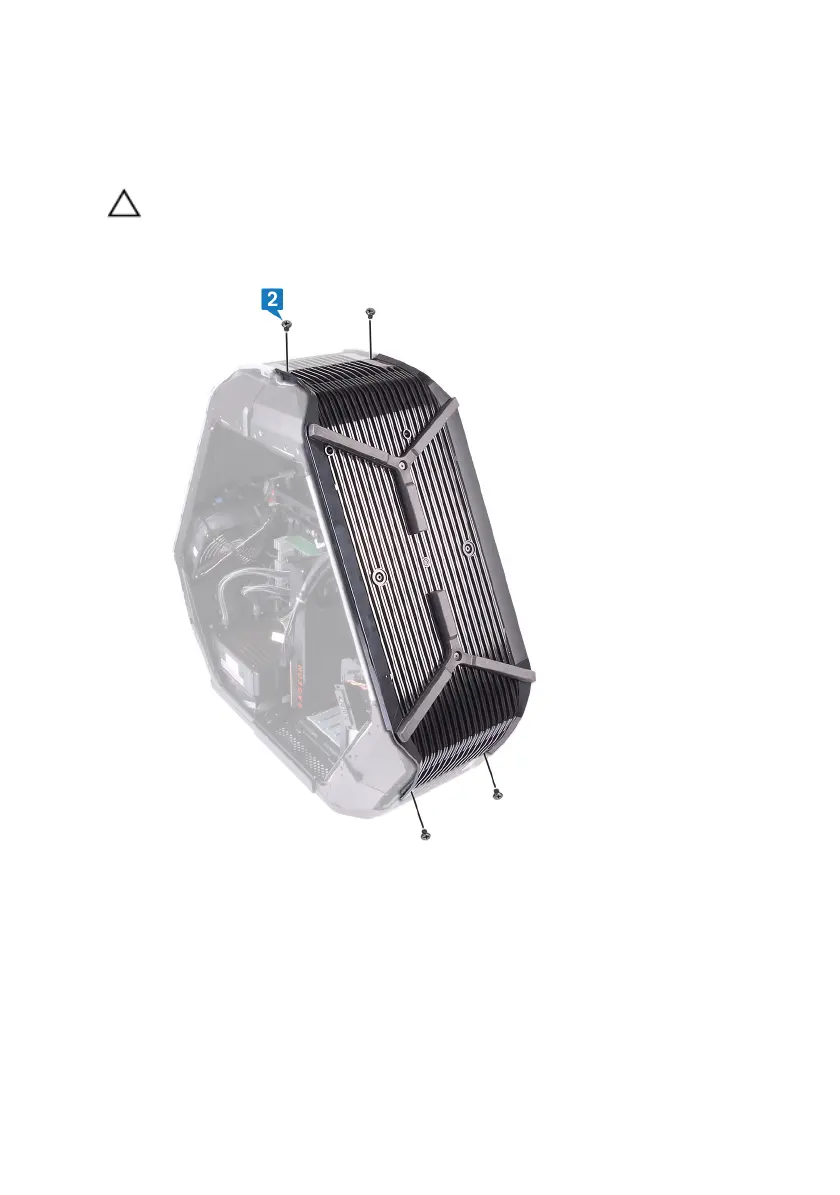
1 Remove the four screws (#6-32x6) that secure the base panel to the chassis.
2 Remove the three screws (#6-32x6) from inside, securing the base panel to
the left side of the chassis.
138


 To Next Page