About your monitor | 11
Monitor specifications
Flat panel specifications
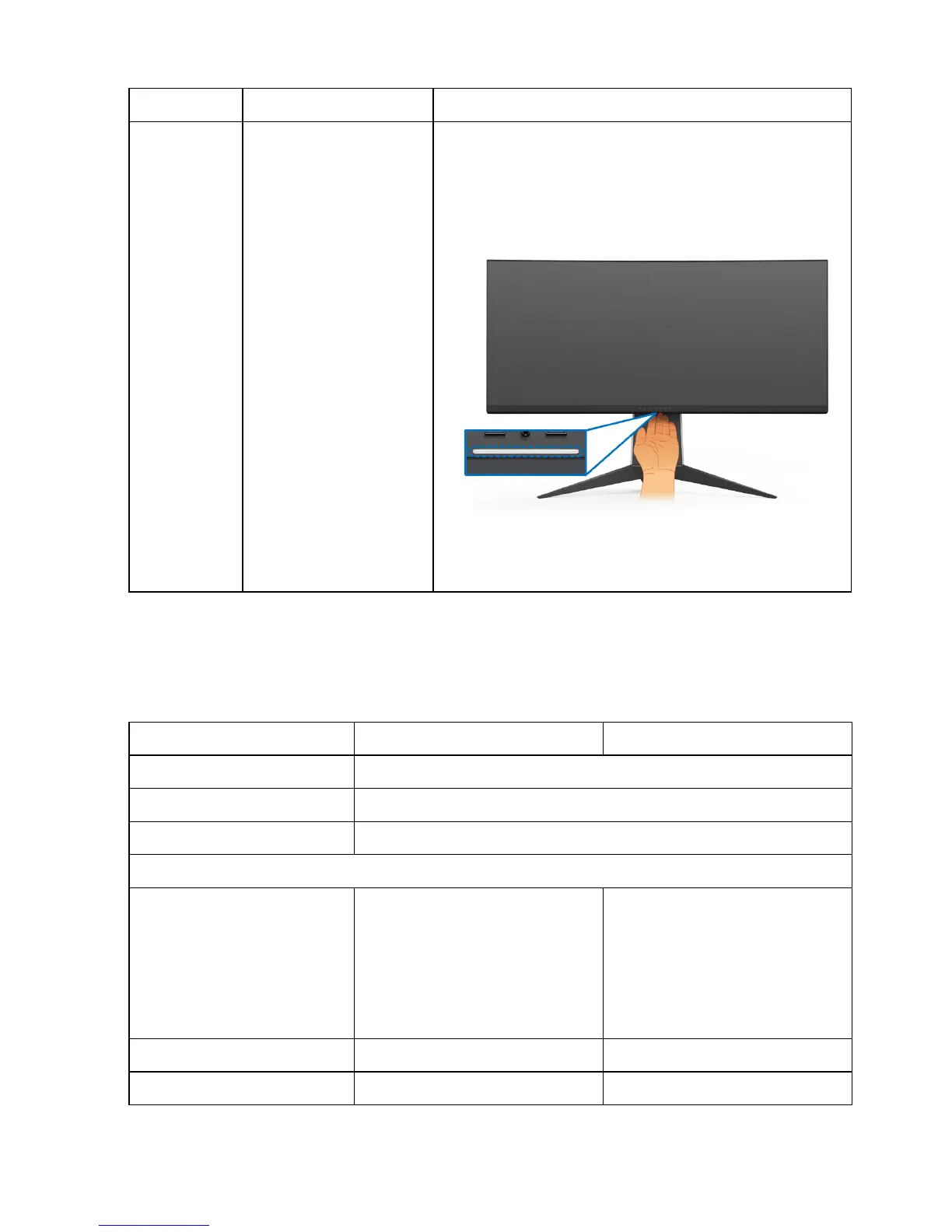
8 Headphone port Connect a headphone or speakers.
10 Downlights When the monitor is completely set up (see
Attaching the stand and Connecting the
computer), tap the touch sensor to turn the
downlights on or off.
NOTE: The factory setting is on. To change
the default settings, see
AlienFX Lighting.
Model AW3418DW AW3418HW
Screen type Active matrix - TFT LCD
Panel technology In-Plane Switching Type
Aspect ratio 21:9
Viewable image
Diagonal
Width (active area)
Height (active area)
Total area
867.2 mm (34.14 inches)
799.80 mm (31.49 inches)
334.80 mm (13.18 inches)
267773.04 mm
2
(415.01
inch
2
)
867.0 mm (34.13 inches)
799.80 mm (31.49 inches)
334.80 mm (13.18 inches)
267771.43 mm
2
(415.01
inch
2
)
Pixel pitch 0.2325 mm x 0.2325 mm 0.31 mm x 0.31 mm
Pixel per inch (PPI) 109 81.9















 To Next Page