44 | Operating the monitor
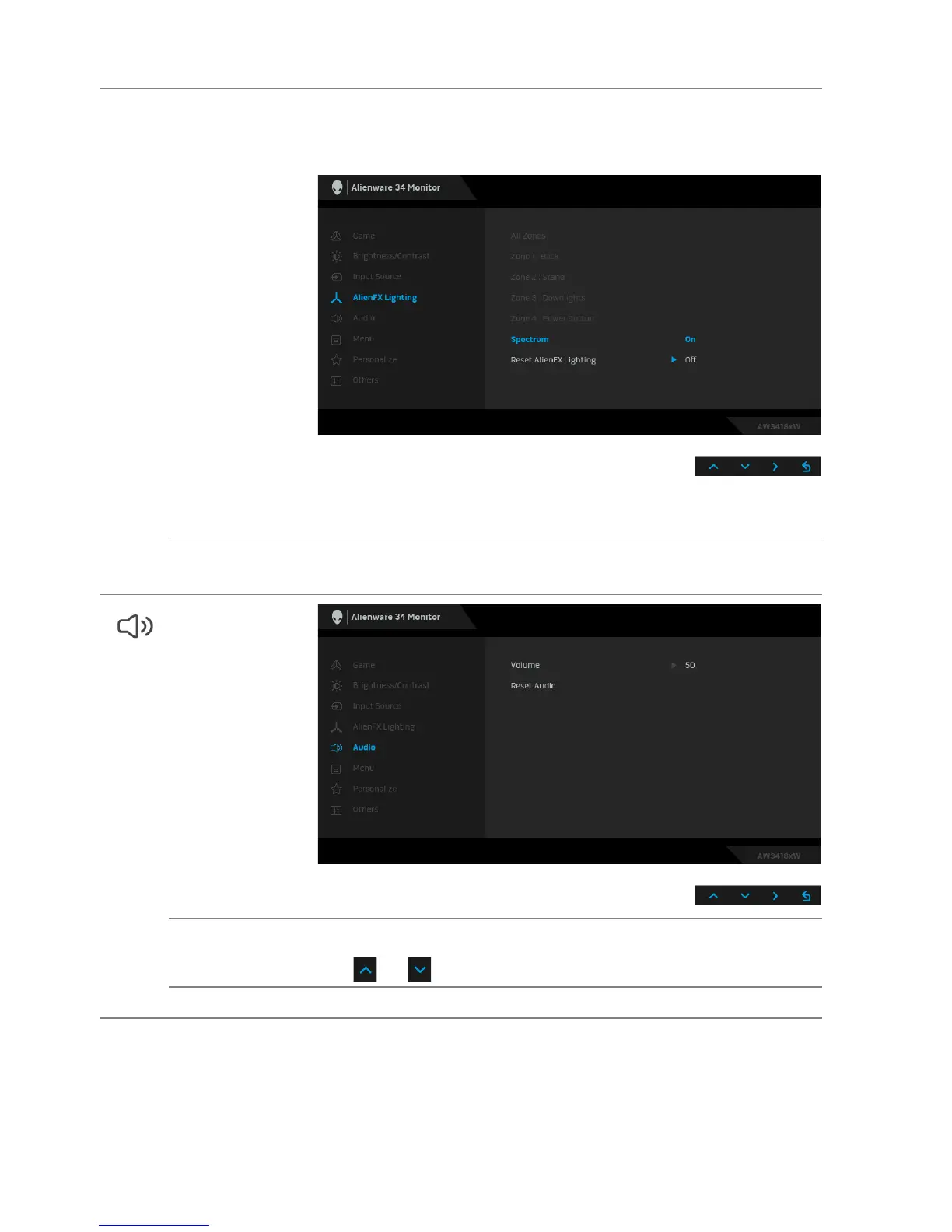
Spectrum When you select On, the AlienFX lights of 4 zones glow and
change colors in sequence of spectrum: red, orange, yellow,
green, blue, indigo, and violet.
NOTE: When the function is On, the functions above are
deactivated.
Reset AlienFX
L
ighting
Select this option to restore default lighting settings.
Audio
Volume Allows you to set the volume level of headphone output.
Use or to adjust the volume level from 0 to 100.
Reset Audio Select this option to restore default audio settings.















 To Next Page