10
Charging the headset
Turning your headset on or off
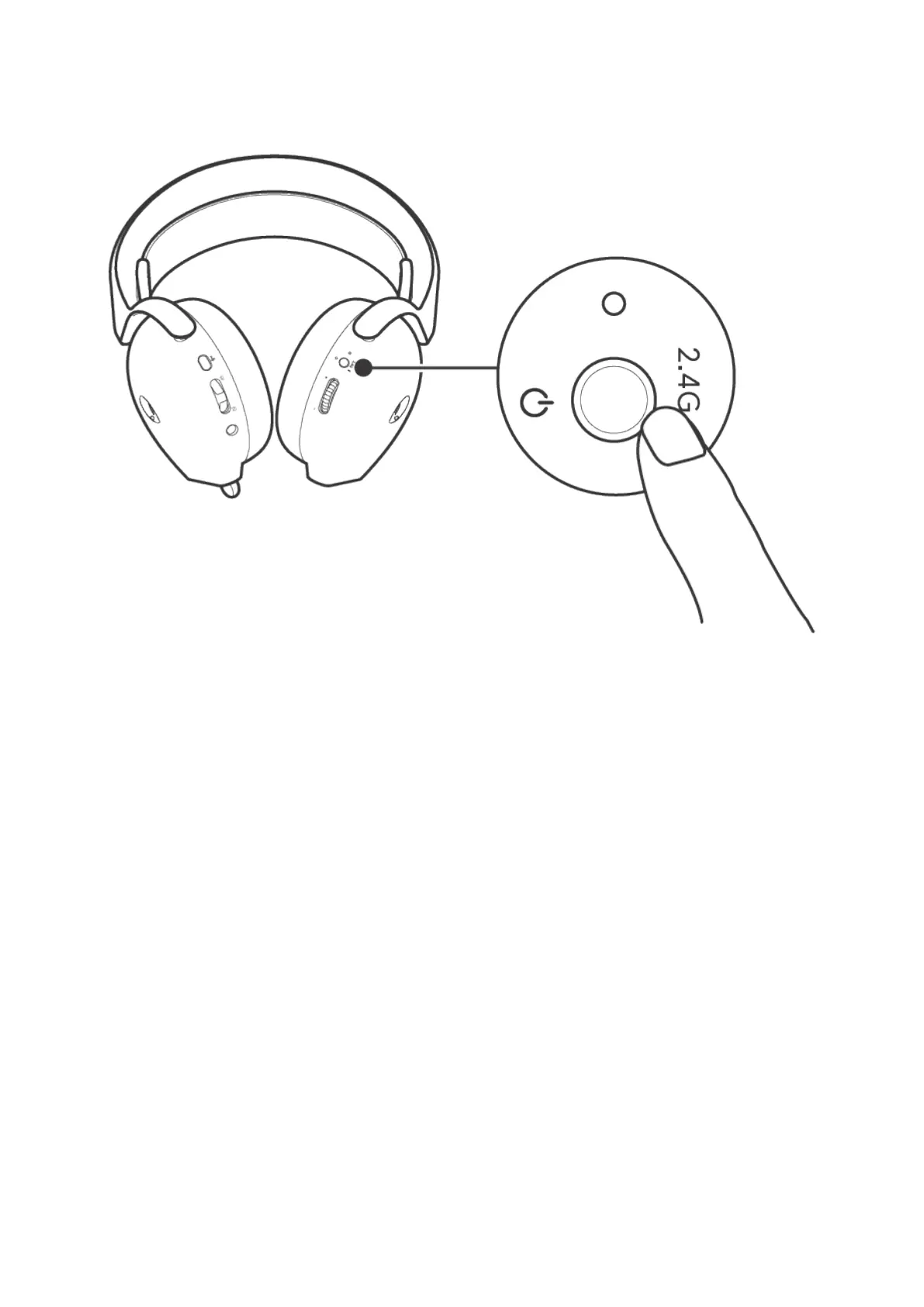
Press and hold the power button on the right-ear cup for one second to turn the headset on or off.
Figure 5. Position of power button
Auto power off
When the USB-C wireless dongle connection is lost (either the computer is turned off or the USB-C wireless dongle is removed from
the USB port), the headset automatically turns off after 30 minutes. To turn the headset on, press and hold the power button on the
right-ear cup for two seconds.



 To Next Page