13
Connecting the headset to your device
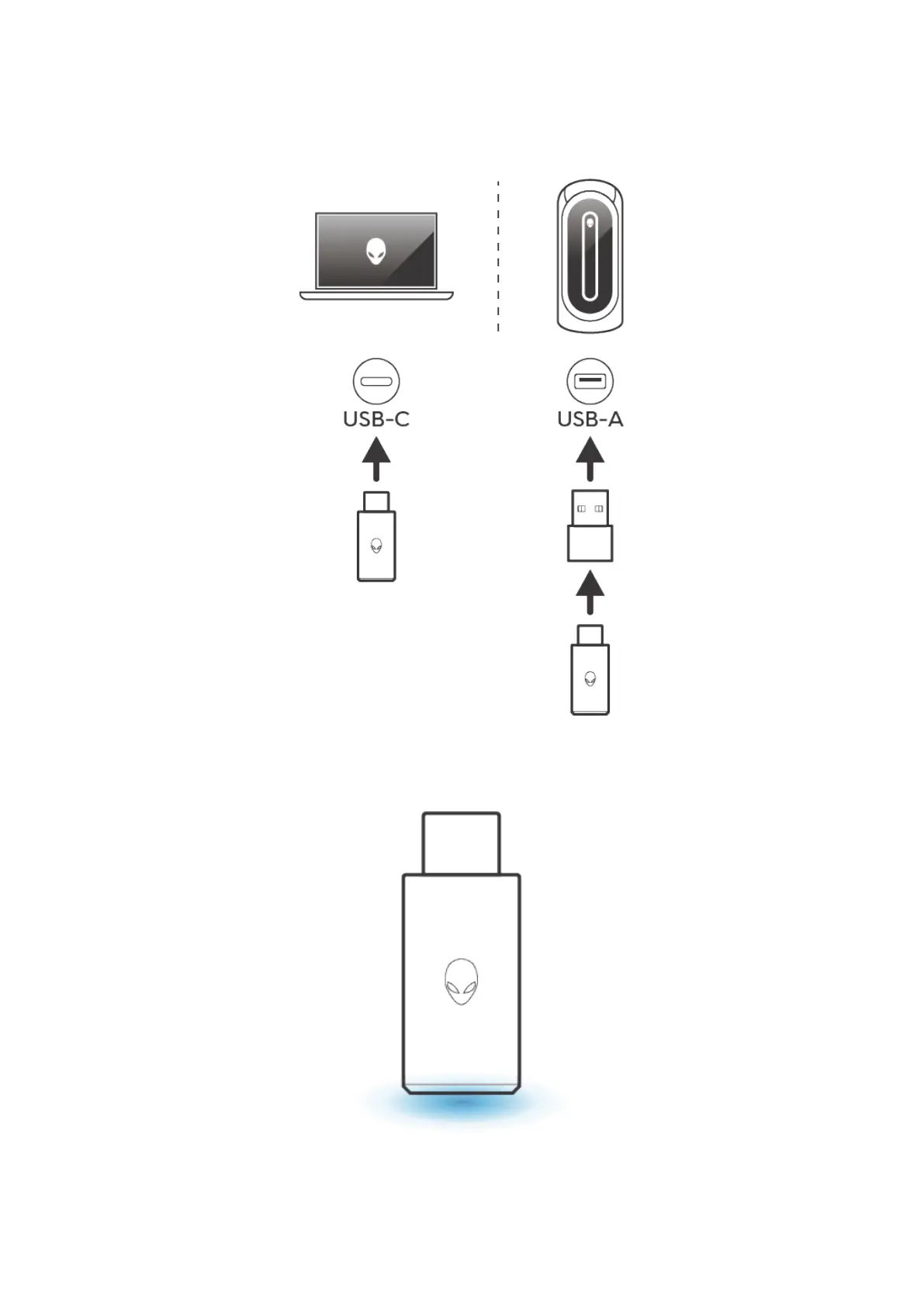
Connecting the headset to your device using the USB-C wireless dongle
1. Insert the USB-C wireless dongle directly into the USB-C port on your computer or insert the USB-C wireless
dogle into the USB-A to USB-C adapter, then connect the adapter into the USB port on your computer.
Figure 9. Inserting the USB-C wireless dongle
The LED on the USB-C wireless dongle turns teal when connected.
Figure 10. Position of USB-C wireless dongle LED



 To Next Page