12
Connecting the headset to your device
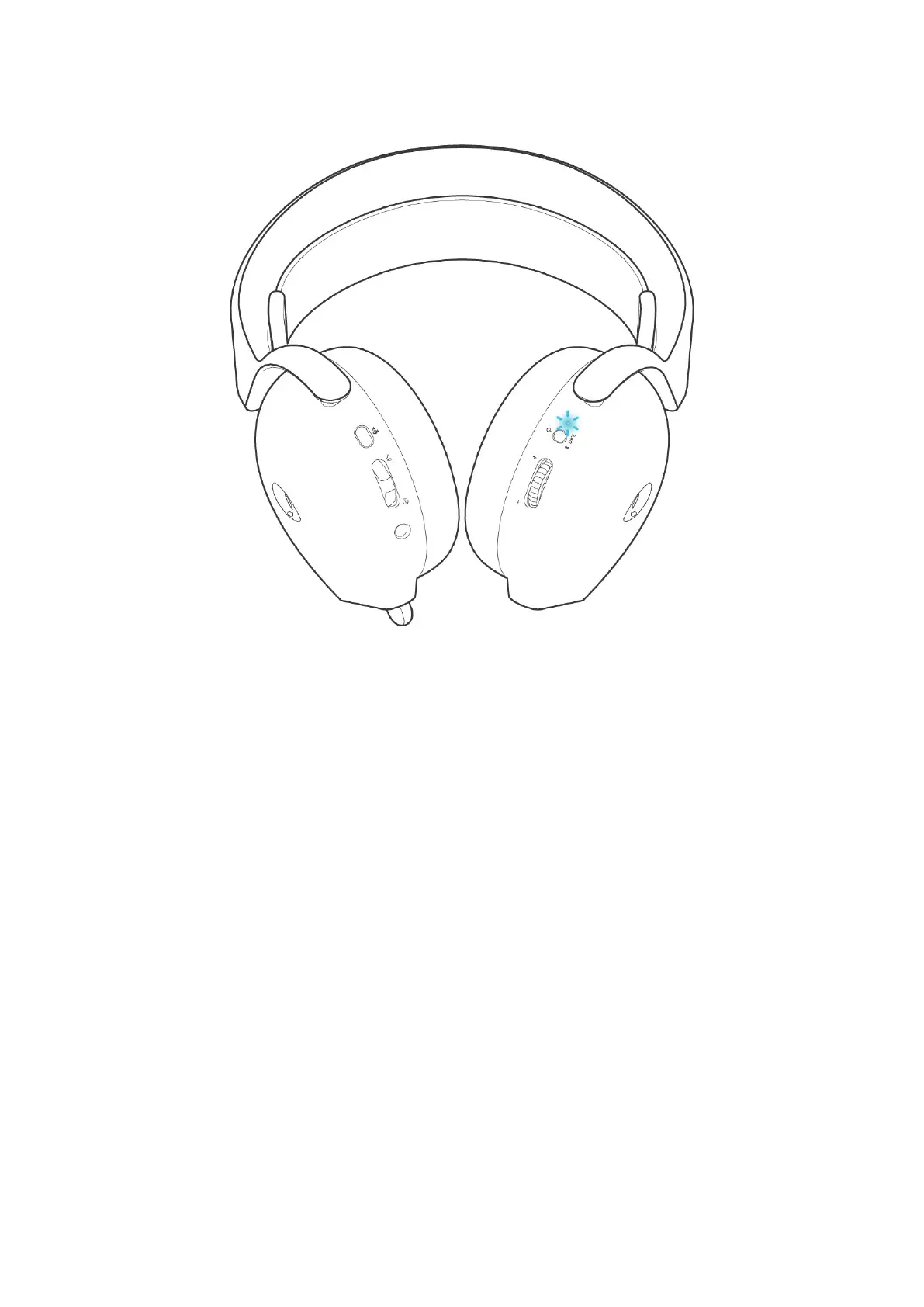
3. Connect the headset to a computer, laptop, smartphone, or tablet and so on. You will hear “Bluetooth connected”, then the LED
will light up in blue for 3 seconds and slowly blinks in blue.
Figure 8. Indication when headset is successfully connected



 To Next Page