17
Configuring the headset on your computer
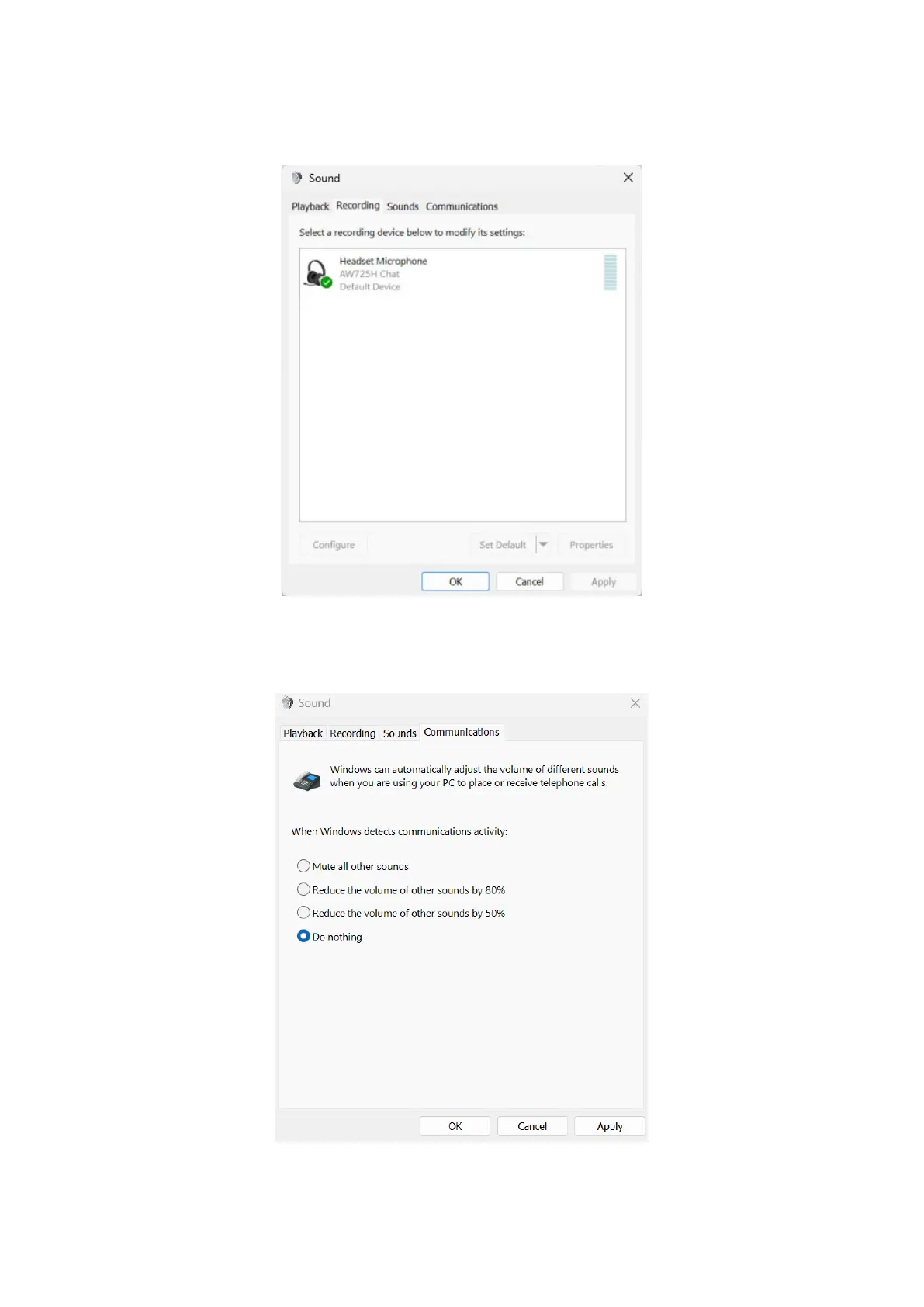
3. Click the Recording tab:
• Set following device name as the default communication device.
• When using USB-C wireless dongle, select AW725H Chat.
Figure 15. Image of Recording setting page
4. Click the Communications tab, select Do nothing. Click OK.
Figure 16. Image of Communications setting page



 To Next Page