Setting up lighting and animation │ 20
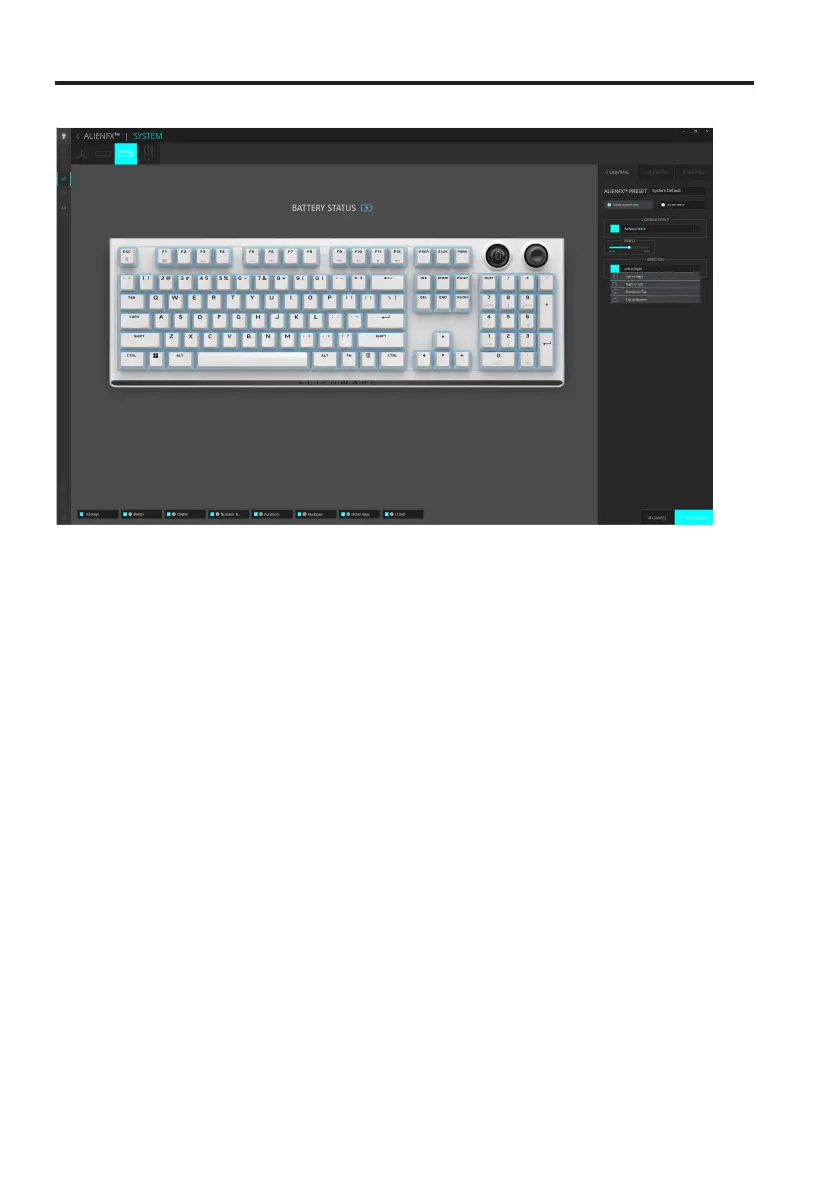
5. For Rainbow Wave animation, you can select the direction of the lighting
effect and the tempo: Left to Right, Right to Left, Bottom to Top, Top to
Bottom.
6. For ON KEY PRESS mode, from the menu of supported animations select
one of the following option: Off, Pulse, Morph, Breathing, Spectrum,
Reactive, Single Color Rain Drops, Rainbow Rain Drops, Arrows, Fireworks,
Single Color Wave, Rainbow Wave, Scanner, X-Ray.
Additional settings for some lighting effect in AWCC 6.0:
Setting up lighting and animation



 To Next Page