Need help?
Do you have a question about the Alinco DJ-C1 and is the answer not in the manual?
Precautions for safe product handling including avoiding disassembly, metal objects, extreme environments, drops, and using specified chargers.
Information on the lithium-ion battery, its charging cycles, and when it might need replacement.
Warning about hearing hazards when using earphones/audio accessories and recommended precautions to avoid damage.
Information regarding FCC compliance, potential radio interference, and user steps to correct interference.
Instructions for connecting the supplied earphone and how to attach the wire antenna for pocket use.
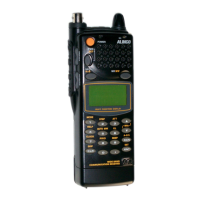
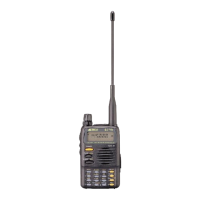
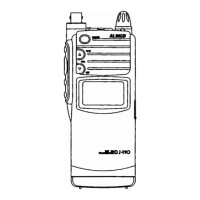
How to turn the transceiver on/off and identify key components like the power switch and display.
Explanation of various indicators and icons displayed on the transceiver screen, such as AM, T, M, BUSY, LOCK.
Steps to turn the transceiver on and adjust volume and squelch levels.
How to select a frequency and what to expect when receiving a signal.
Instructions on how to transmit by holding down the PTT switch and speaking into the microphone.
Description of VFO mode for manual frequency selection, Memory mode for storing frequencies, and CALL mode for quick access.
How to set up and use offset frequencies for transmitting on a different frequency than receiving.
Instructions for enabling the tone encoder and setting up tone burst frequencies.
List of common problems like no display, no sound, or transmission issues with their corresponding solutions.
Detailed technical specifications for the DJ-C1 and DJ-C4 transceivers, including frequency coverage, output, and dimensions.
Information on compatible accessories such as earphones, microphones, and chargers.
A quick guide to the functions of various keys, including basic utility and FUNC key combinations.
 General
| Brand | Alinco |
|---|---|
| Model | DJ-C1 |
| Category | Transceiver |
| Language | English |


 To Next Page