EasyManua.ls Logo

Allegion SCHLAGE CONNECT - User Manual

Allegion SCHLAGE CONNECT
49 pages
Print Icon
To Next Page IconTo Next Page
Loading...
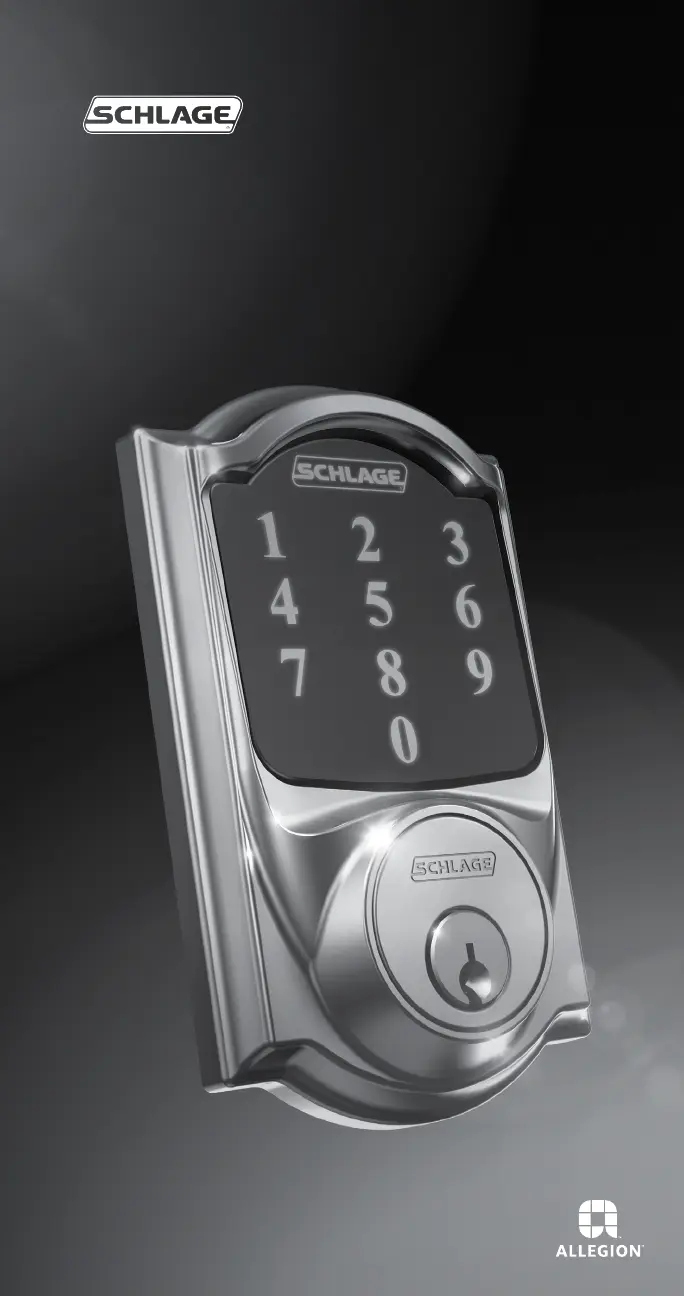
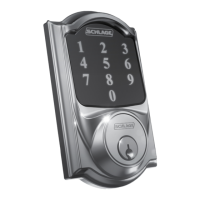
SCHLAGE CONNECT™
Touchscreen Deadbolt with Alarm
User Guide

Table of Contents

Questions and Answers

  • A
    Ashley ConnerSep 10, 2025
    Why backlighting does not come on when Outside Schlage button is pressed and User Code cannot be entered on Allegion SCHLAGE CONNECT?
    • J
      James LaneSep 10, 2025
      This can happen because: 1. Batteries are completely dead and no electronic operations are possible. 2. The battery tray is not connected. 3. The cable that runs through the door is not connected. Remove the Alarm Assembly and check the connection.
  • R
    Robin ParkerAug 23, 2025
    What to do if I forgot my Allegion Door locks Programming Code?
    • T
      Taylor ReynoldsAug 23, 2025
      Check the back of the guide or the back of the alarm assembly for the default programming code. If needed, restore the lock to factory settings.
  • H
    harrisnormanAug 25, 2025
    Why is my Allegion door lock alarm sounding too frequently?
    • T
      Thomas AndersonAug 25, 2025
      The sensitivity level may be too high (at 1 or 2) or too low (at 4 or 5) and should be adjusted.
  • M
    megansolisAug 27, 2025
    What to do if Allegion Door locks deadbolt requires two attempts to lock or unlock?
    • N
      nstoneAug 27, 2025
      The deadbolt/frame alignment may be marginal. Adjust the door/frame for best operation.
  • K
    Kenneth KramerAug 27, 2025
    What to do if Allegion Door locks deadbolt will not extend or retract as expected?
    • N
      Nancy PrattAug 28, 2025
      Adjust the bolt/frame alignment.
  • B
    bushjustinAug 29, 2025
    Why User Code cannot be entered after Outside Schlage button is pressed on Allegion SCHLAGE CONNECT Door locks?
    • A
      April StewartAug 29, 2025
      This can happen because Vacation Mode is enabled. Disable Vacation Mode. It can also happen if too many incorrect User Codes have been entered. Wait 30 seconds and try again.
  • T
    Theresa BeckSep 18, 2025
    Why the tamper alert is not sounding on Allegion SCHLAGE CONNECT?
    • E
      Elizabeth WoodsSep 18, 2025
      There is a 60-second delay before the device alarms to allow you to exit and lock the door.
  • A
    aclaytonSep 12, 2025
    What does it mean when after entering a User Code to unlock the Allegion SCHLAGE CONNECT Door locks, the yellow dot is flashing and there is a delay before unlock?
    • A
      Amber EdwardsSep 12, 2025
      The battery is low and should be replaced.
  • M
    Mark HawkinsSep 8, 2025
    Why I cannot delete all User Codes on Allegion SCHLAGE CONNECT Door locks?
    • D
      Desiree MorrisSep 8, 2025
      This can happen because: 1. '6' was not pressed after entering Programming Mode. 2. The 2nd Programming Code entered was not valid.
  • W
    william23Sep 5, 2025
    Why I cannot delete a User Code on Allegion Door locks?
    • K
      kevinkingSep 5, 2025
      This can happen because: 1. '2' was not pressed after entering Programming Mode. 2. First User Code entered did not match any current User Code. 3. Second User Code entered did not match first User Code entered.

Summary

Warranty and FCC;IC Statements

Lifetime and 3-Year Limited Warranty

Details the product's mechanical, finish, and electronics warranty terms.

Lock Setup

Replacing Batteries

Locking and Unlocking

Locking from Outside

Procedure for locking the deadbolt from the exterior.

Unlocking from Outside

Procedure for unlocking the deadbolt from the exterior.

Programming the Touchscreen

Programming Function Descriptions

Explains various programming functions and their effects.

Programming the Alarm

Powering the Alarm On;Off

Steps to turn the lock's alarm system on and off.

Alarm Modes and Settings

Details the different alarm modes, lights, and sounds.

Changing the Alarm Mode

Adjusting the Sensitivity Level

Factory Default Reset

Z-Wave

Troubleshooting Common Issues

Allegion SCHLAGE CONNECT Specifications

General IconGeneral
BrandAllegion
ModelSCHLAGE CONNECT
CategoryDoor locks
LanguageEnglish

Related product manuals