EasyManua.ls Logo

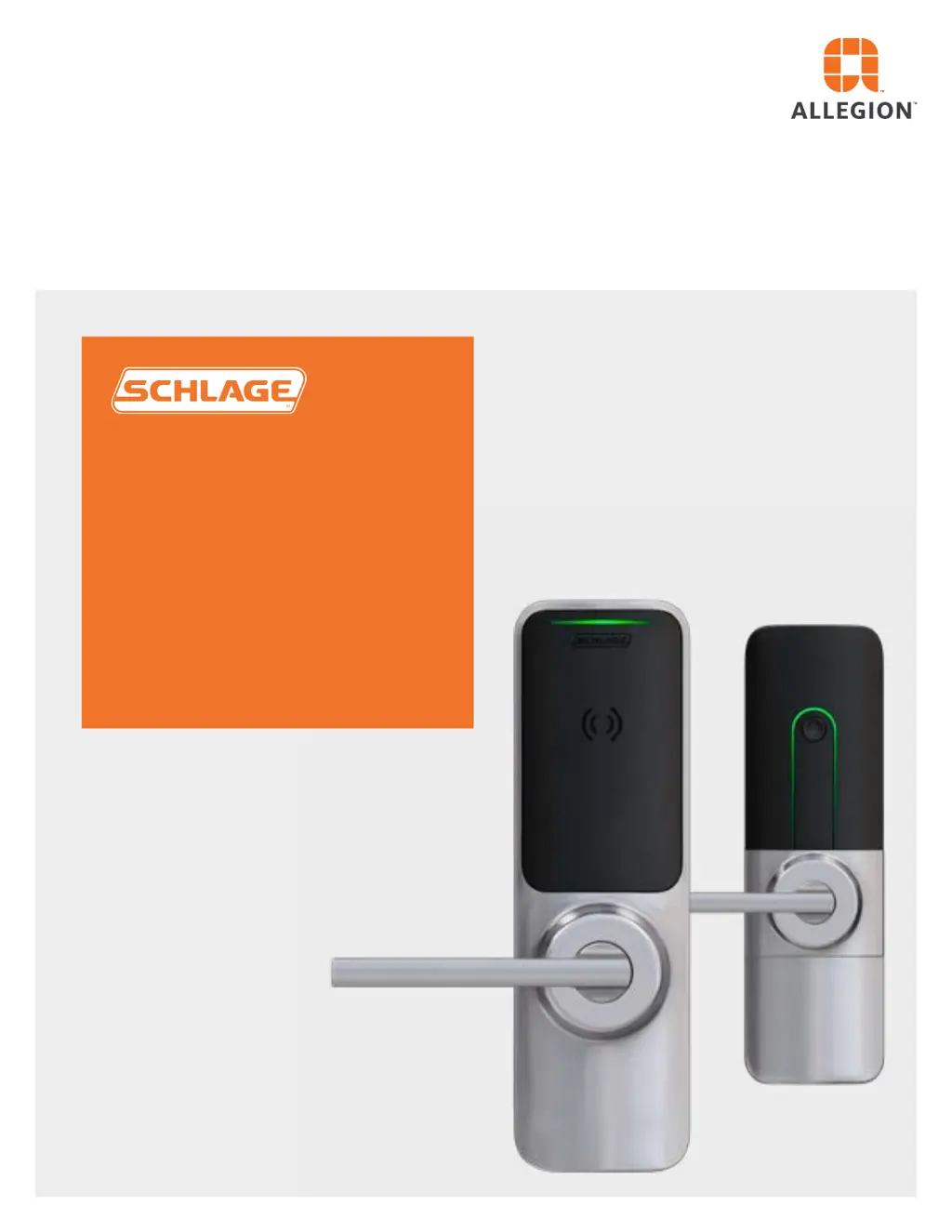
Allegion SCHLAGE XE360 Series - User Manual

Allegion SCHLAGE XE360 Series
31 pages
Print Icon
To Next Page IconTo Next Page
Loading...
XE360
Series
User guide

Other manuals for Allegion SCHLAGE XE360 Series

Questions and Answers

  • C
    Christopher LongAug 19, 2025
    What to do if manual commissioning failed on Allegion Door locks?
    • M
      maryponceAug 20, 2025
      If commissioning fails, the Allegion Door lock will revert to FDR mode. Restart the process by pressing and releasing the mode switch again. Also, ensure that Bluetooth is enabled on your mobile device and that it's not connected to another device. Confirm that the lock displays a steady blue LED; if not, restart the process by pressing and releasing the mode switch.
  • M
    Margaret HamiltonAug 21, 2025
    What to do if REX is not responding on Allegion SCHLAGE XE360 Door locks?
    • A
      Anthony FarrellAug 22, 2025
      First, try cycling the power on the Allegion Door lock and running diagnostics again. If that doesn't work, remove the lock from the door, disconnect the power, and check if the REX Switch cable is pinched or disconnected. If it is, reconnect it, reinstall the lock, and repeat the diagnostics.
  • J
    Joshua HamiltonAug 25, 2025
    What to do if DPS is not responding on Allegion Door locks?
    • D
      Danielle WilsonAug 25, 2025
      First, try cycling the power on the Allegion Door lock and running diagnostics again. If that doesn't work, remove the lock from the door, disconnect the power, and verify that the DPS cable isn't pinched or disconnected. If it is, reconnect it, reinstall the lock, and repeat the diagnostics.
  • F
    fjonesAug 26, 2025
    Why did the blue light go out during commissioning of Allegion SCHLAGE XE360?
    • C
      Cheryl ReynoldsAug 26, 2025
      The Allegion Door lock advertises for two minutes. If commissioning isn't started within that time, the lock stops advertising. Press and release the mode switch to restart advertising.
  • P
    phancockAug 28, 2025
    Why does my Allegion SCHLAGE XE360 system appear to have no power even with new batteries?
    • J
      james70Aug 28, 2025
      If the Allegion Door lock system appears to not be powered even with fresh batteries, check the following: * Ensure batteries are correctly installed. * Make sure the battery holder is fully inserted without any obstructions. * If the battery holder is damaged, replace it. * If the chassis core battery terminals are damaged, replace the interior assembly. * Ensure the battery tray is connected to the wiring harness. * If the battery tray is damaged, replace it. * Verify the battery harness is connected to the chassis core by removing the interior assembly and reconnecting the wiring harnesses. * If the battery harness is damaged, replace it or the interior assembly. * Replace the batteries if the battery voltage is critically low.
  • B
    billysandersAug 29, 2025
    Why do the batteries in my Allegion Door locks get hot?
    • A
      Ashley AllisonAug 30, 2025
      To address the issue of hot batteries in your Allegion Door locks, consider the following: * Ensure that you are using the correct type of batteries. * Verify that the batteries are installed correctly. Reinstall them if they are backward. * If the battery harness is shorted or damaged, it should be replaced.
  • D
    Dave GibsonAug 31, 2025
    What to do if my Allegion Door locks fails power up initialization?
    • C
      Carolyn WhiteAug 31, 2025
      If your Allegion Door locks are failing to power up, try the following: * Remove the interior assembly and reconnect the wiring harnesses to ensure the reader communications are operating correctly. * If there are internal hardware/electronic failures, replace the interior assembly. * If the real-time clock is not operating correctly, link the device to MAPP to synchronize the internal clock (if commissioned).
  • B
    Brian HicksSep 3, 2025
    What to do if indicators on the interior but not on the exterior of Allegion Door locks?
    • J
      Jeremy BurnettSep 3, 2025
      If the interior indicators of your Allegion Door locks are on but the exterior indicators are not, it could be due to internal hardware/electronic failures, in which case you should replace the interior assembly. It may also be due to reader communications issues, so try removing the interior assembly and reconnecting the wiring harnesses.
  • A
    Ashley ChanSep 4, 2025
    What to do if DPS not working when door opens on Allegion SCHLAGE XE360 Door locks?
    • D
      Donna LeachSep 4, 2025
      If the DPS (Door Position Switch) is not working when the door opens with your Allegion Door locks, verify the DPS functionality in FDR mode from closed to open. Remove the interior assembly and reconnect the DPS wiring harnesses. Also, install the DPS switch and wiring harness, and ensure the DPS magnet is installed and aligned correctly.
  • J
    Jennifer ReillySep 6, 2025
    What to do if DPS not working when door closes on Allegion SCHLAGE XE360?
    • P
      Patricia MartinezSep 6, 2025
      If the DPS (Door Position Switch) is not working when the door closes with your Allegion Door locks, verify the DPS functionality in FDR mode from open to closed. Remove the interior assembly and reconnect the DPS wiring harnesses. Also, install the DPS switch and wiring harness and align the DPS magnet.

Summary

Customer Service

Contact Information

Phone number and website for customer support.

Safety Information

Warnings and Cautions

Explains the meaning of WARNING, CAUTION, and NOTICE symbols.

Compliance and Certifications

FCC Statements

Details FCC compliance, interference statements, and module listings.

IC Statements

Covers Industry Canada regulations, RF exposure, and NFC support.

Credentials and Certifications

Lists supported credential types/formats and product certifications.

Introduction to XE360 Series

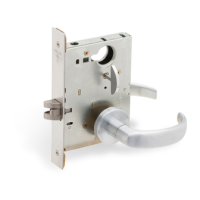
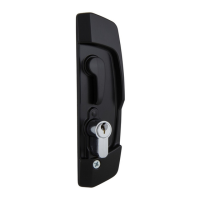
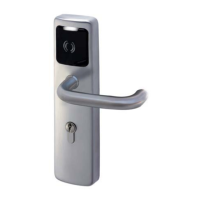
Lock Models

Illustrates different XE360 lock models and their components.

XE360 Series Operation

Credentials and Security

How to use credentials, placement, and security recommendations.

Functionality

Explains the four adaptable locking functions of the XE360 Series.

Power

Instructions for battery replacement for different XE360 models.

Key Override and Commissioning

Covers manual key unlocking and adding locks to the access control system.

General Maintenance and Security

Guidelines for yearly maintenance to optimize lock security and condition.

Lock Modes

Describes normal, multi-family, and commercial construction modes.

Firmware Update

Instructions for updating the lock's firmware using the MAPP.

FleX Module Replacement

Exit Device Models

Procedure for replacing the FleX Module in exit device configurations.

Tubular and Mortise Models

Steps for replacing the FleX Module in tubular and mortise lock types.

Rekeying Procedures

Tubular and Mortise Locks

Detailed steps for rekeying tubular and mortise lock cylinders.

Exit Devices

Instructions for rekeying exit device cylinders.

Diagnostics and Troubleshooting

Indicators and Status Lights

Explanation of visual and audible indicators for lock status.

Factory Default Reset (FDR)

Process for resetting the lock to factory default settings.

Door Position Switch (DPS)

Diagnostic steps to verify the functionality of the Door Position Switch.

Request for Exit (REX)

Diagnostic steps to confirm the Request for Exit functionality.

Troubleshooting Common Issues

Guide to resolving common problems with the XE360 lock.

Allegion SCHLAGE XE360 Series Specifications

General IconGeneral
TypeElectronic Deadbolt
Power Supply4 AA Batteries
User CodesUp to 19 User Codes
KeywaySchlage C Keyway
Access MethodKeypad
FinishBright Brass, Satin Nickel, Aged Bronze
GradeANSI Grade 2
Backset2-3/8" or 2-3/4"
StrikeReinforced
HandingReversible
ComplianceANSI A156.36
WarrantyLimited lifetime mechanical
KeypadBacklit numeric keypad

Related product manuals