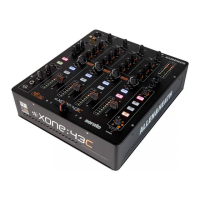
Allen & Heath 16 XONE:43C User Guide
DRIVER INSTALLATION (PC)
Drivers
In order to access all the soundcard channels on your Xone:43C you will need to install the dedicated ASIO
driver, which can be downloaded from our website:
www.allen-heath.com/xone43cdrivers
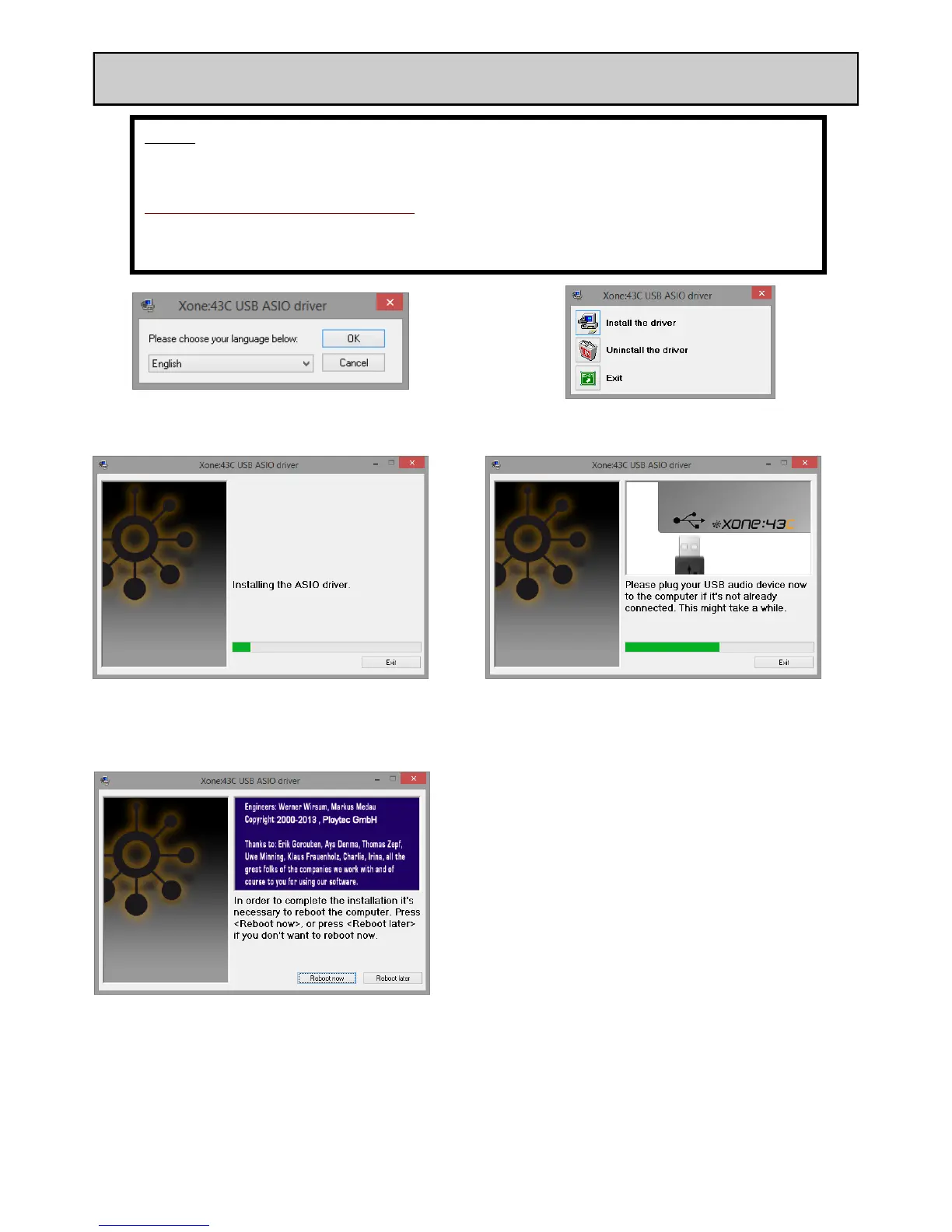
When the drivers have downloaded, extract them to a folder and click on the setup file to start installation:
Choose your language and
click OK to continue
Click Install the driver
During the installation you will twice be asked to unplug
and re-plug the USB audio cable to your Xone:43C
Restart your computer when prompted
After restart, installation is complete and your computer will now connect and recognise your Xone:43C as an
audio and MIDI device.
1.
2.
3.
4.


 To Next Page
 Loading...