Allen & Heath 19 XONE:43C User Guide
SERATO
Vinyl is available from most DJ retailers and the Serato Store in a variety of colours
and collectors pressings: http://store.serato.com/
Serato NoiseMap™ Control Vinyl & CD
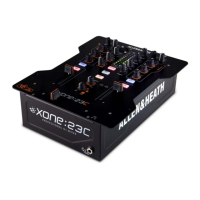
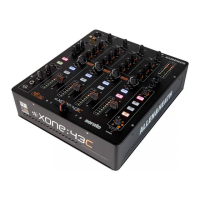
The XONE:43C DJ Mixer features Serato DJ support. Users wanting to take advantage of this
are required to purchase Serato DJ Club Kit available in-app and at: http://store.serato.com/
Please note: Mixer does not support full control of Serato Video.
You can burn your own Serato Control CDs or use the Control Signal .wav file directly from a remova-
ble storage device. Download: http://serato.com/controlcd/
Choosing DVS or Control CD with Serato DJ
OS X
The XONE:43C is class compliant on a Mac, however we strongly recommend using the dedicated
driver for improved performance. See Page 15 for driver installation instructions.
Windows
The XONE:43C with Windows computers requires a dedicated driver.
See Page 16 for driver installation instructions.
To connect the XONE:43C to a computer, download and install the latest drivers for your computers
operating system from our website:
http://www.allen-heath.com/xone43cdrivers
Connect the XONE:43C to your computer using the supplied type A-B USB Lead.
SERATO DJ SETUP
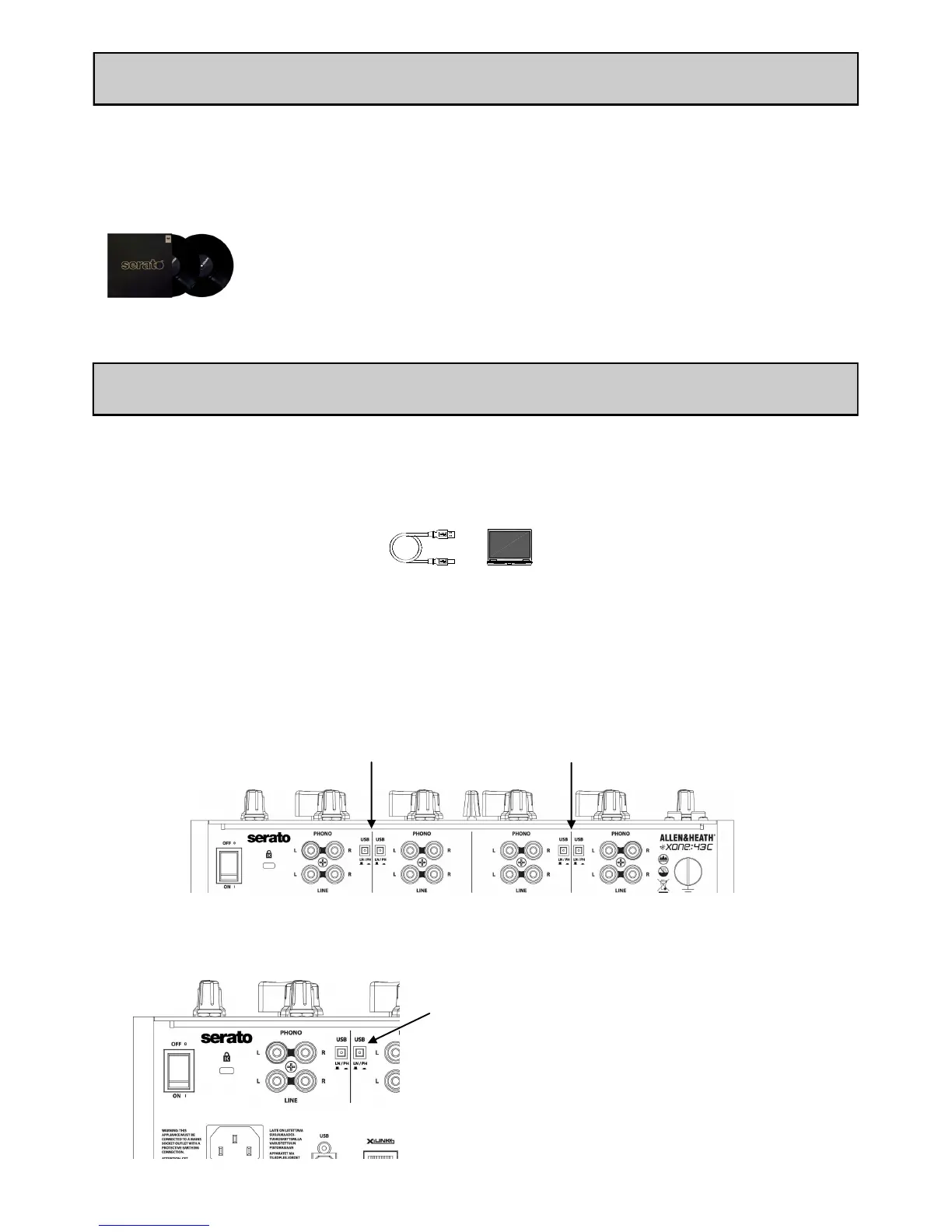
With your computer connected via USB to the XONE:43C, connect your turntables / CD Media
players to the Phono / Line inputs.
On the channel input that has the turntable or CD Me-
dia player connected, select the appropriate USB select
switch for Phono or Line.


 To Next Page
 Loading...