Rockwell Automation Publication 440R-UM013E-EN-P - March 2017 67
Troubleshooting Chapter 11
Table 14 shows the voltage levels that are viewed on an oscilloscope versus a
digital multimeter.
Check Voltage-free Contacts
Safety devices (for example; interlock switches, E-stops, or cable pull switches)
with voltage-free contacts must be connected to the pulse testing outputs. You
can use a digital multimeter to measure the input levels.
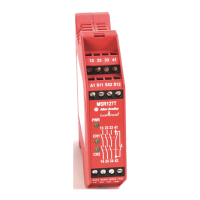
Check CI Safety Relay
1. With the device contacts open, measure the voltage at the pulse testing
outputs with a digital multimeter, as shown in Figure 60
. The voltage
must be 18…19V on both pulse testing outputs of the CI safety relay.
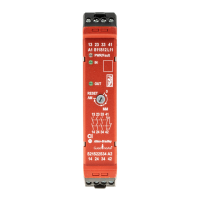
Figure 60 - Typical Voltage Measurements of the CI Safety Relay
IMPORTANT The following factors affect the value that is measured at the relay inputs:
•Voltage-free contacts
• Pulse testing waveforms
• Capacitance
•Length of wire
• Contact resistance
• Channel sequence
Table 14 - ON/OFF Voltage
Measurement Device Turn ON Voltage Turn OFF Voltage
Oscilloscope 11V 5V
Digital Multimeter 6…8V 3…4V
Pulse Testing
Outputs
S11
S21
S12
19
19
S22
A2
Volts
DMM
Volts
DMM


 To Next Page
 Loading...