Wireless Router User Guide
Password Screen
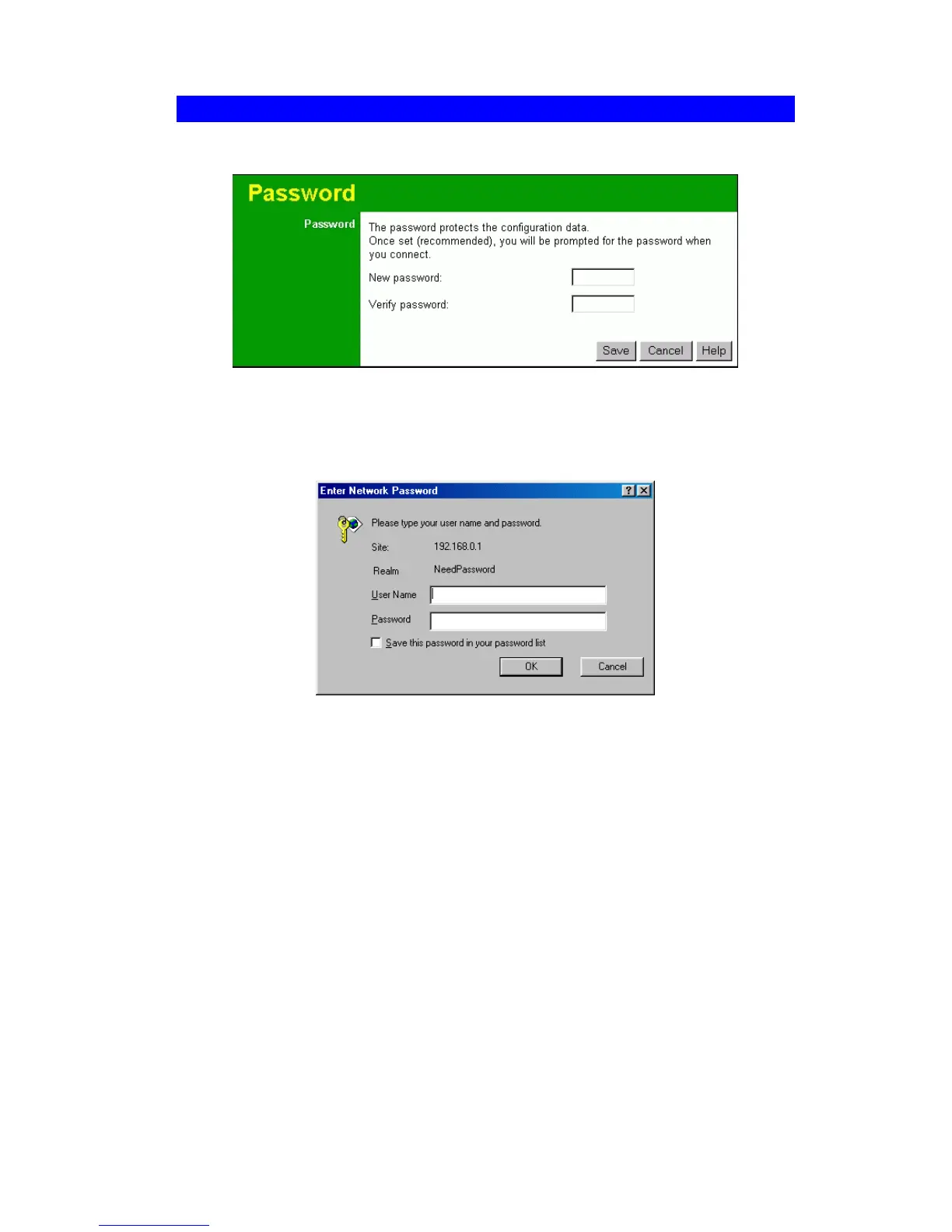
The password screen allows you to assign a password to the Wireless Router.
Figure 9: Password Screen
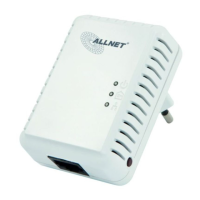
Once you have assigned a password to the Wireless Router (on the Password screen above)
you will be prompted for the password when you connect, as shown below. (If no password
has been set, this dialog will not appear.)
Figure 10: Password Dialog
• Leave the "User Name" blank.
• Enter the password for the Wireless Router, as set on the Password screen above.
20



 To Next Page