14-EN
Basic Operation
Setting when Using the
Remote Control
1
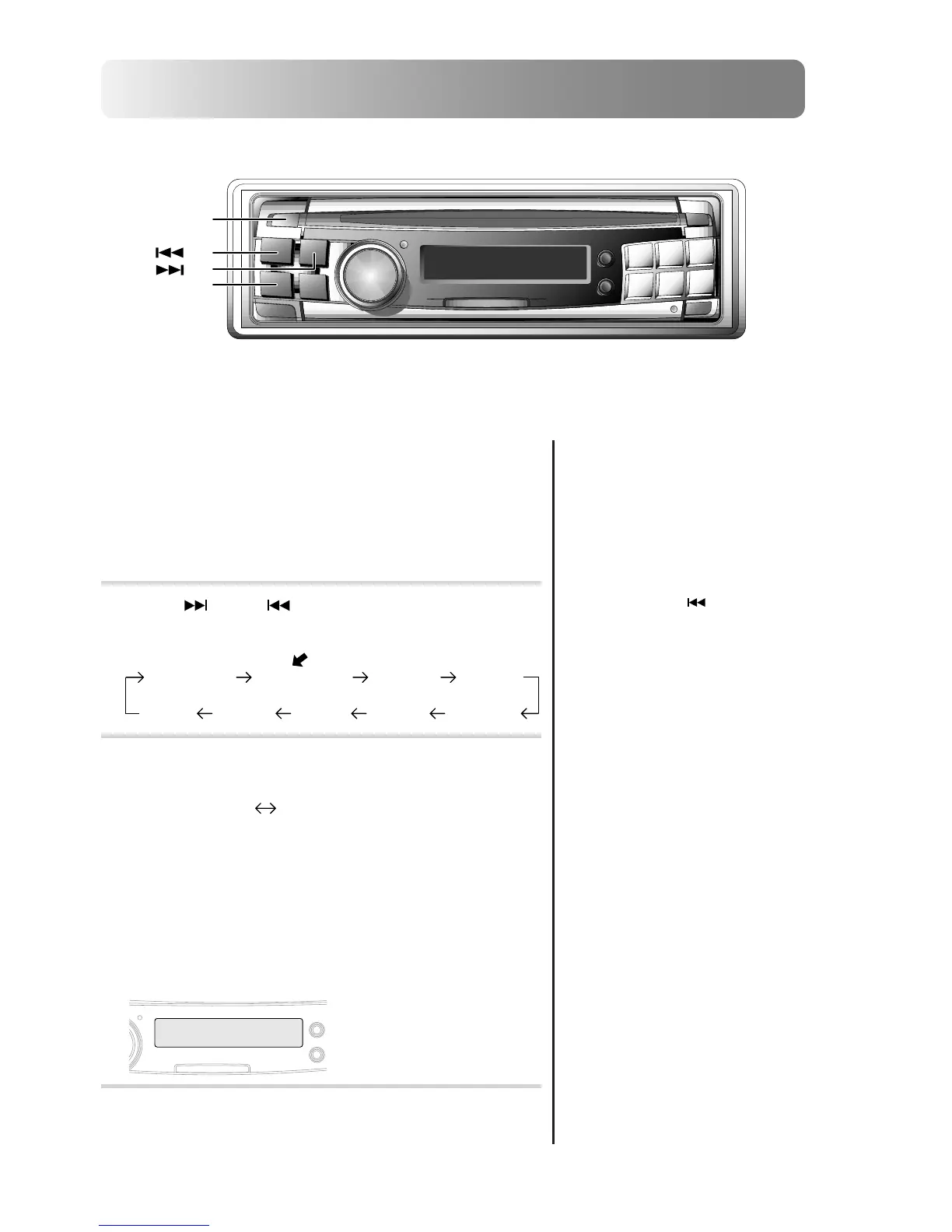
Press and hold the SETUP button for at least 3
seconds.
2
Press
UP
or DN button to select REM
CONT mode. Each press changes the modes as
shown:
3
Press the TUNE button to toggle the REM CONT
mode between On and Off.
• REM CONT ON: Set to ON when using the optional
Remote Control to operate the CDA-7990.
• REM CONT OFF: Resist the inference from the noise
such as ultraviolet rays exist in the natural to provide
a much higher quality sound.
Set to OFF when not using the optional Remote
Control.
4
When the setting is completed, press the SETUP
button to return to the normal mode.
BASS/TRE REM CONT TUNER ILLUMI
SCROLLSUB-WD-OUTAUX-INMUTE
SETUP
DN
TUNE
UP
REM CONT OFF REM CONT ON
•
If you press the DN button the
display scrolls in reverse
sequence.
REM
CO
NOT
N
<Display of “REM CONT ON”>
•
The initial setting at the factory is
“REM CONT OFF”.














 To Next Page