68
CD Operation
English
1
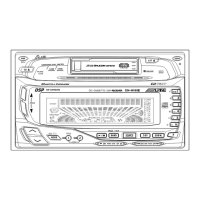
M.I.X. (Random Play)
Press the (M.I.X.) button in the play or
pause mode. The unit enters the M.I.X. mode
and the tracks on the disc will be played back in
a random sequence. After all the tracks on the
disc have been played back once, the player
will load the next disc and begin a new random
sequence until the M.I.X. mode is canceled.
To cancel M.I.X. play, press the (M.I.X.)
button again.
Note: If a CD Shuttle equipped with the ALL
M.I.X. function is connected, ALL M.I.X.
will also be selectable. In this mode, the
tracks on all the CD’s in the current
magazine will be included in the random
playback sequence.
1
(OFF)
*
* (CD Shuttle mode/
En mode de changeur CD/
En modo de cambiador de CD)



 To Next Page