24-EN
Playback
1
Touch the (HOME) button and select Bluetooth
Audio mode.
The display shows the Bluetooth Audio mode screen.
2
Touch [ ] or [ ] to select the desired track (le).
Returns the beginning of the previous le:
Touch [ ].
Advance to the beginning of the next le:
Touch [ ].
3
To pause playback, touch [ ].
Repeat Play
Available for AVRCP Ver. 1.0, 1.3, 1.4, 1.5, 1.6.2.
1
Touch [ ].
•
[ ] displays the currently selected mode.
2
Select your desired Repeat mode.
The selected Repeat mode changes the button.
ALL :
Once all of the songs have nished playing, play back is
repeated, starting with the rst song.
One :
Only the track currently playing is repeatedly played back.
OFF : Repeat mode is O.
•
Operations may dier depending on the connected Bluetooth
compatible device.
Shue Play
Available for AVRCP Ver. 1.0, 1.3, 1.4, 1.5, 1.6.2.
Touch [ ].
•
All songs in the Bluetooth compatible devices are played back in
random sequence. Any one song does not play back again until all
songs have been played back.
•
Operations may dier depending on the connected Bluetooth
compatible device.
AUX Operation
(Optional)
AUX Operation
•
rough AUX connection, you can display the videos or images output
from other devices
•
For safety , video image can not be displayed when vehicle is moving.
To view the video image ,please stop in a safe zone and apply the
parking brake.
•
A mini AV cable is required to make the connection (sold separately)
Further details are given in <<Installation Manual>>
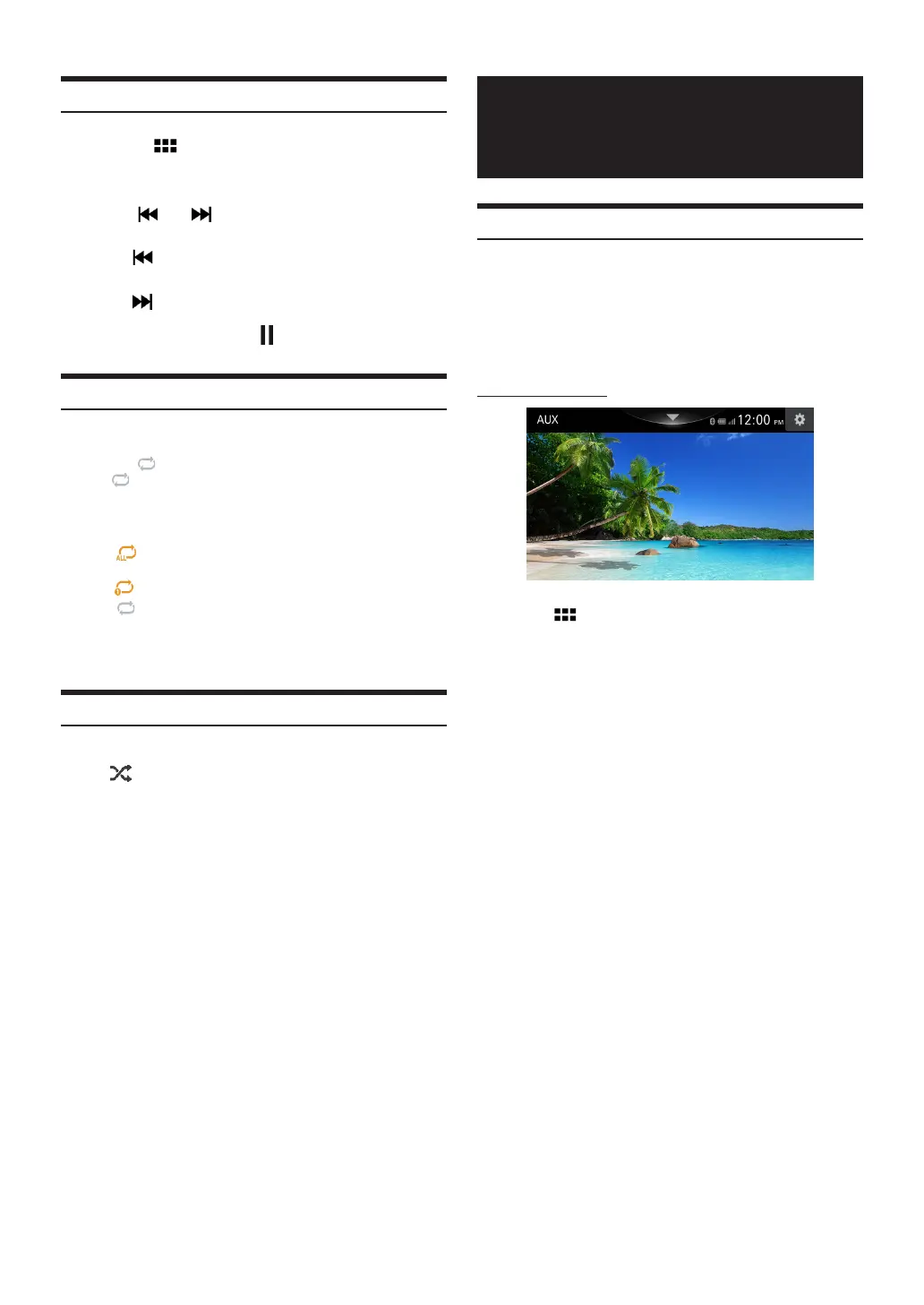
AUX screen example
1
Touch [
].
2
Touch [AUX] Display AUX screen



 To Next Page