35-EN
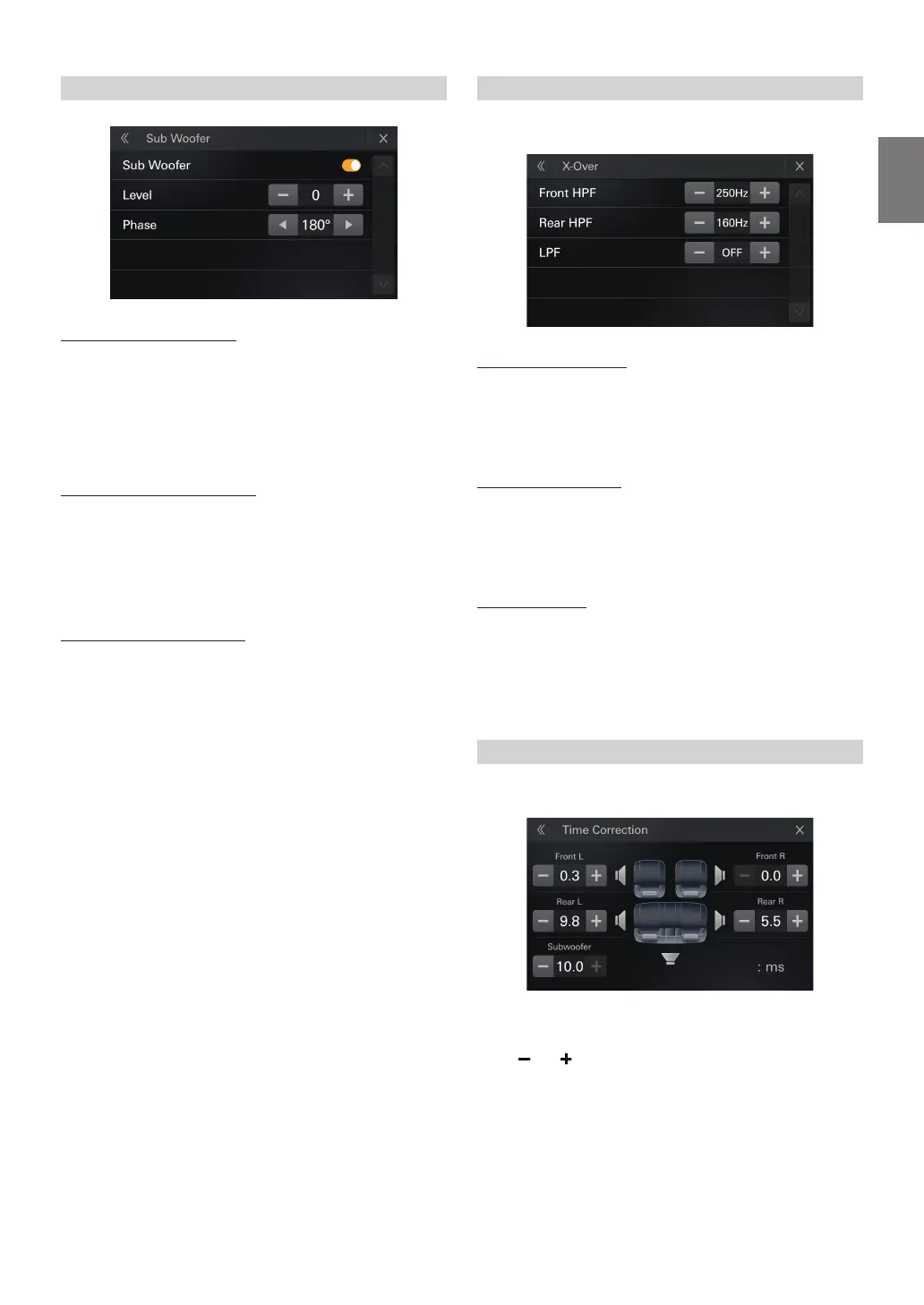
Setting the Subwoofer
Turning Subwoofer ON/OFF
If an optional subwoofer is connected to the unit, make the following
setting.
Setting item:
Sub Woofer
Setting contents:
O (Initial setting), On
Adjusting the Subwoofer Level
Setting item:
Level
Setting contents:
0 (Initial setting) to 15
•
is setting is only available when “Sub Woofer” is set to [On].
Setting the Subwoofer Phase
e subwoofer output phase is toggled Subwoofer Normal (0°) or
Subwoofer Reverse (180°).
Setting item:
Phase
Setting contents:
0° (Initial setting), 180°
•
is setting is only available when “Sub Woofer” is set to [On].
Adjusting the Crossover Settings (X-Over)
Before performing the following procedures, see “About the Crossover”
(page 36).
Selecting the Front HPF
Setting item:
Front HPF
Setting contents:
O (Initial setting)/ 25 / 32 / 40 / 50 / 63 / 80 / 100 / 125 / 160 / 200 / 250 Hz
Selecting the Rear HPF
Setting contents:
Rear HPF
Setting contents:
O (Initial setting)/ 25 / 32 / 40 / 50 / 63 / 80 / 100 / 125 / 160 / 200 / 250 Hz
Selecting the LPF
Setting contents:
LPF
Setting contents:
O (Initial setting)/ 25 / 32 / 40 / 50 / 63 / 80 / 100 / 125 / 160 / 200 / 250 Hz
•
is setting is only available when “Sub Woofer” is set to [On].
Adjusting the Time Correction (TCR)
Before performing the following procedures, see “About Time
Correction” (page 37).
Setting item:
TCR
Touch [
] or [
] for each speaker to adjust the time .
0.0 msec to 10.0 msec (0.1 msec/step)
•
If the Subwoofer setting is [O], the Subwoofer setting cannot be edited
(page 35).



 To Next Page