85-EN
01GB06INA-W900E.fm
ALPINE INA-W900E 68-16909Z25-A (EN)
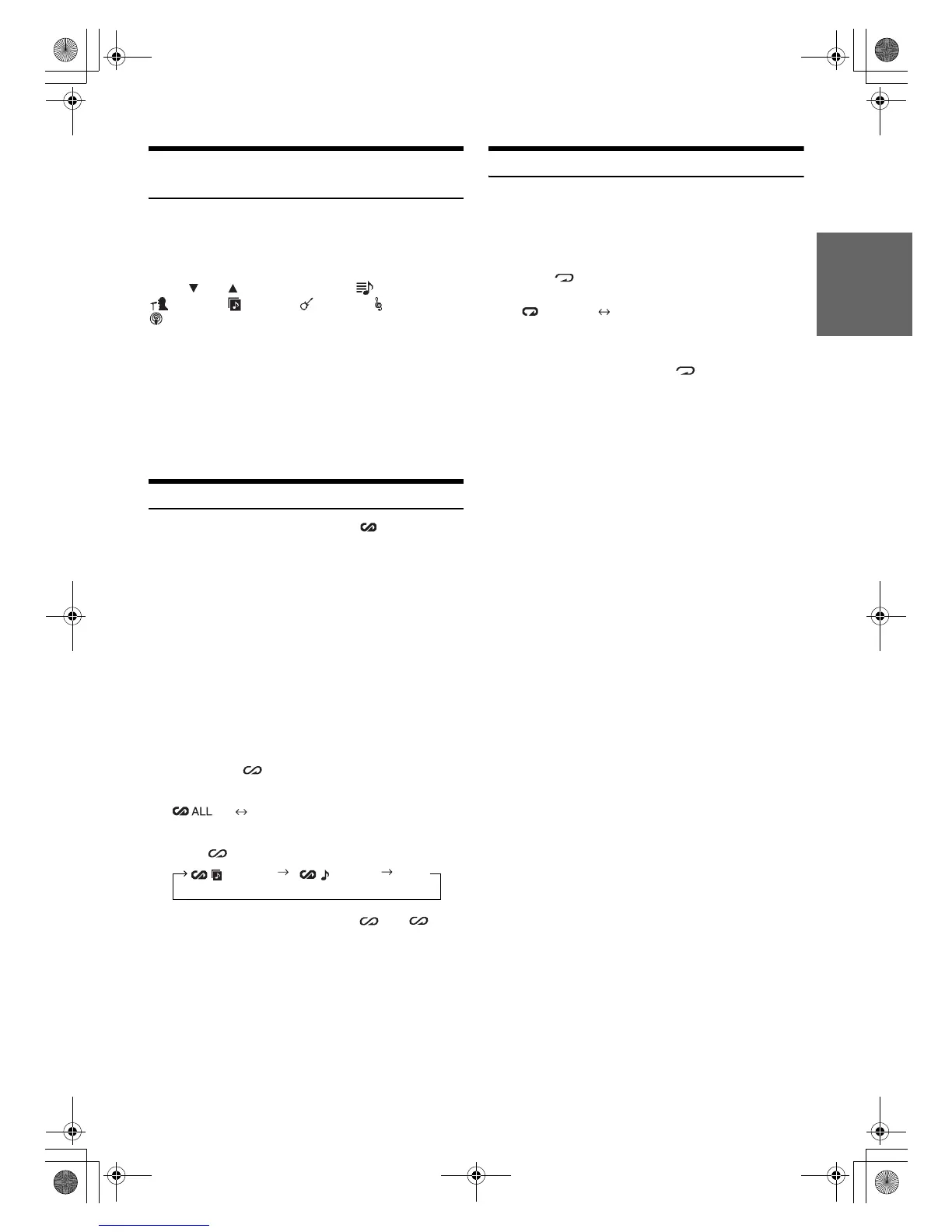
Selecting Playlist/Artist/Album/Genre/
Composer/Episode/Category
Playlist/Artist/Album/Genre/Composer/Episode/Category* can be
easily changed.
For example, if you listen to a song from a selected album, the album
can be changed.
Touch
[]
or
[]
to select the desired (PLAYLIST) /
(ARTIST) / (ALBUM) / (GENRE) / (COMPOSER) /
(EPISODE) / CATEGORY
*
.
* Category can be changed only when play back the video files of
iPod/iPhone.
• If search selection mode is not activated, a Song search is not
possible.
• If an album is selected from an artist search, the album can be
searched.
• If Playlist/Artist/Album/Genre/Composer/Episode are not searched,
this operation is not possible.
• During shuffle (M.I.X.) playback, this operation is not possible.
Random Play Shuffle (M.I.X.)
The Shuffle function of the iPod is displayed as on the
INA-W900E.
Shuffle ALL:
All songs in the iPod are played back in random sequence. Any
one song does not play back again until all songs have been
played back.
Shuffle Albums:
The songs on each album are played back in proper order. Upon
completion of all the songs on the album, the next album is
selected randomly. This continues until all albums have been
played.
Shuffle Songs:
Song shuffle randomly plays back songs within a selected
category (playlist, album, etc.). The songs within the category
are played just once until all songs have been played.
1
Touch [ALL ]*
1
.
The songs will be played back in random sequence.
(off)
(Shuffle ALL)
Touch [] after touching [P1/2].
2
To cancel M.I.X. play, touch [ALL ] or [].
• If a song is selected in the album search mode before selecting
Shuffle (M.I.X.), the songs will not play back randomly even when
Shuffle album is selected.
*
1
This operation cannot be performed when play back the video files of
iPod/iPhone.
Repeat Play
Only Repeat One is available for the iPod.
Repeat One: A single song is repeatedly played back.
1
Touch [P1/2].
The function guide is displayed.
2
Touch [].
The file will be played repeatedly.
3
To cancel repeat play, touch [].
• Depending on the connected iPod, track up/down may be not
available during Repeat play.
(Shuffle Albums) (Shuffle Songs)
(off)
(off)
(Repeat One) (Repeat the list being
played back)
01GB00INA-W900E.book Page 85 Monday, September 13, 2010 9:52 AM



 To Next Page