7-EN
EN
Remote Control Operation
Contents
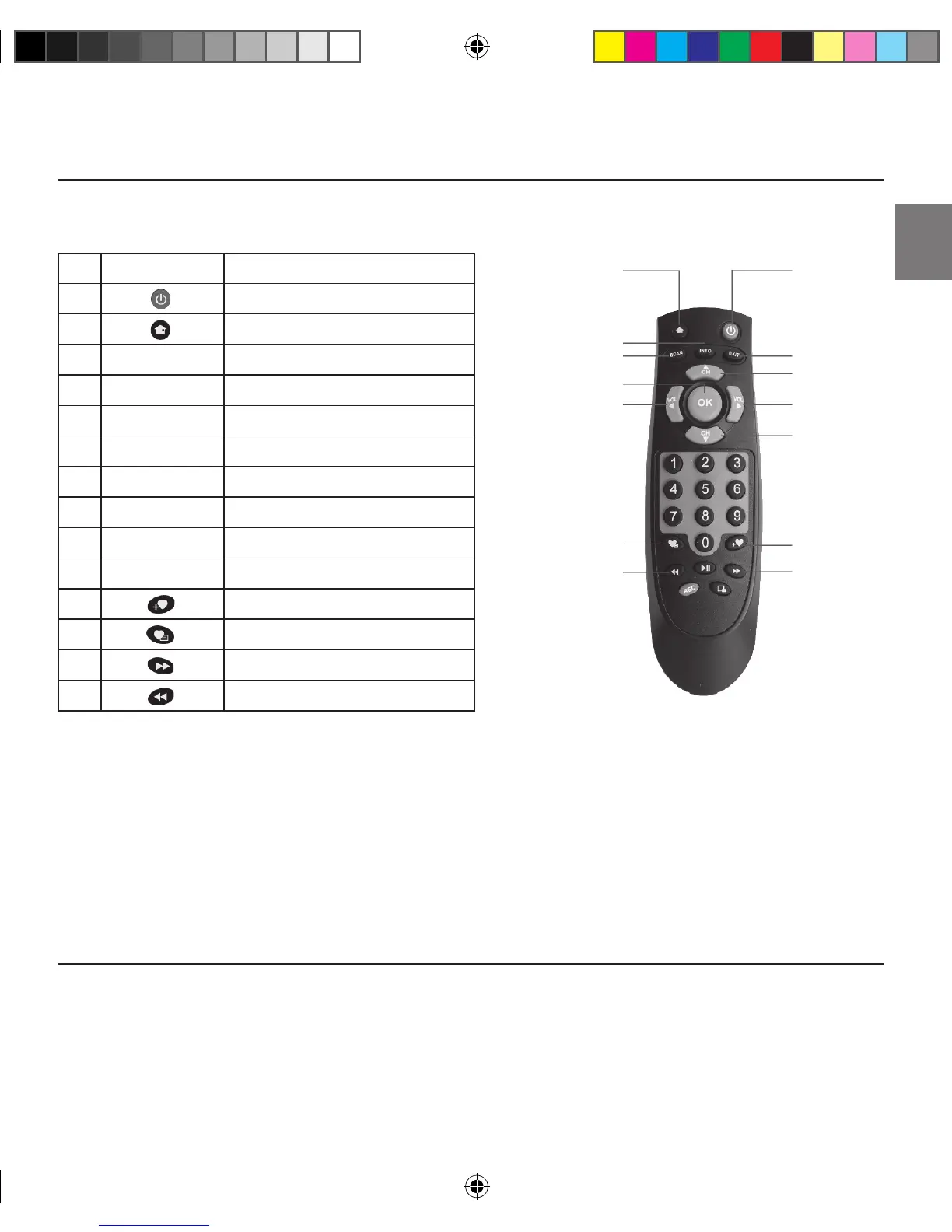
Button name Function
A
Select power-on or stand-by
B
Go to menu screen
C
INFO Display channel information
D
SCAN To scan channels automatically
E
EXIT Back
F
CH ▲ Channel up
G
CH ▼ Channel down
H
VOL ► Volume up
I
VOL ◄ Volume down
J
OK List view/OK
K
List View ABC sort
L
List View 123 sort
M
List view page –
N
List view page +
Before attempting to operate your remote control, install the supplied battery.
If the battery in remote controller is low on power, please replace the battery as described below.
1. Remove the battery cover on rear of the remote controller.
2. Replace old battery with new one.
3. Replace the cover back based on the indentation.
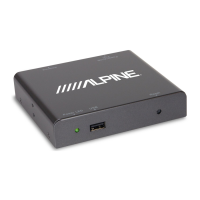
• System cable
• Remote control
B Menu
A Power
L List View
123 Sort
K List View
ABC Sort
N List View
Page +
M List View
Page –
C Channel Info
E Back
J List View/OK
H Volume +
D Scan
F CH/Navigate +
I Volume –
G CH/Navigate –
LP13-0113_Alpine_TUE-DAB1U_ML.indb 7 7/12/2013 6:59:40 PM


 To Next Page