General
EMERGENCY STOP
AL250 Flight Manual
MEP
0-4 EMERGENCY STOP
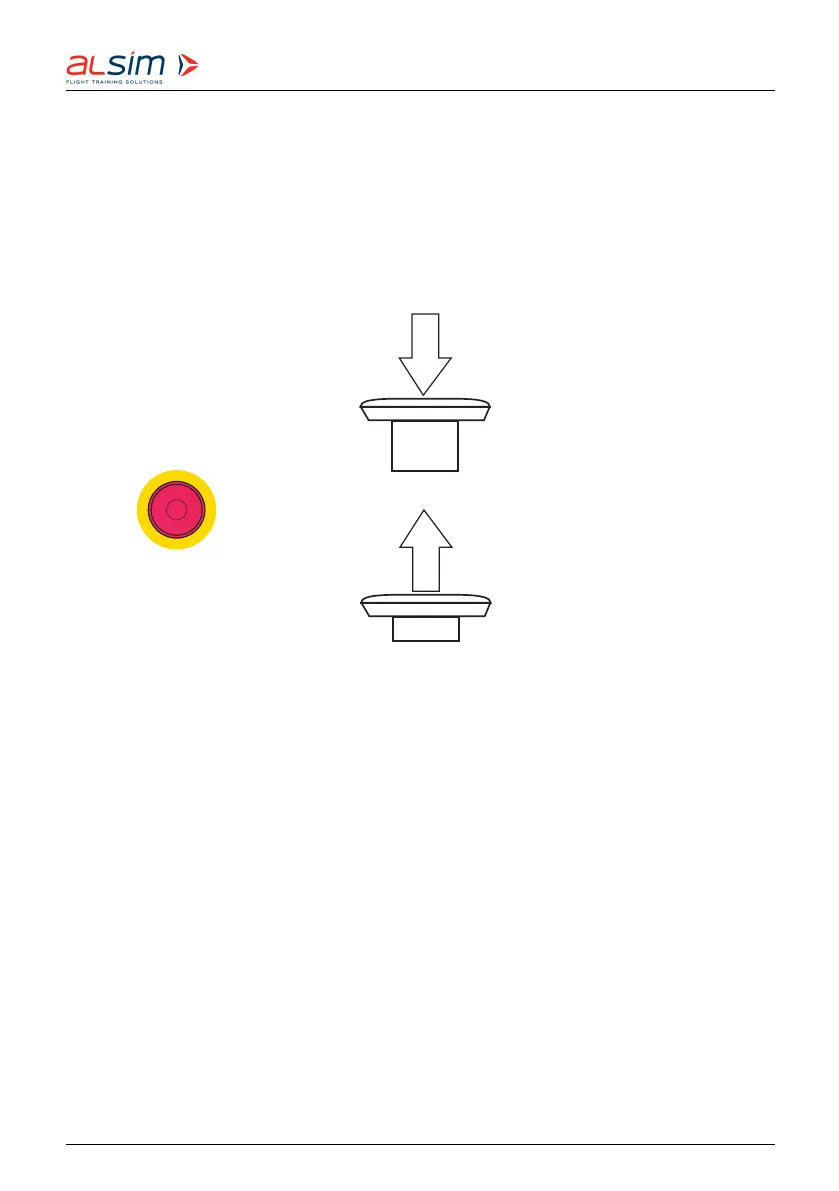
In case of an emergency (and only in this case!), use one of the emergency buttons to stop
the trainer.
There are two emergency stop buttons: One on the start/stop panel in the Instructor Station;
the second one is connected to the panel by means of a cable and can be used either inside
or outside the cockpit.
E
M
E
R
G
E
N
C
Y
S
T
O
P
Emergency
stop :
PUSH TO STOP -
POWER OFF LOCKED
TURN & PULL BEFORE
START
Figure 1: Em ergency Stop
In the case of an emergency, hit the button - the electrical power supply to the trainer will
be cut.
Have the problem solved before restarting the trainer.
To restart the trai ner after having pushed the emergency button, release the emergency stop
by turning it clockwise. This will make it jump out again. Then follow the start procedure.
Rev. 1.8 © 2021 ALSIM - All Rights Reserved 0-6



 To Next Page