22
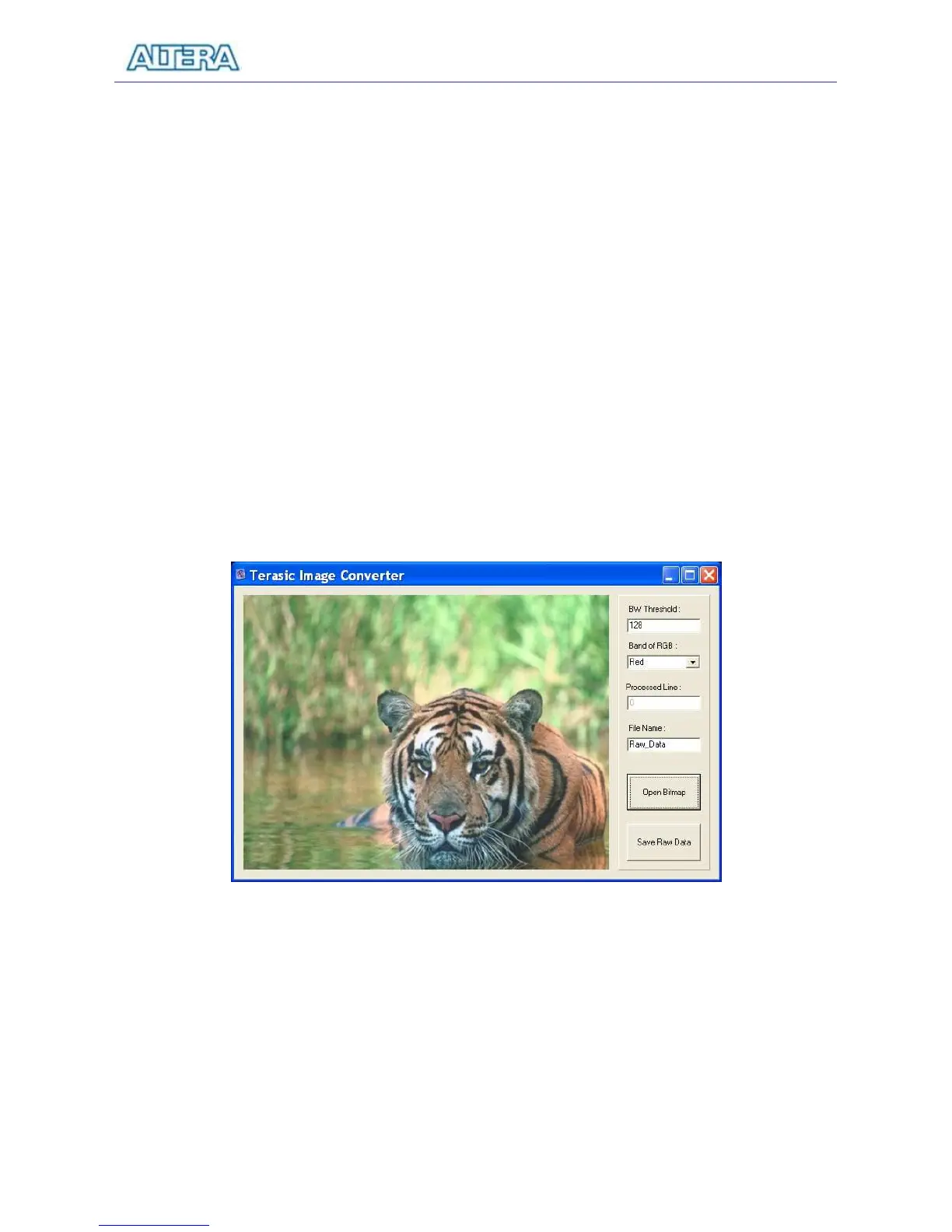
3. Execute DE1_control_panel\ImgConv.exe, an image conversion tool developed for the
DE1 board, to reach the window in Figure 3.13.
4. Click on the Open Bitmap button and select the 640 x 480 Grayscale photo for
conversion.
5. When the processing of the file is completed, click on the Save Raw Data button and a file
named Raw_Data_Gray.dat will be generated and stored in the same directory as the
original image file. You can change the file name prefix from Raw_Data to another name
by changing the File Name field in the displayed window.
6. Raw_Data_Gray.dat is the raw data that can be downloaded directly into the SRAM on the
DE1 board and displayed on the VGA monitor using the VGA controller IP described in
the DE1_USB_API project.
7. The ImgConv tool will also generate Raw_Data_BW.dat (and its corresponding TXT
format) for the black and white version of the image – the threshold for judging black or
white level is defined in the BW Threshold.
Figure 3.13. The image converter window.



 To Next Page