Purchasing and leasing films on tablets or mobile devices
ALTIBOX TV
4
IPHONE OR IPAD
1. Rent or purchase the film you wish to see, on the website
http://tvoveralt.altibox.no/
2. Click the ’Kjøp’ (Purchase) or ’Lei’ (Rent) film button.
3. Select ’Se nå’ (Watch Now) in the TV Overalt app in the menu
shown. The film will then be played in the TV Overalt app.
ANDROID
1. Open the TV Overalt app
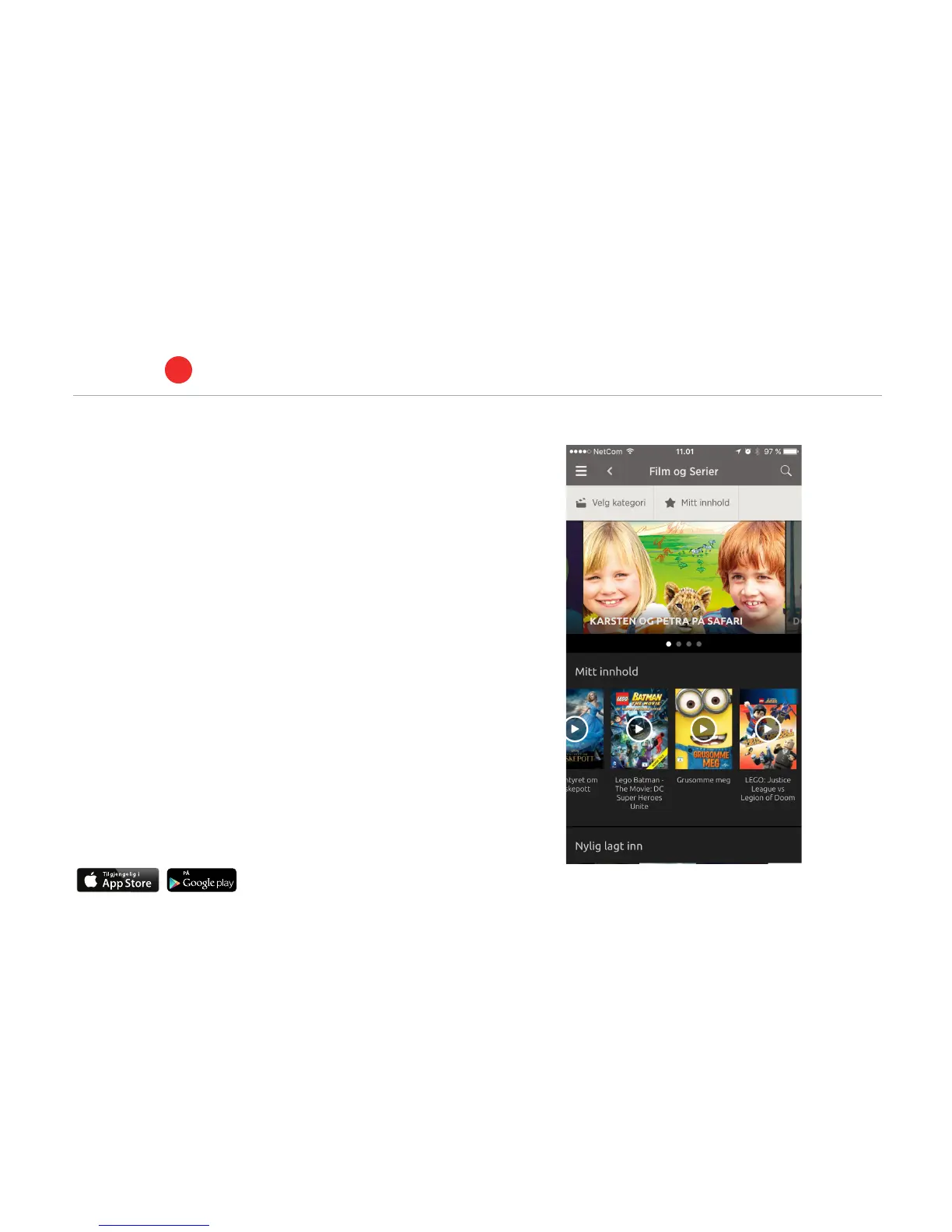
2. Select ’Film og Serier’ (Films and series) from the menu icon on
the left.
3. Select a film and click the ’Lei film’ (Rent film) button in the menu
above.
HOW TO DOWNLOAD FILMS
Find the film under ’Mitt innhold’ (My content) in Altibox Film og
serier (Films and series).
Then, click ’Last ned’ (Download). You can find the films that you
have downloaded under ’Nedlastet innhold’ (Downloaded content)
in the menu in the Altibox TV Overalt app.
Purchased and rented films are also available on the set-top box.
13



 To Next Page