WATCH PROGRAMMES THAT YOU HAVE RECORDED
•
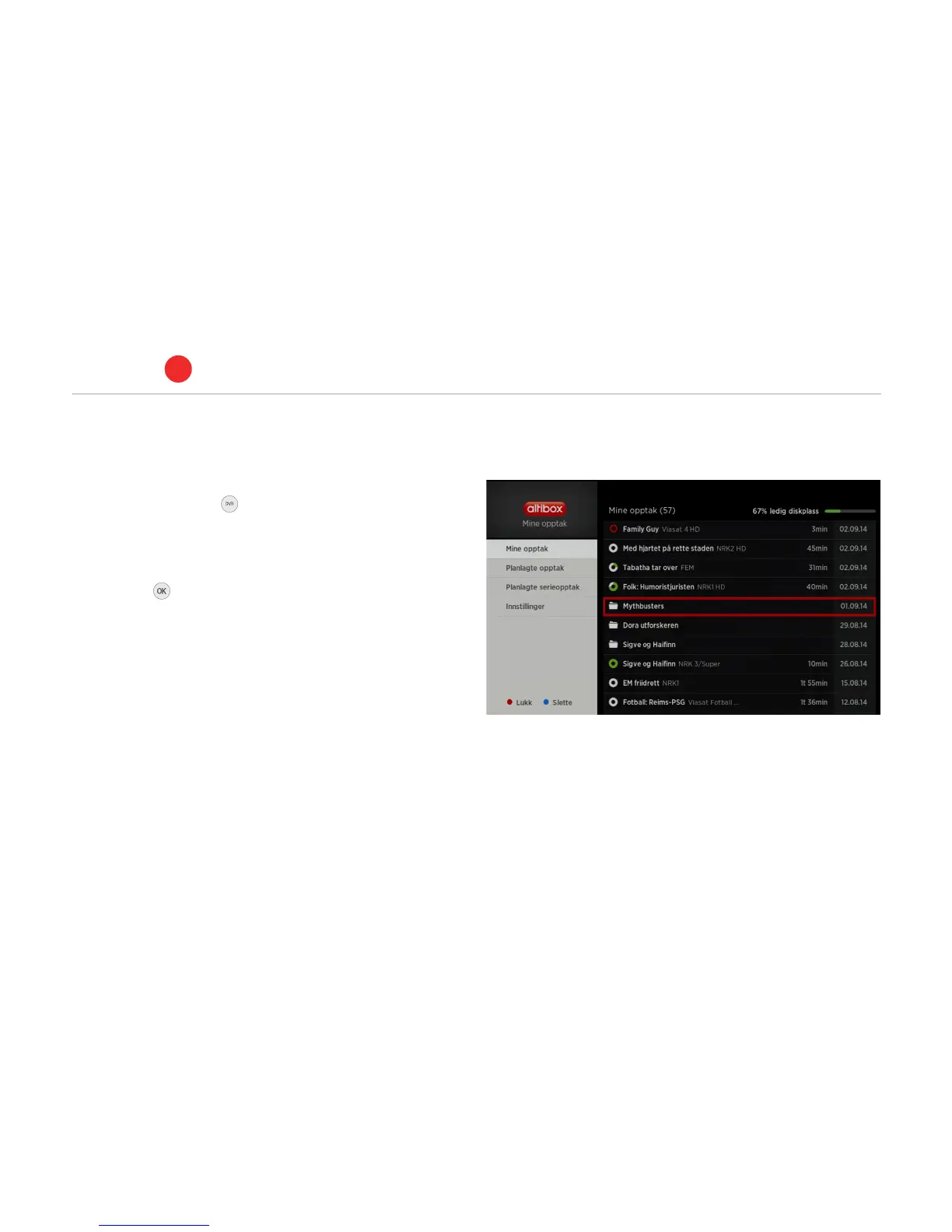
To watch programmes that you have recorded, press the
My recordings button on the remote control to open
Mine opptak (My recordings).
•
Select the recording from the list using the arrow buttons.
•
Press OK and playback will start.
•
The available disk space (percentage) will be shown.
•
If you stop the playback before the programme has finished, the
next time you view the programme you will be given the option of
watching from the beginning, or from the point you last watched.
PVR set-top box
ALTIBOX TV
5
24



 To Next Page