DELETING RECORDINGS
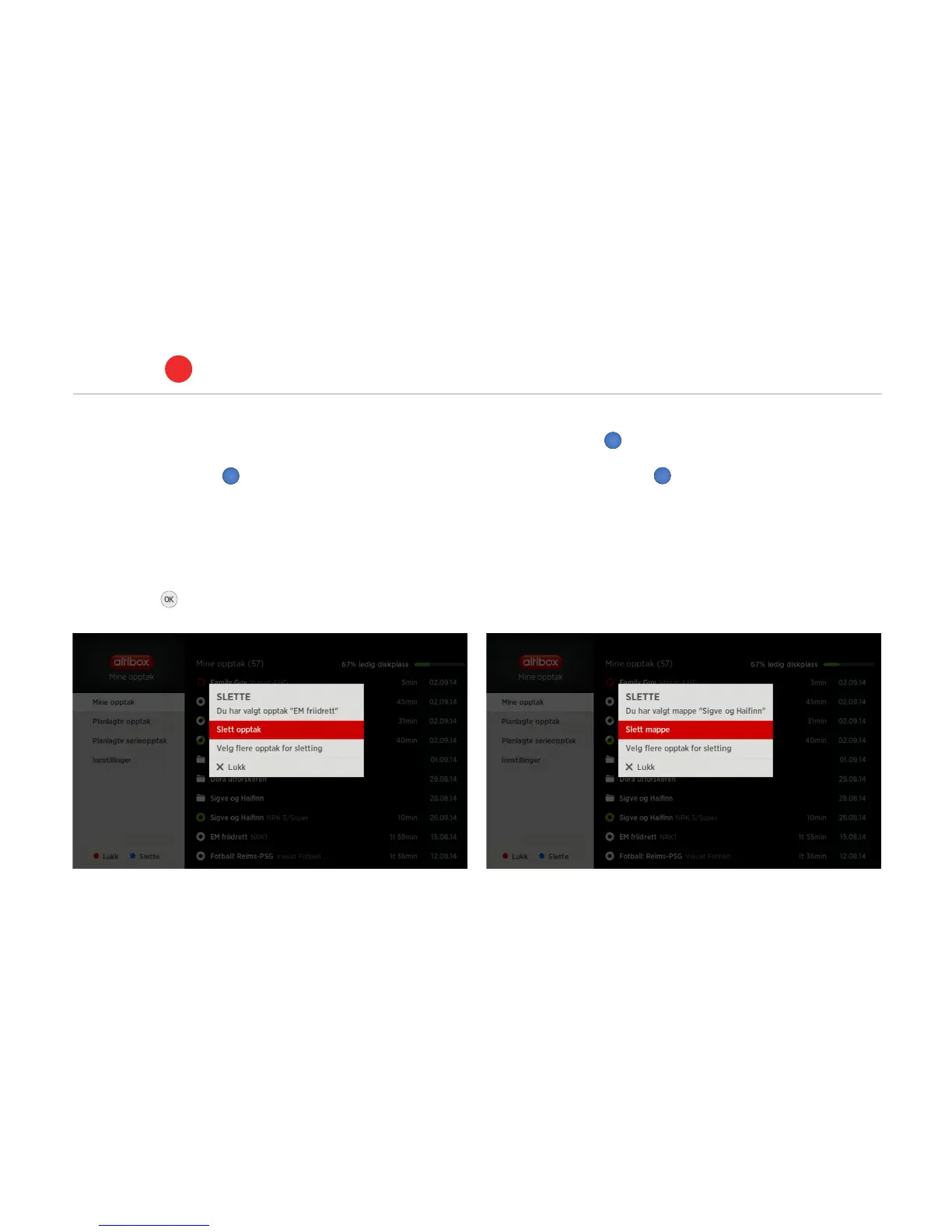
• Press the blue button on the remote control to see the option
to delete one, several or all previous recordings at once.
• Select either one recording to delete, or select several recordings
to delete.
• Highlight each recording you wish to delete using the
OK button .
• The blue button deletes the selected recordings.
• Pressing the blue button in a folder, will bring up the option
to delete all of the recordings in that folder.
PVR set-top box
ALTIBOX TV
5
25



 To Next Page