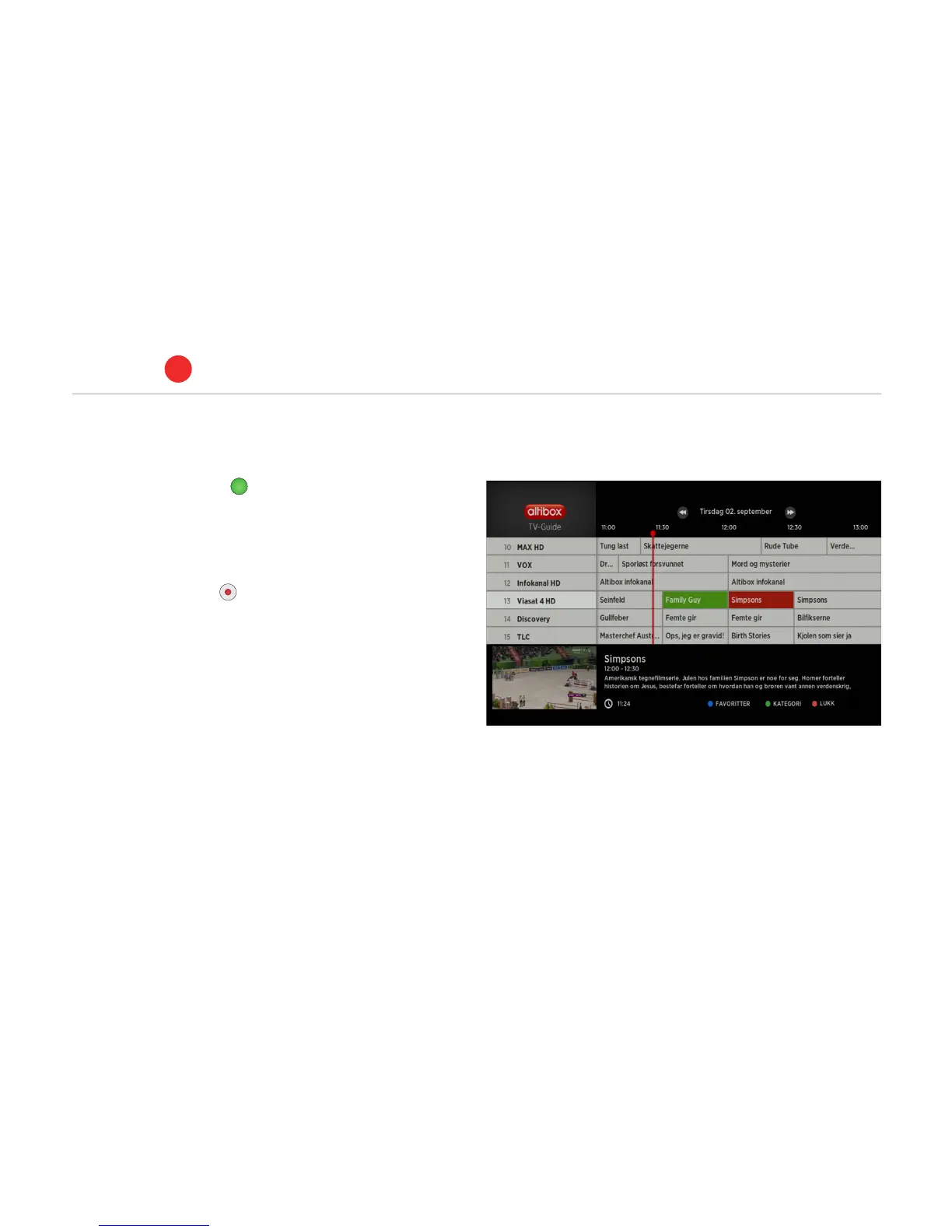
RECORDING VIA THE TV GUIDE
•
Press the green button on the remote control to go into the
TV guide or press the TV guide on the remote control.
•
Highlight the programme you wish to record using the arrow but-
tons on the remote control.
•
Press the REC button and the highlight colour changes to
green. The highlighted programme will be recorded. You can also
press OK when you have highlighted a programme, to select
recording, series recording, or timed recording in the dialogue
window that appears.
•
Planned recordings will start even if the PVR set-top box is in
standby mode (switched o using the remote control).
PVR set-top box
ALTIBOX TV
5
16



 To Next Page