SERIES RECORDING
•
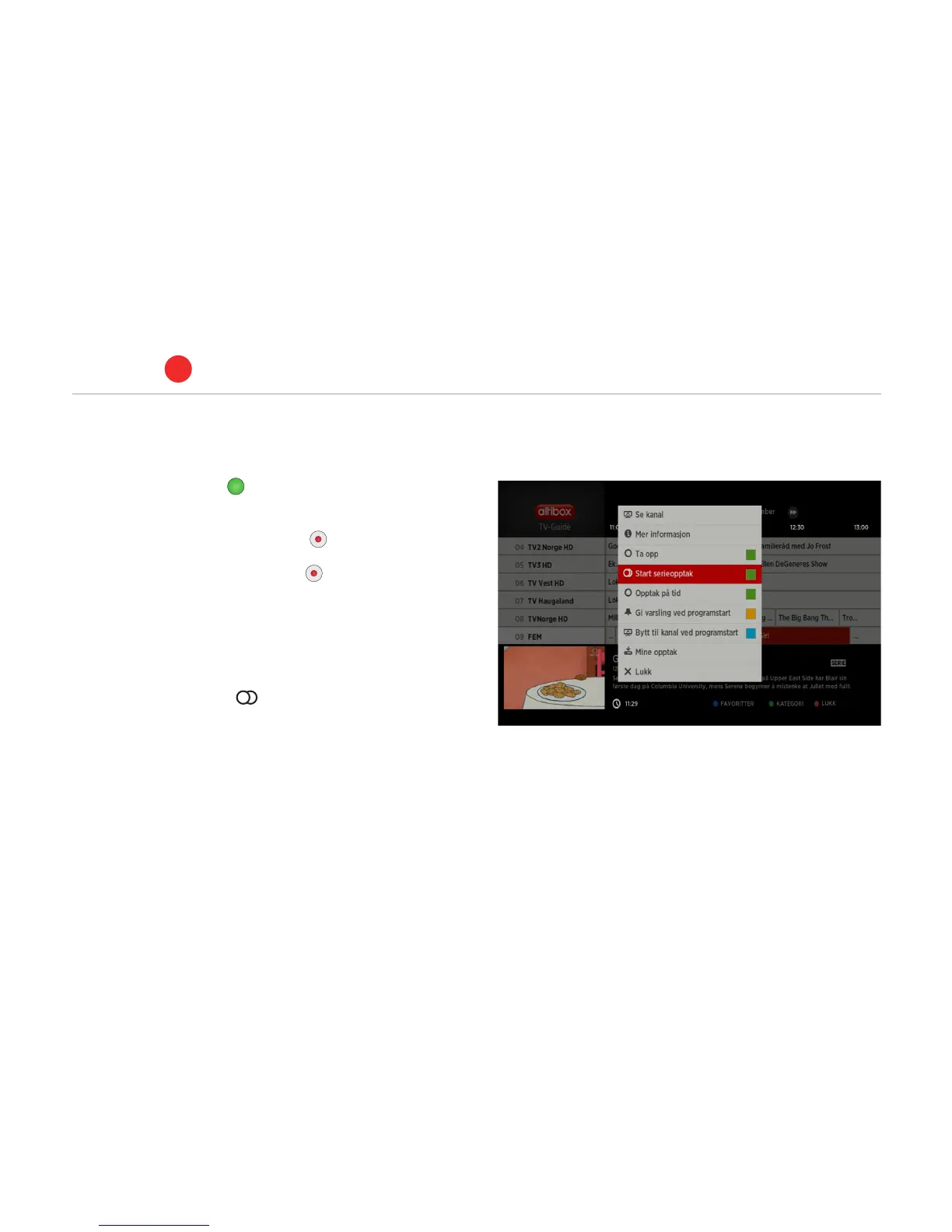
Press the green button to open the TV guide
•
Highlight the series you wish to record.
Alternative 1: Press the REC button on the remote control
once to record the episode that is on at the moment.
Alternative 2: Press the REC button twice to record all future
episodes in a series.
•
Programmes that allow series recordings are marked with the
’series’ icon. This icon is coloured red when series recording is
activated.
•
Explanation of symbols: – Series recording is activated.
•
All future episodes in a series recording will be automatically
stored in a folder with the name of the series and season.
PVR set-top box
ALTIBOX TV
5
20



 To Next Page