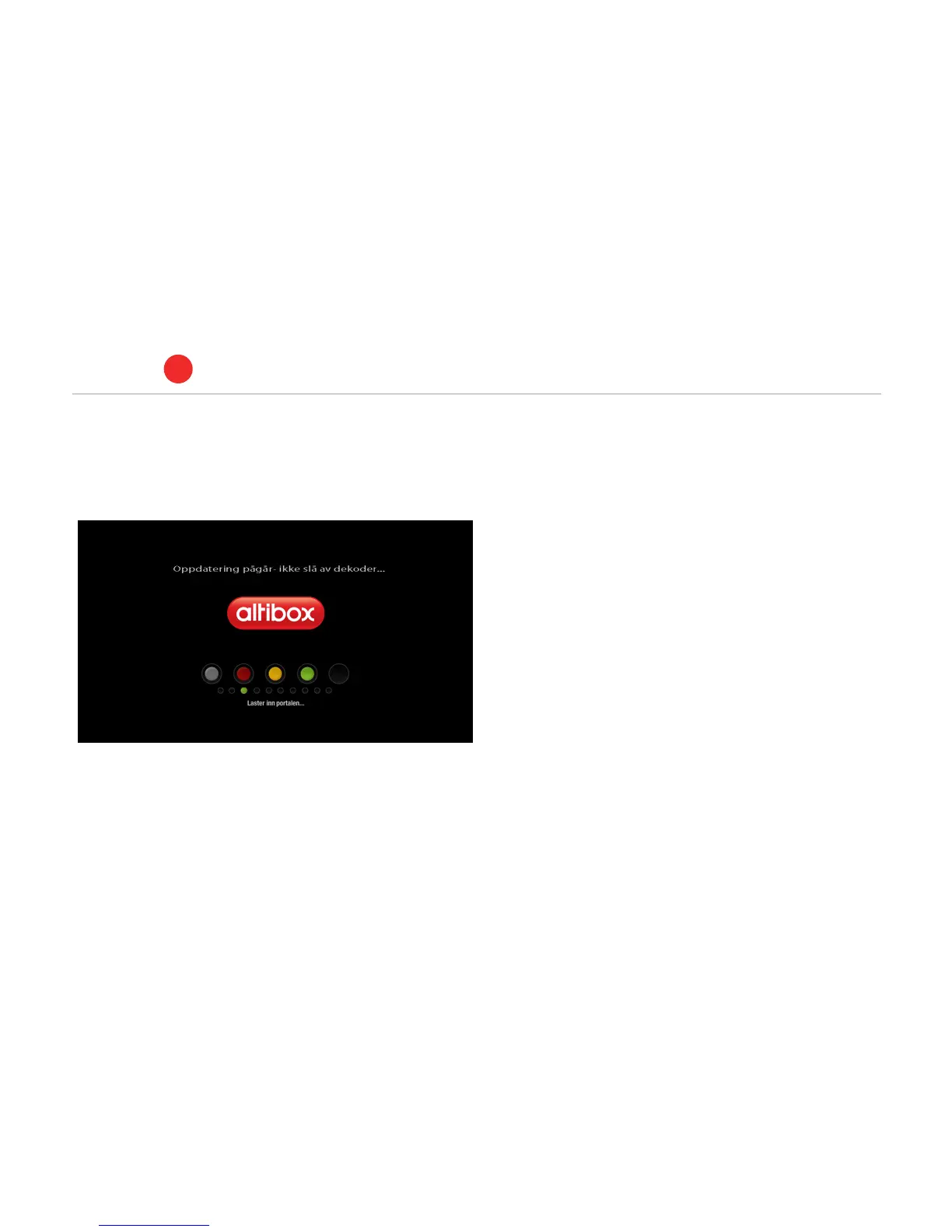
5. Start-up: When the set-top box is connected to the TV, the home
hub and the power supply, you will see a similar picture on the
screen:
If you do not see the picture, check that you have selected the
correct socket on the TV.
6. The set-top box is now connected to a network and will download
the required software. Wait until the download process has
completed.
7. The dots on the screen will change colour during the start-up of
the system. Initially, all of the dots will be grey. If the connection
fails, you will see the following message: ’Tv-portal utilgjengelig’
(TV portal unavailable). All five dots will be green when the system
is ready. In the installation guide that came with the set-top box
you will find further information concerning possible reasons and
solutions if the TV portal continues to be unavailable.
Connect to home hub
ALTIBOX TV
1
7



 To Next Page