CONTROL UNITS UTR230868 / UTR400868 2121
SETTINGS
MENU SETTING DESCRIPTION VALUES
FACTORY
VALUE
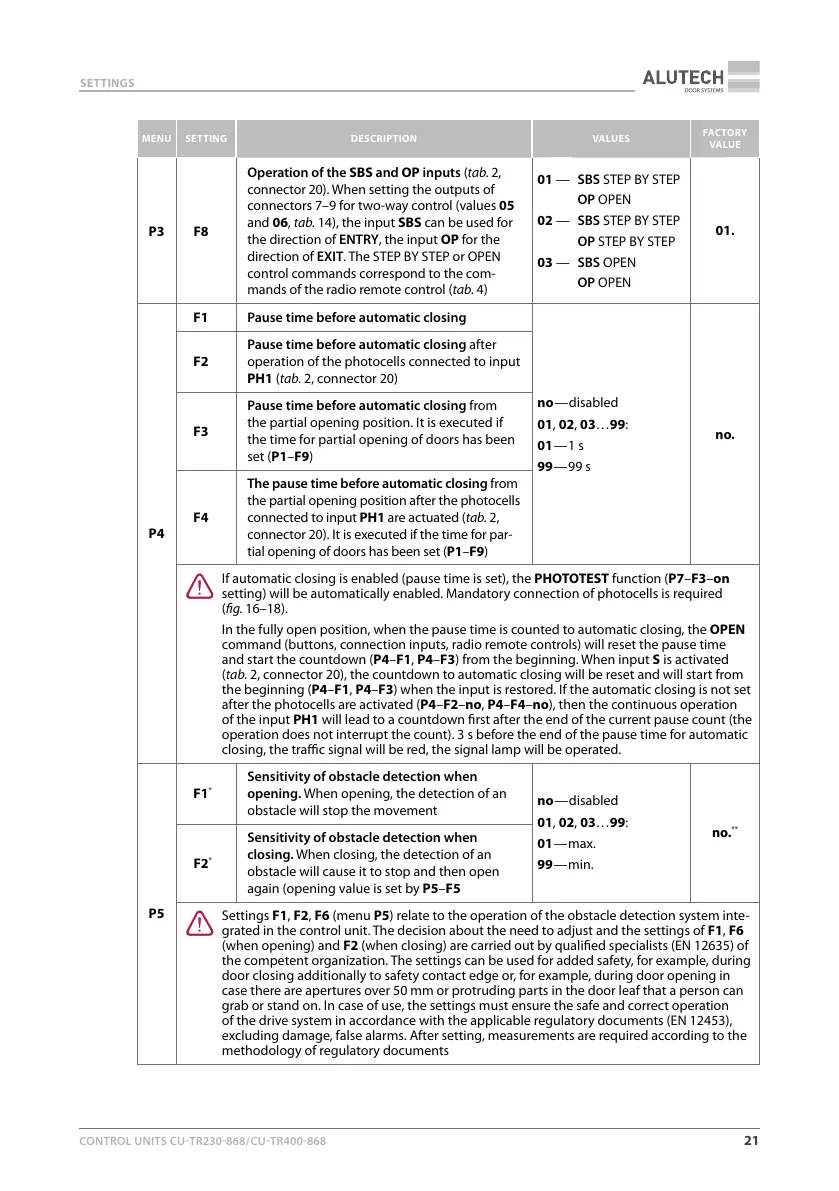
P3 F8
Operation of the SBS and OP inputs (tab.2,
connector 20). When setting the outputs of
connectors 7–9 for two-way control (values 05
and 06, tab.14), the input SBS can be used for
the direction of ENTRY, the input OP for the
direction of EXIT. The STEP BY STEP or OPEN
control commands correspond to the com-
mands of the radio remote control (tab.4)
01 —
02 —
03 —
SBS STEP BY STEP
OP OPEN
SBS STEP BY STEP
OP STEP BY STEP
SBS OPEN
OP OPEN
01.
P4
F1 Pause time before automatic closing
no — disabled
01, 02, 03…99:
01 — 1 s
99 — 99 s
no.
F2
Pause time before automatic closing after
operation of the photocells connected to input
PH1 (tab.2, connector 20)
F3
Pause time before automatic closing from
the partial opening position. It is executed if
the time for partial opening of doors has been
set (P1–F9)
F4
The pause time before automatic closing from
the partial opening position after the photocells
connected to input PH1 are actuated (tab.2,
connector 20). It is executed if the time for par-
tial opening of doors has been set (P1–F9)
Y
If automatic closing is enabled (pause time is set), the PHOTOTEST function (P7–F3–on
setting) will be automatically enabled. Mandatory connection of photocells is required
(g.16–18).
In the fully open position, when the pause time is counted to automatic closing, the OPEN
command (buttons, connection inputs, radio remote controls) will reset the pause time
and start the countdown (P4–F1, P4–F3) from the beginning. When input S is activated
(tab.2, connector 20), the countdown to automatic closing will be reset and will start from
the beginning (P4–F1, P4–F3) when the input is restored. If the automatic closing is not set
after the photocells are activated (P4–F2–no, P4–F4–no), then the continuous operation
of the input PH1 will lead to a countdown rst after the end of the current pause count (the
operation does not interrupt the count).3 s before the end of the pause time for automatic
closing, the trac signal will be red, the signal lamp will be operated.
P5
F1
*
Sensitivity of obstacle detection when
opening. When opening, the detection of an
obstacle will stop the movement
no — disabled
01, 02, 03…99:
01 — max.
99 — min.
no.
**
F2
*
Sensitivity of obstacle detection when
closing. When closing, the detection of an
obstacle will cause it to stop and then open
again (opening value is set by P5–F5
Y
Settings F1, F2, F6 (menu P5) relate to the operation of the obstacle detection system inte-
grated in the control unit. The decision about the need to adjust and the settings of F1, F6
(when opening) and F2 (when closing) are carried out by qualied specialists (EN12635) of
the competent organization. The settings can be used for added safety, for example, during
door closing additionally to safety contact edge or, for example, during door opening in
case there are apertures over 50mm or protruding parts in the door leaf that a person can
grab or stand on. In case of use, the settings must ensure the safe and correct operation
of the drive system in accordance with the applicableregulatory documents (EN12453),
excluding damage, false alarms. After setting, measurements are required according to the
methodology of regulatory documents



 To Next Page