7 Servicing/Maintenance
64 of 124
Amarex KRT
3. Undo and remove screw plug 903.33 with joint ring 411.33. Drain off the
coolant.
NOTE
The drain plug is not located at the lowest point of the cooling system. To fully
drain all coolant, proceed as follows:
4. Change the pump set from a vertical to a horizontal position to drain the
cooling system.
NOTE
Paraffin oil is bright and transparent in appearance. A slight discoloration, caused
by the running-in process of new mechanical seals or small amounts of leakage
from the fluid handled, has no detrimental effect. If the coolant fill is severely
contaminated by the fluid pumped, this will suggest a defect on the mechanical
seals.
Filling in the coolant
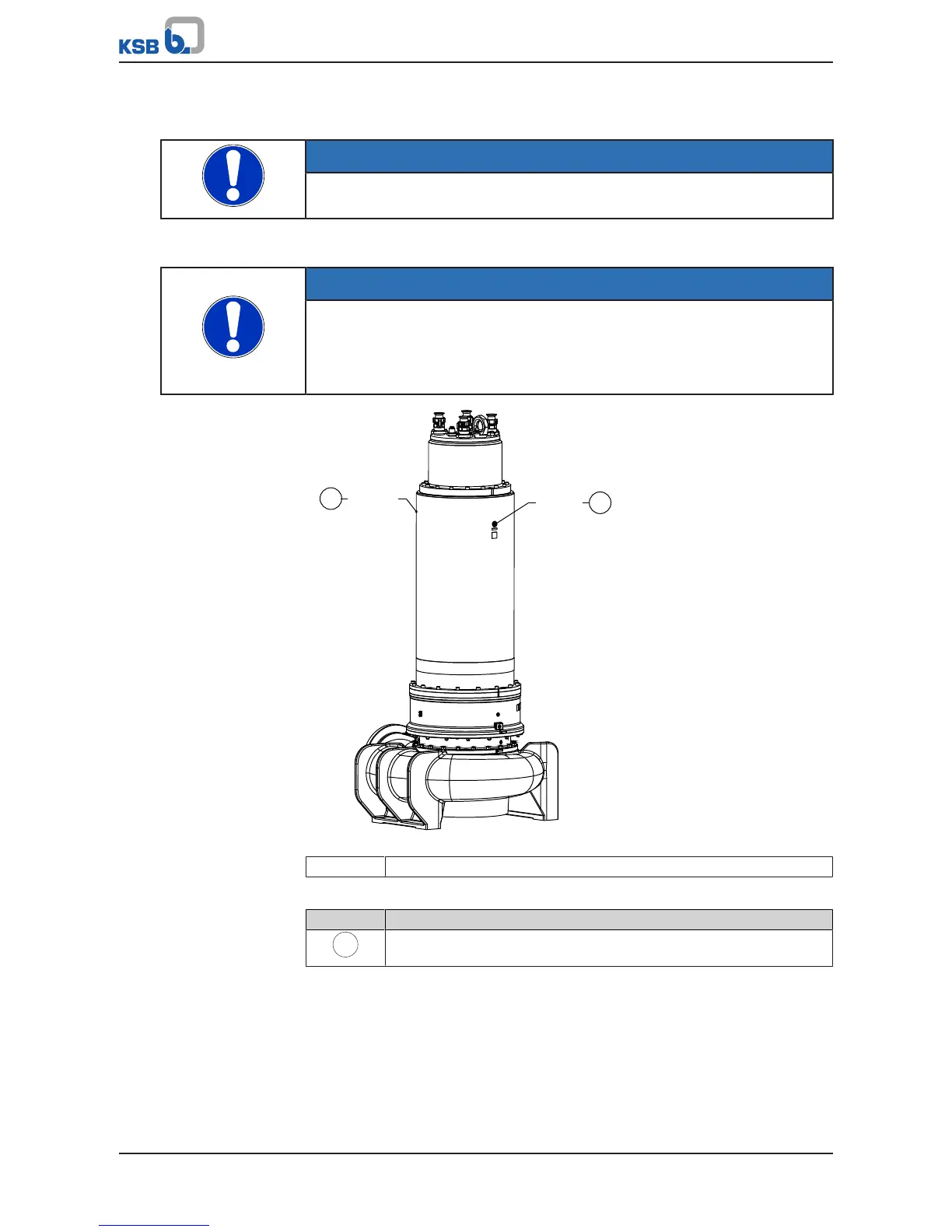
Fig.36: Filling in the coolant
411.34 Coolant filler opening
Table35: Key to the symbols and codes
Symbol Description
Always apply a liquid sealing agent (e.g. Hylomar SQ32M) to sealing
surfaces marked with this symbol.
ü The pump set has been placed down in a vertical position.
1. Screw in screw plugs 903.33 with joint ring 411.33.
2. Fill coolant through the filler opening (screw plug 903.34) until it overflows.
3. Screw in screw plug 903.34 with a new joint ring 411.34.


 To Next Page