- 19 -
value is 2500.
Equipment Name:When the receiver gets the text message sent by the SMS
server, this portion will display the source of the SMS alert event.
Account:Enter the user id of your SMS server if available.
Password:Enter the password of your SMS server if available.
Send SMS:Check here if SMS service needs to be activated for operation setup.
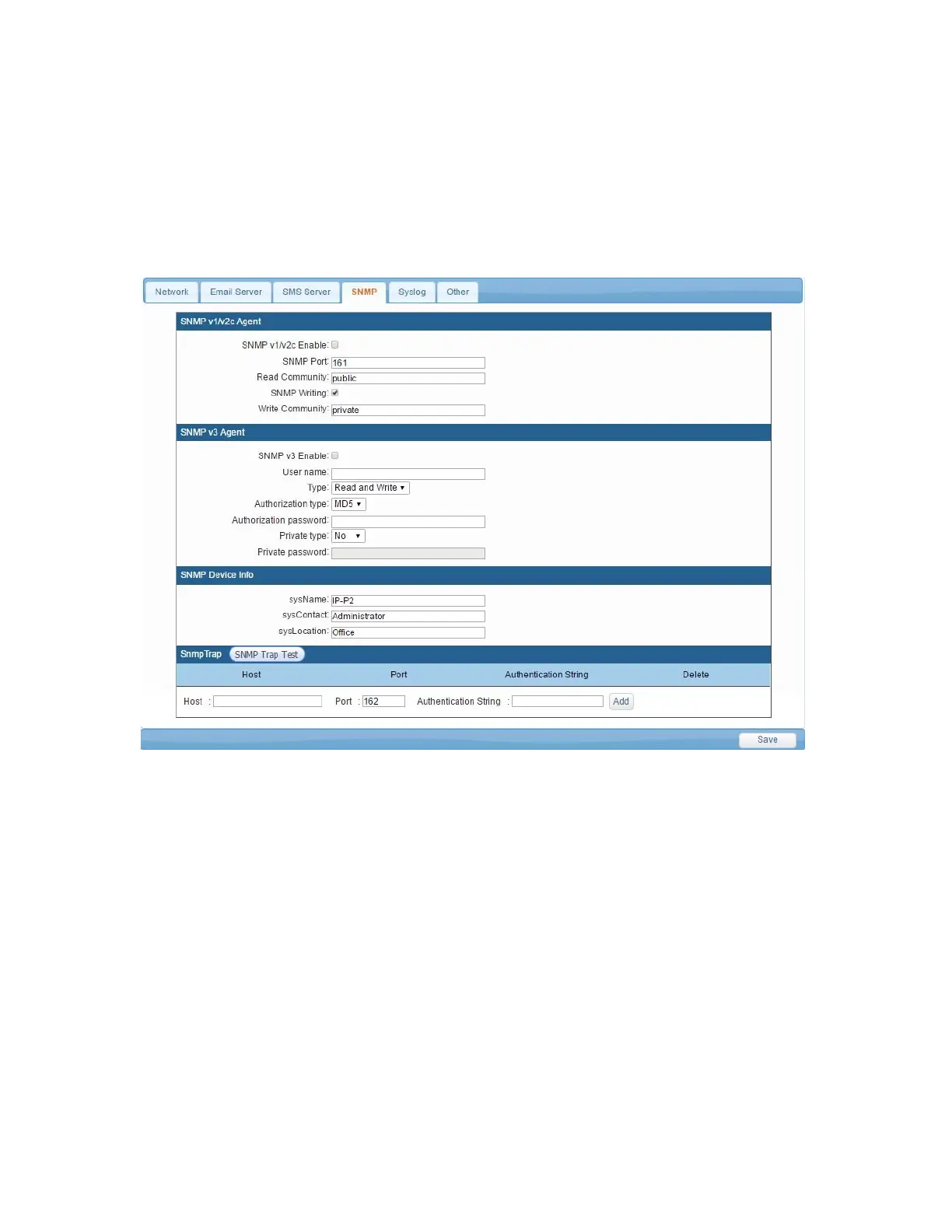
3-2-4 SNMP Setup
System Name:Display System Name on the program of SNMP Client.
System Contact:Display System Contact Person on the program of SNMP Client.
System Location:Display System Site on the program of SNMP Client.
Receiver IP Address:When something happens to Trap and it is IP site which will be
sent to Trap.
Receiver Port:When something happens to Trap and intends to send to Trap server,
it is the Connect Port for Trap server. The inner setup value is 162.
Community:When something happens to Trap and intends to transmit to Trap
server, the group will be sent to Trap server.
Enabled:While mark the using option, if something happens to Trap, Trap Case
Information will be sent to the appointed Trap server.



 To Next Page