1. Introduction
Thank you for your purchase of the Ambient Weather WS-2080 wireless weather station. The
following user guide provides step by step instructions for installation, operation and troubleshooting.
To download the latest manual and additional troubleshooting tips, please visit:
http://ambientweather.wikispaces.com/ws2080
2. Warnings and Cautions
Warning: Any metal object may attract a lightning strike, including your weather station
mounting pole. Never install the weather station in a storm.
Warning: Installing your weather station in a high location may result in injury or death.
Perform as much of the initial check out and operation on the ground and inside a building or home.
Only install the weather station on a clear, dry day.
3. Getting Started
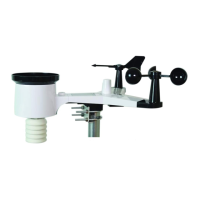
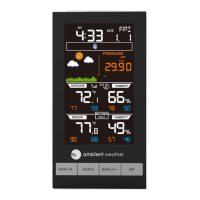
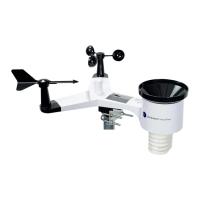
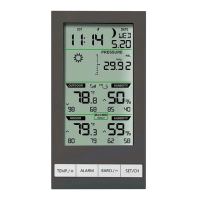
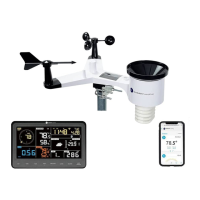
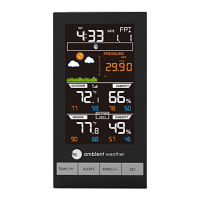
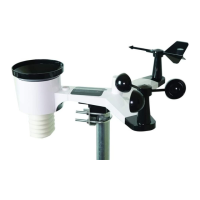
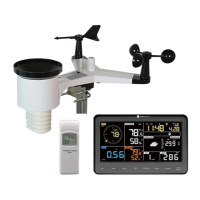
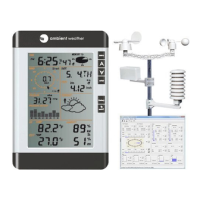
The WS-2080 weather station consists of a display console (receiver), a thermo-hygrometer
transmitter unit, a wind direction sensor, a wind speed sensor, a rain gauge, mounting hardware, USB
cable and a PC software package on CD-ROM.
3.1 Parts List
QTY Item
1 Display Console
Frame Dimensions (LxWxH): 6.75” x 4.5” x 1.25”
LCD Dimensions (LxW): 4.5” x 3.5”
1 Thermo-hygrometer transmitter
1 Thermo-hygrometer transmitter mounting bracket
1 Thermo-hygrometer transmitter rain shield
1 Wind direction sensor
1 Wind speed sensor
1 Anemometer mounting arm (L: 12”)
1 Rain gauge
1 Rain gauge mounting bracket
1 USB cable (L: 41”)
1 Easy Weather CD
3 1” nuts and bolts (long)
1 13/16” bolt (short)
1 ½” set screw (long)
1 3/8”set screw (short) (Optional)
1 Upper pole (L: 12”)
1 Lower pole (L: 12”)
Version 1.10 ©Copyright 2011, Ambient LLC. All Rights Reserved. Page 3


 To Next Page
 Loading...