Page 25
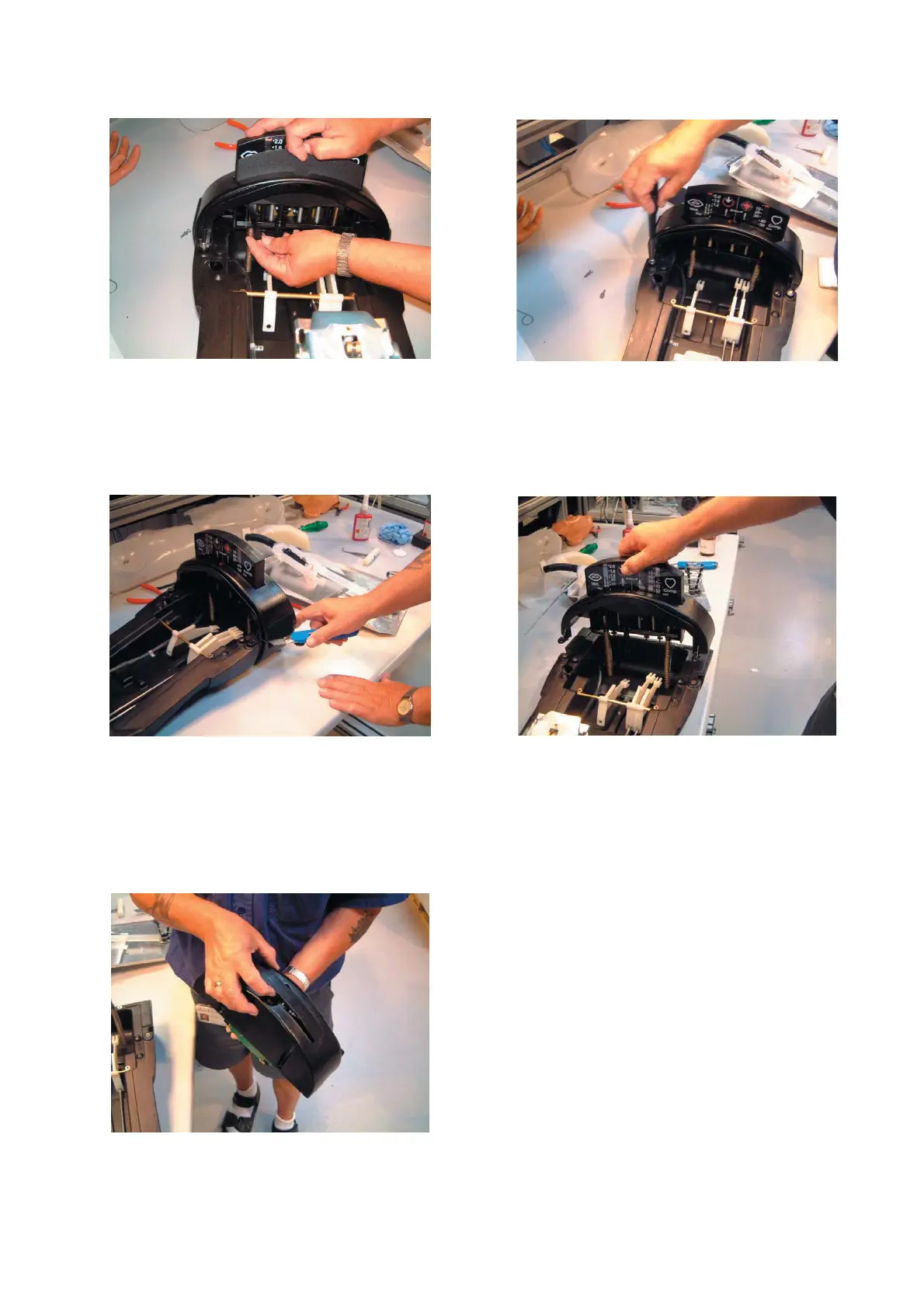
6.2-19 Release the instrument cover plate by disen-
gaging the two tags with the cover plate positioned at
almost top centre. Next, pull the cover plate upwards
through the instrument casing.
6.2-21 Cut the fl annel tape.
6.2-23 Push the instrument through the casing.
6.2-20 Release and remove the four retaining screws
for the instrument casing.
6.2-22 The entire monitoring instrument may now be
removed.



 To Next Page