10
Please refer to the following chart for information about the camera and its ports.
Please refer to the chart below for information about the camera’s indicator light:
Red Light is blinking quickly.
The device is activating.
The device is ready to connect or is connecting to the network.
Red light is solid and steady.
The device failed to connect to the network.
Green Light is solid and steady.
The device is connected to the network and is functioning normally.
Red Light is blinking slowly.
The device is upgrading itself.
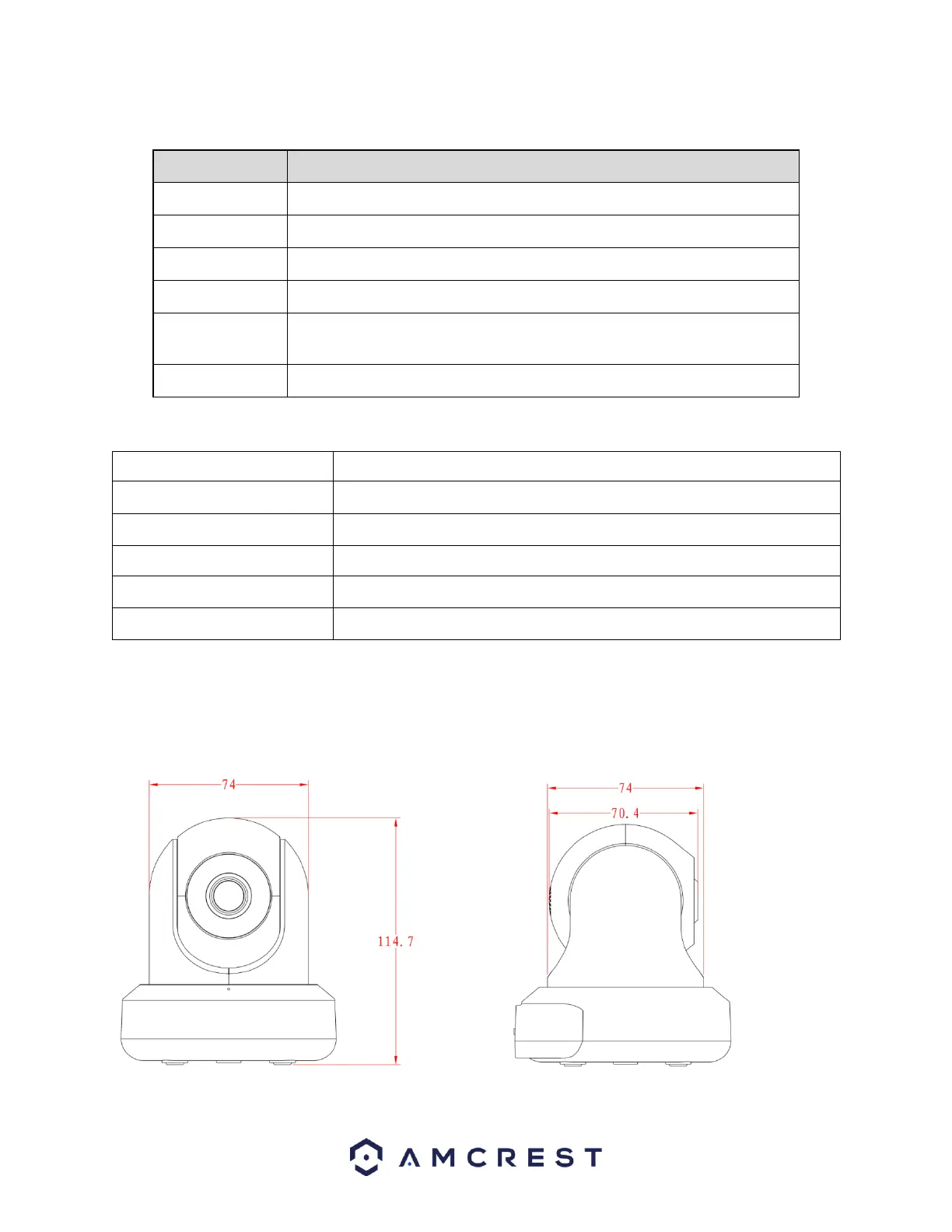
The images below show the dimensions for the camera. The measurements are in millimeters (mm):
Reset/WPS button/Indicator light (For reset, press and hold for 10 seconds; for
WPS, push once and release)















 To Next Page