11
3 Connection & Installation
This section provides information about the connection and installation of the Amcrest ProHD/HDSeries network
camera.
3.1 Connection Guide
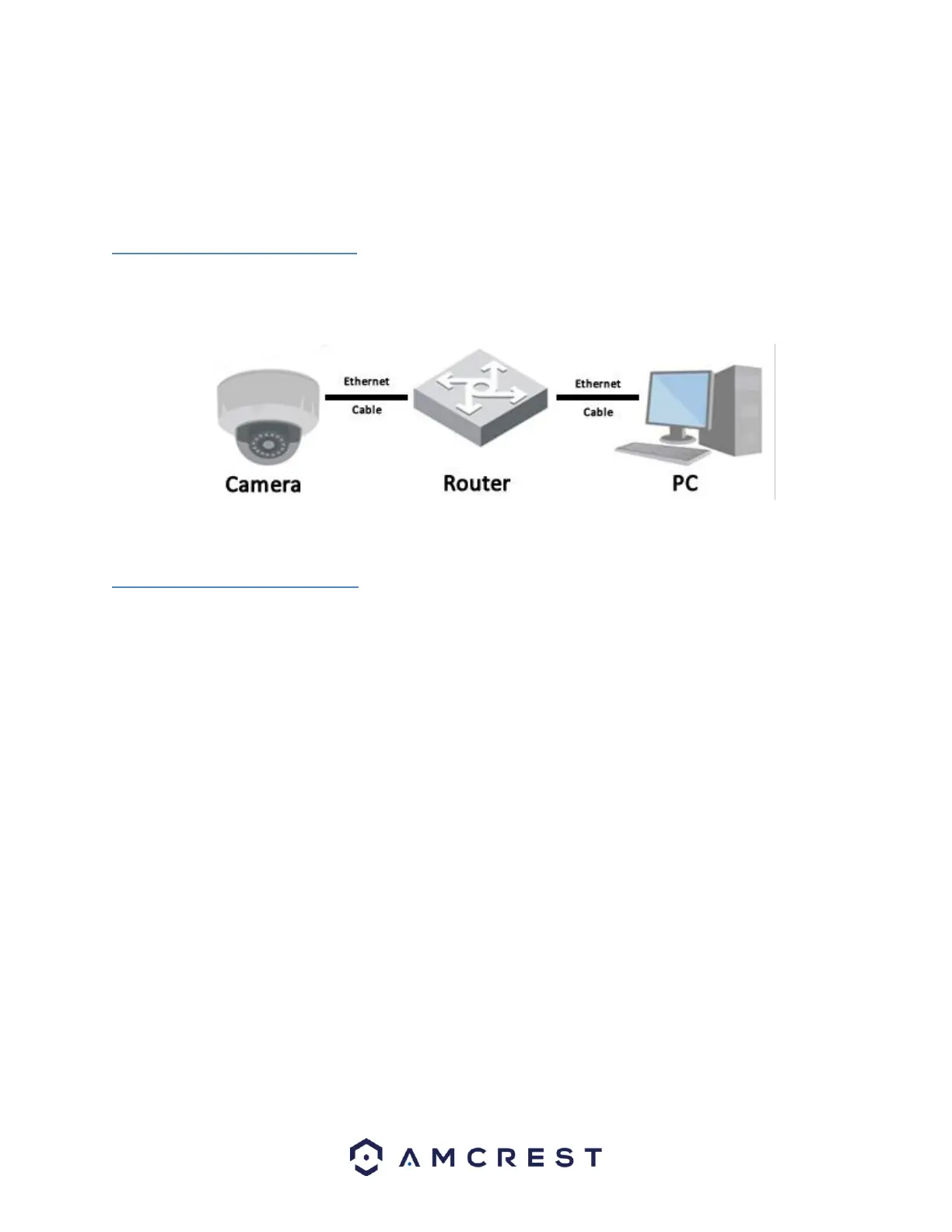
The camera initially should be connected via the following method:
In addition to connecting the camera to a computer, the camera should also be connected to a power source, by
connecting the included power cable to both a power outlet, and the camera.
3.2 Installation Guide
The camera has a standard camera tripod screw hole (1/4-20 UNC thread) for use in mounting the camera onto a
stable surface.
Note: Prior to installation ensure that the installation environment can support at least 3 times the weight of the
camera.















 To Next Page