18
4.3.2 Ethernet WiFi Setup
The Ethernet WiFi Setup process is a useful and stable setup method that uses a temporary Ethernet (hardwired)
connection to your camera. By the end of the process, your camera will be working on WiFi and will not need a
cable.
If the WiFi Configuration setup method (see section 4.3.1 WiFi Configuration setup) does not work, this is a great
“backup” method. Alternatively, this method can also be used as an initial setup method, if preferred. It will take a
few more steps but still ends with your camera being added to WiFi for wireless use.
Plug in your camera and follow the steps below to get your camera up and running. Please wait 30 seconds after
plugging in the camera to allow it to initialize.
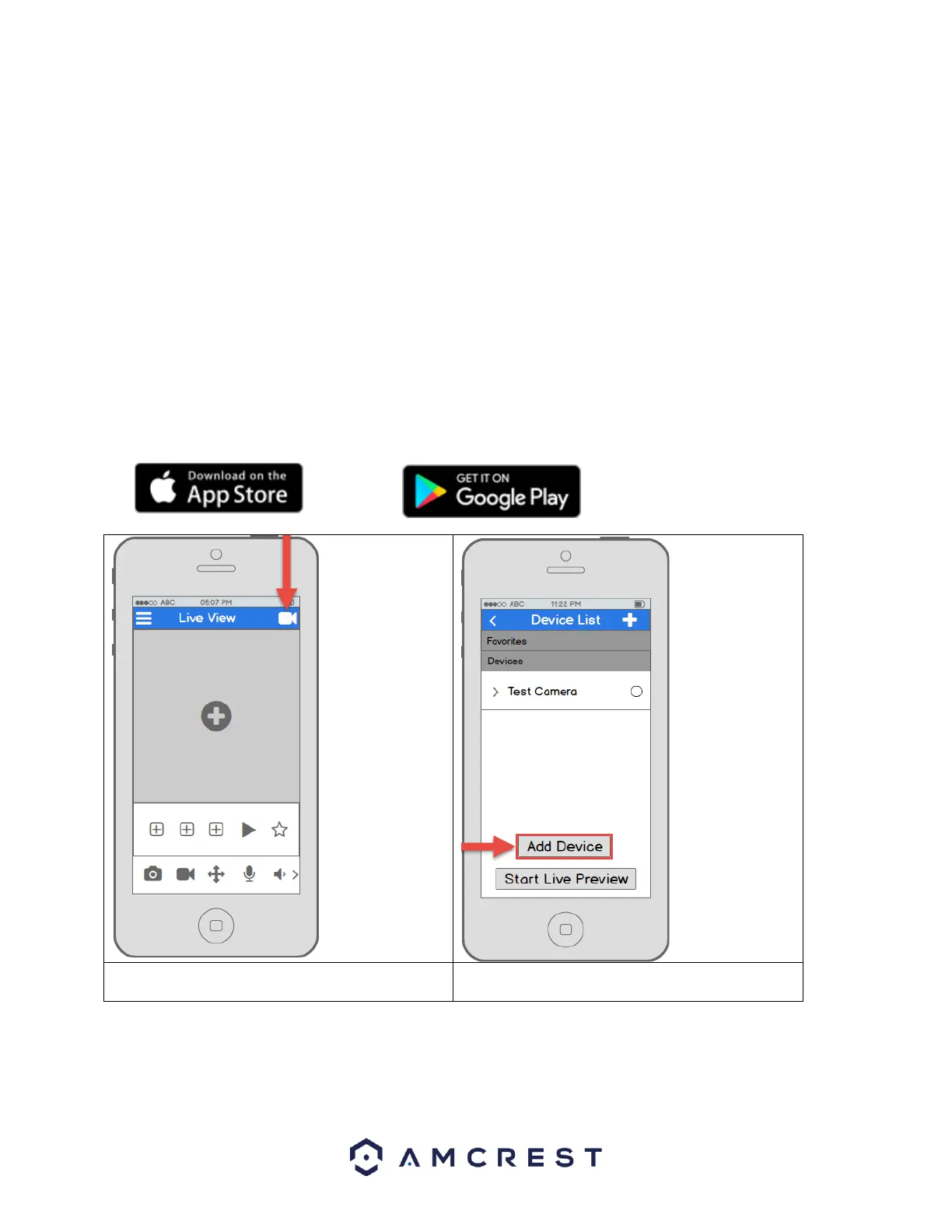
1. Download and open the Amcrest View Pro app from the App Store or Play Store.
2. From the home screen, tap the icon in the top-
right corner to open the Device List.















 To Next Page