93
5.4.5.3 Restore Factory Settings
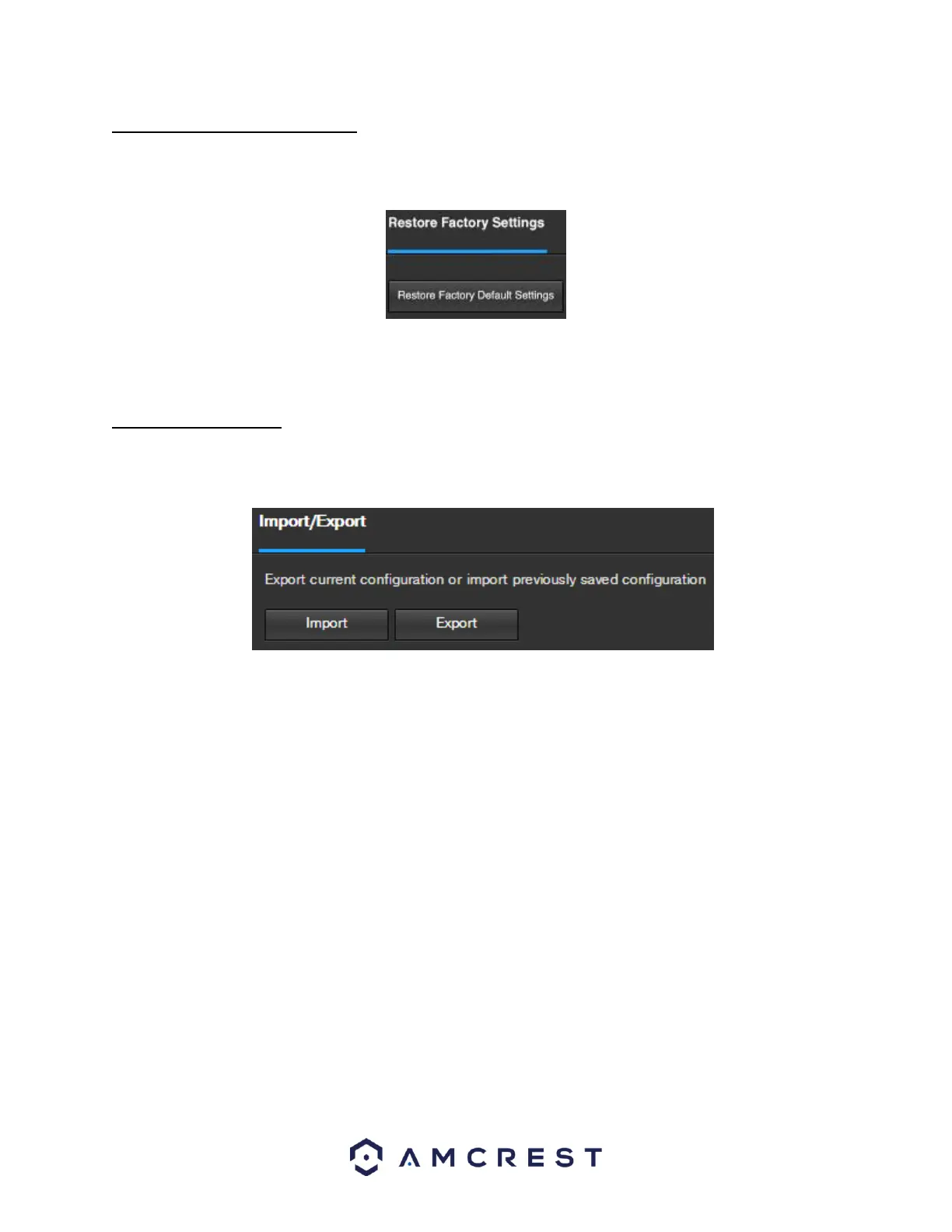
This screen allows the user to reset the camera and all of its settings to the factory settings. Below is a screenshot
of the Default screen:
Note: An alternate method to conduct a Factory Reset for the device is to press and hold the indicator light/reset
button on the back of the device for 10 seconds (until the light changes).
5.4.5.4 Import/Export
This screen allows the user to import or export settings from the camera. Below is a screenshot of the
Import/Export screen:
To import settings, click the Import button. To export settings, click the Export button.















 To Next Page