95
5.4.6 Information
This menu section allows the user to view information about the camera for reference purposes.
5.4.6.1 Version
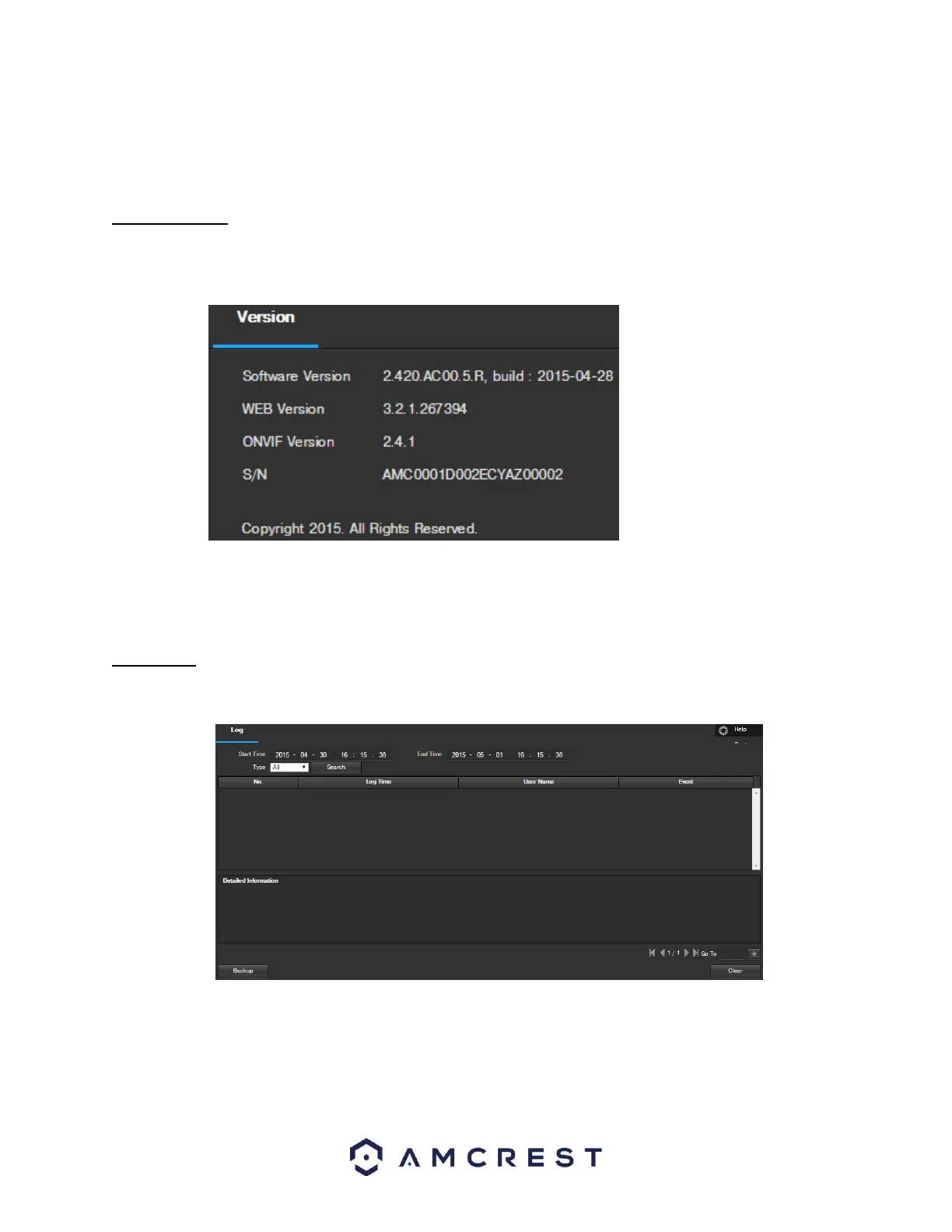
This screen allows the user to see various information about the camera’s software versions, as well as other
information. Below is a screenshot of the camera’s version screen:
On this screen, software version, web interface version, and ONVIF version are displayed. Also, the S/N (Token ID)
is displayed here.
5.4.6.2 Log
This screen is where the camera’s activity log is kept. Below is a screenshot of the Log screen:
To view logs for a specific time period, modify the start time and end time fields, choose the type of event (system,
setting, data, event, record, manage users, clear log), and click search.
To backup the log, click the Backup button. To clear the log, click the Clear button.















 To Next Page