66
5.4.2.2.2 ONVIF
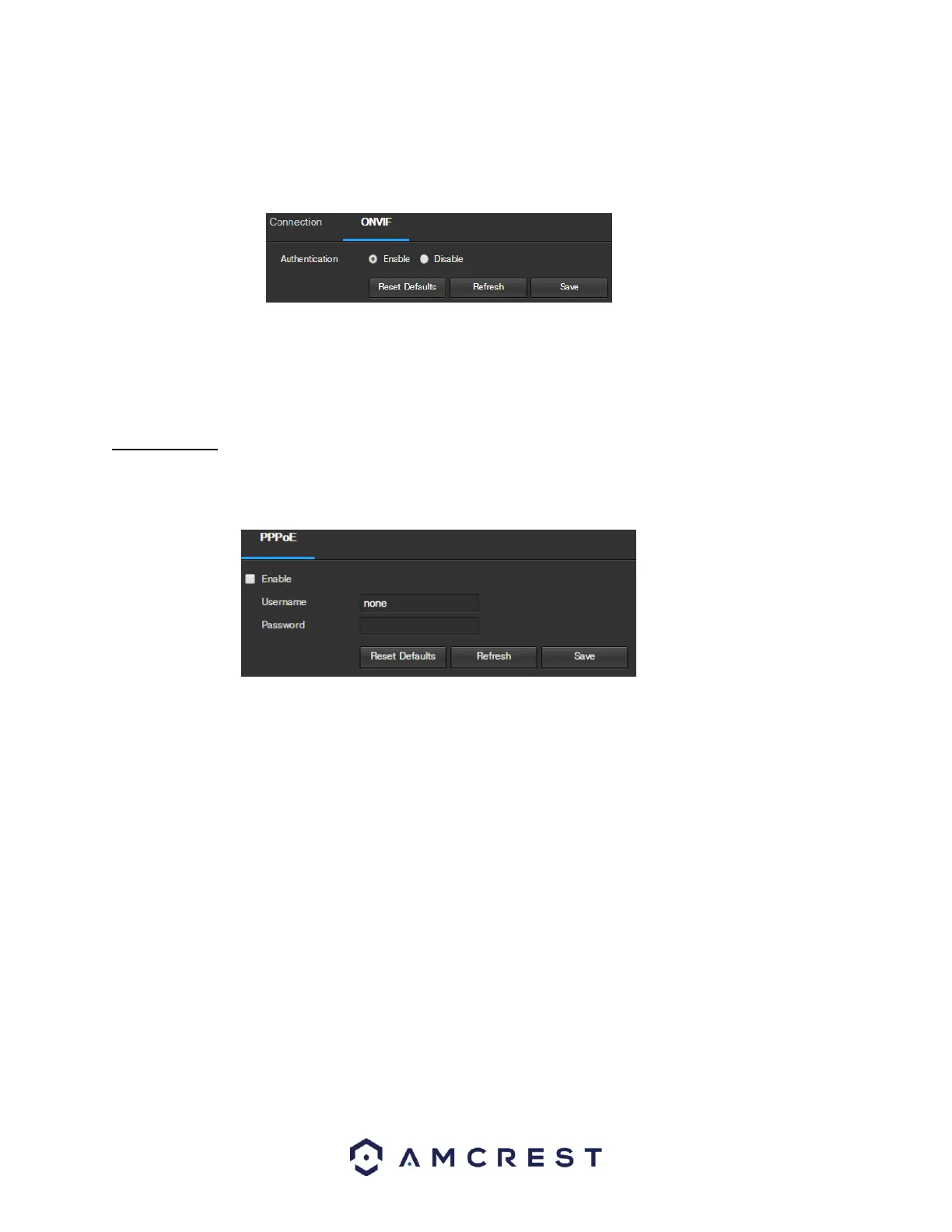
The ONVIF tab is where users can configure authentication via the ONVIF standard. Below is a screenshot of the
ONVIF settings tab:
To enable ONVIF, click the radio button next to Enable, and then click the save button.
To reset to default settings, click the Reset Defaults button. To refresh the page, click the Refresh button. To save
the settings, click the Save button.
5.4.2.3 PPPoE
PPPoE stands for Point-to-Point Protocol over Ethernet. This screen allows users to configure PPPoE connections.
Below is a screenshot of the PPPoE screen:
To enable PPPoE, click the enable checkbox, and fill in the username and password fields, then click Save.
To reset to default settings, click the Reset Defaults button. To refresh the page, click the Refresh button. To save
the settings, click the Save button.















 To Next Page