86
5.4.4.1.3 Holiday Schedule
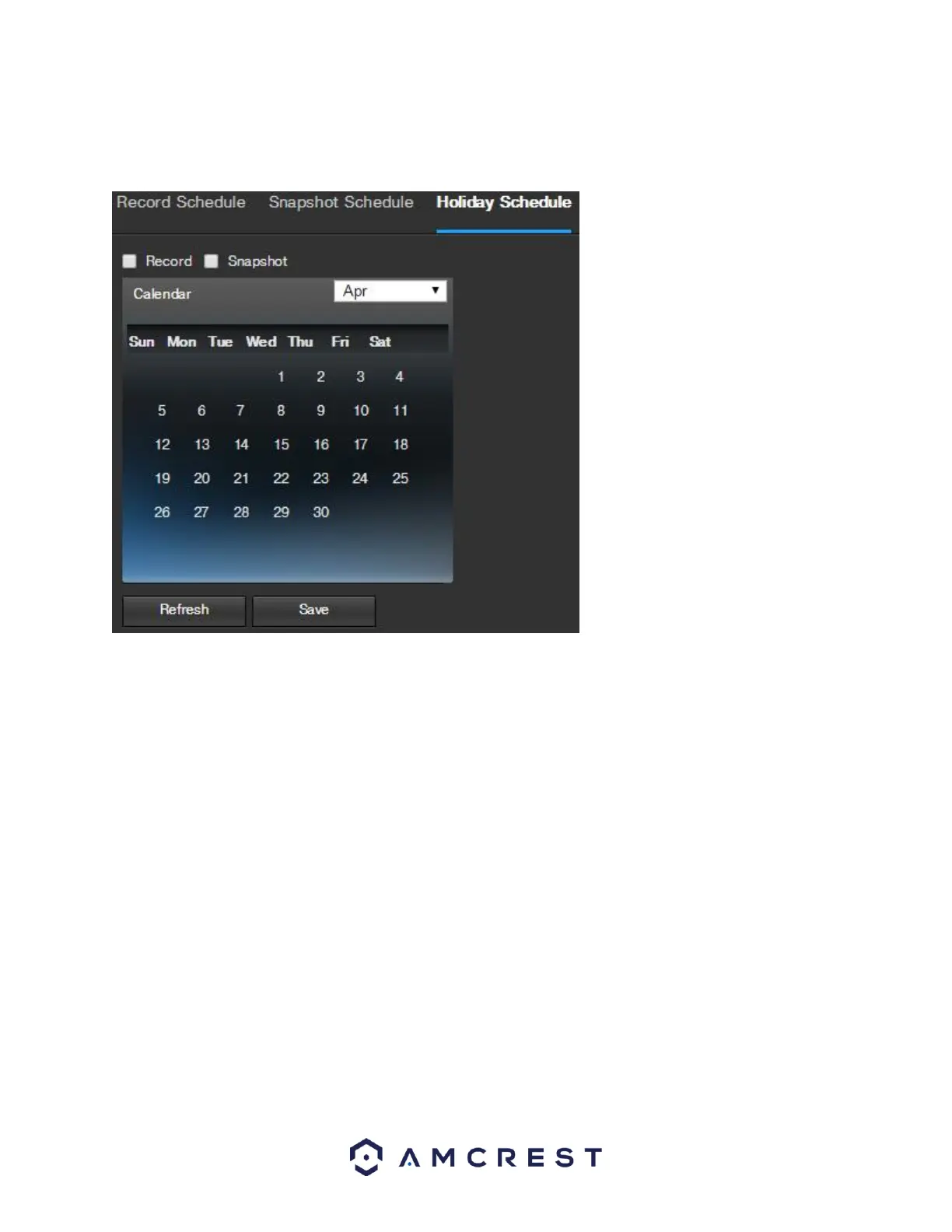
This tab is where holiday settings are configured. Below is a screenshot of the Holiday Schedule settings screen:
Below is an explanation of the fields on the Holiday Schedule settings tab:
Record Type: These checkboxes allow the user to select which recording type they want to configure on the
schedule. There are 2 types of recordings:
o Record: This checkbox is referring to video recording.
o Snapshot: This checkbox is referring to snapshot recording.
Calendar: This calendar allows the user to select days to designate as holidays. Once a day is designated, it can
be customized to stop recording or snapshots for that day by using the Record and Snapshot checkboxes.
To refresh the page, click the Refresh button. To save the settings, click the Save button.















 To Next Page