5.3
107
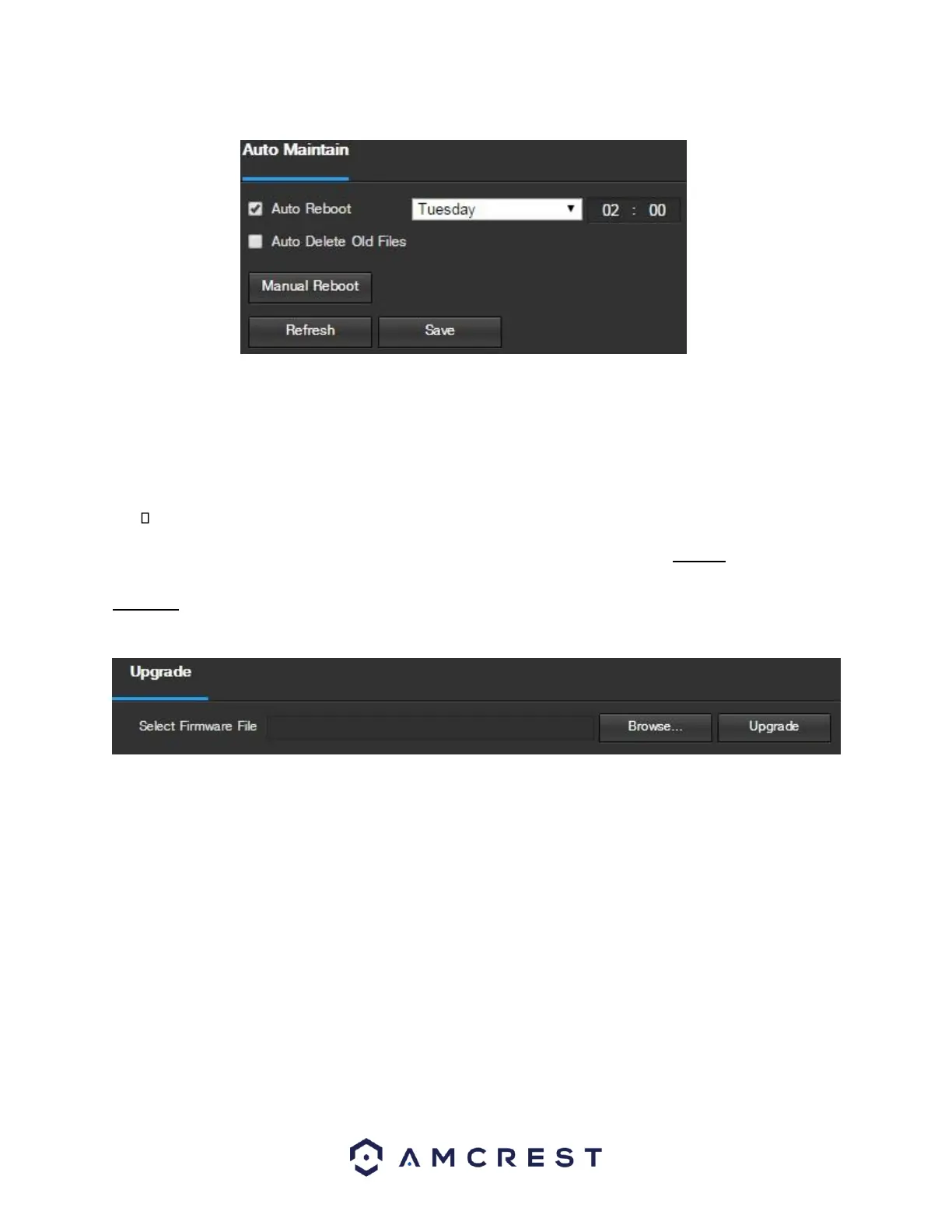
Below is an explanation of the fields on the Auto Maintain screen:
• Auto Reboot: This checkbox allows the user to enable the auto reboot function. The dropdown box and field
to the right of this checkbox allow the user to specify what date and time of the week the camera will auto
reboot.
• Auto Delete Old Files: This checkbox allows the user to enable the auto deletion of old files on the camera.
Manual Reboot: This button allows the user to manually reboot the camera.
To refresh the page, click the Refresh button. To save the settings, click the Save button. 5.3.5.6
Upgrade
This menu allows the user to upgrade the camera’s firmware. Below is a screenshot of the Upgrade screen:
To search the PC for a firmware file, click the Browse button. To upgrade once the firmware file is selected, click
Upgrade.
Note: When upgrading the camera’s firmware, do not disconnect the internet or power from the camera.















 To Next Page