62
5 Operation and Interface
This section of the manual details the camera’s interface, as well as all of the operations the camera can perform.
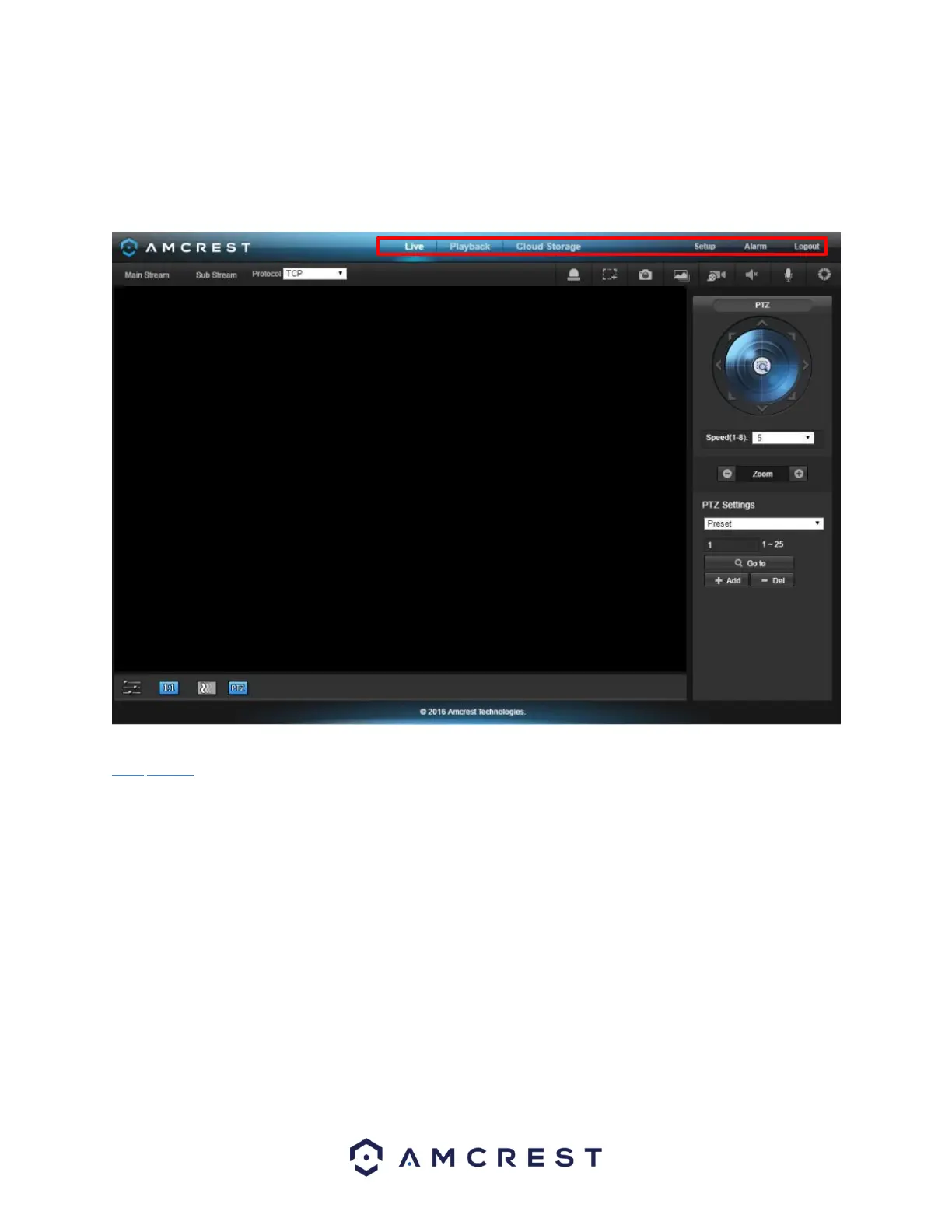
The main interface of the camera contains 6 major tabs on the top of the screen. By default, the interface opens
on the Live tab. NOTE: This camera does not support PTZ function.
The Live tab allows the user to see a live video feed from the camera. The live tab has 4 main sections:















 To Next Page