5.3
106
.5.3 Restore Factory Settings
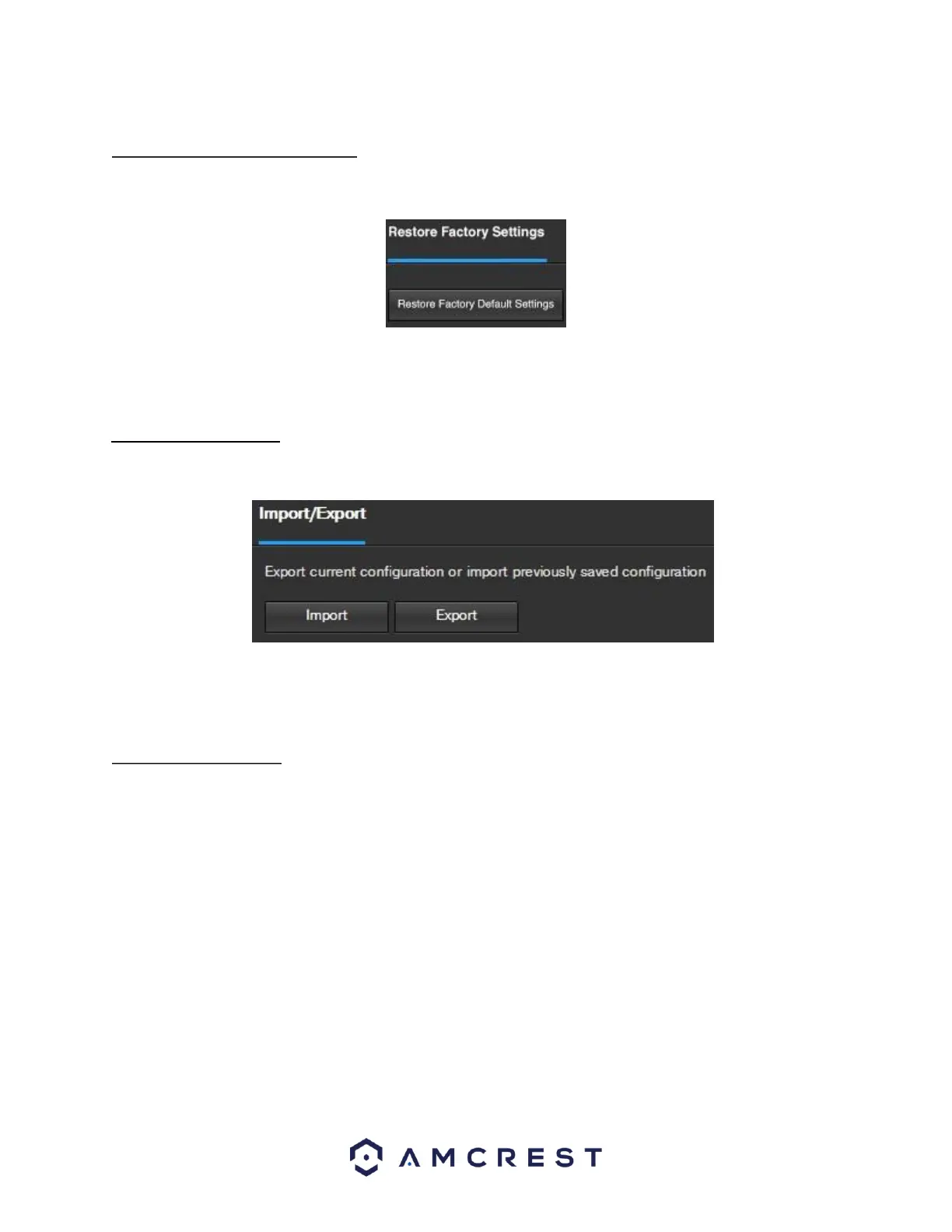
This screen allows the user to reset the camera and all of its settings to the factory settings. Below is a
screenshot of the Default screen:
Note: An alternate method to conduct a Factory Reset for the device is to press and hold the indicator light/reset
button on the back of the device for 10 seconds (until the light changes).
5.3.5.4 Import/Export
This screen allows the user to import or export settings from the camera. Below is a screenshot of the
Import/Export screen:
To import settings, click the Import button. To export settings, click the Export button.
.5.5 Auto Maintain
This screen allows the user to set auto maintenance settings for the camera. Below is a screenshot of the Auto
Maintain screen:















 To Next Page