109
5.3.6.3 Online Users
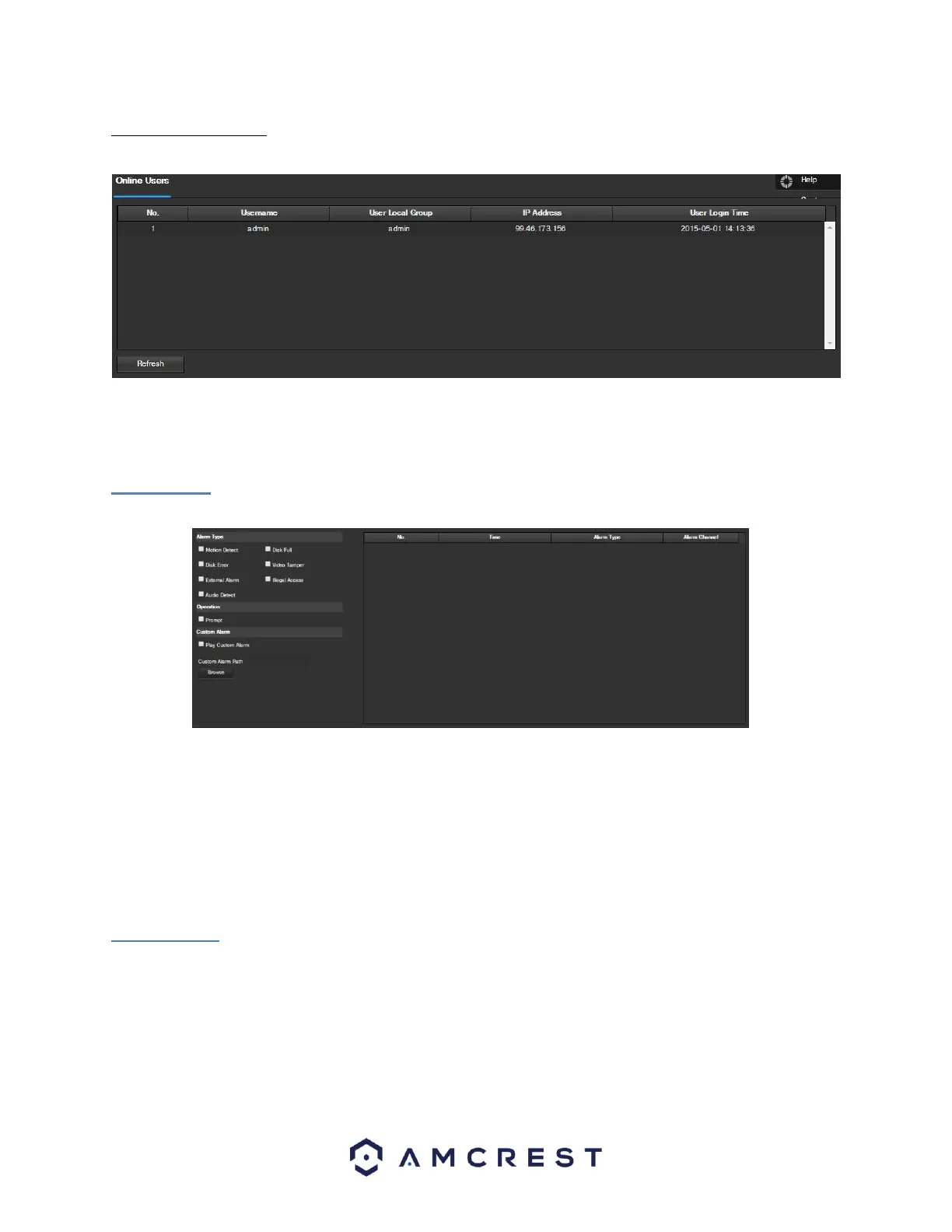
This screen allows the user to see which users are online. Below is a screenshot of the Online Users screen:
Click Refresh to refresh this table.
5.4 Alarm
This screen is where the alarm log is kept. Below is a screenshot of the alarm screen:
The table on the right shows the alarm log and all of the alarm instances that have occurred.
The checkboxes allow the user to narrow down which alarms they want to see in the alarm log. Clicking the
checkbox next to Prompt will cause the system to pop up a dialog box anytime an alarm is triggered. Clicking the
checkbox next to Play Custom Alarm will use a custom alarm sound for the alarm prompt. Click the Browse button
to search for a custom alarm sound to use.
5.5 Logout
Clicking the logout button will log out the user.
6. FAQs/Troubleshooting
1. The camera does not boot up properly.















 To Next Page