12
Note: There may be slight differences in functionality due to the existence of different product series.
2 Device Overview
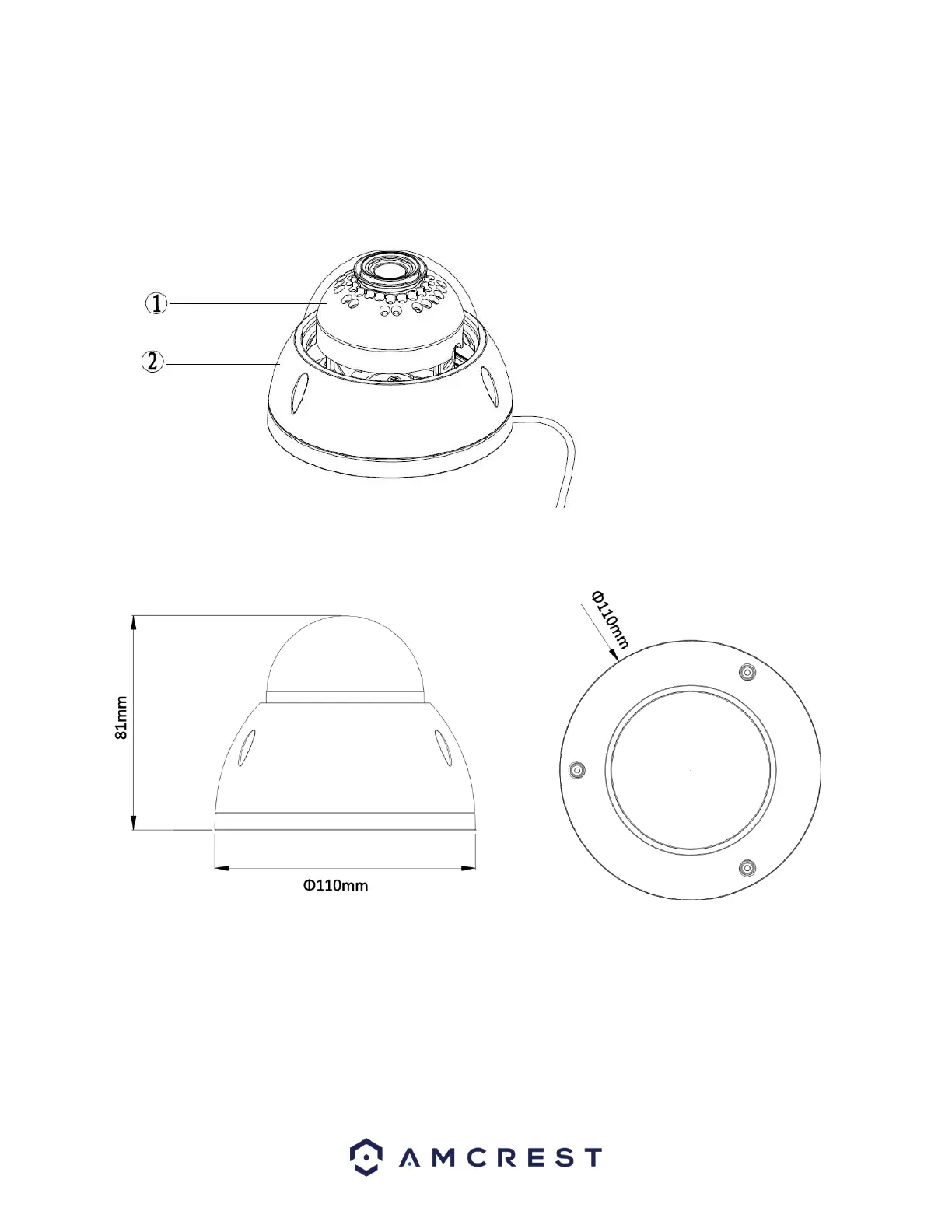
The image below shows the structure of the camera (antenna not shown):
The camera has 2 cables: 1 DC 12V power & 1 RJ45 Ethernet Network Input/Output port
The images below shows the dimensions for the camera (antennas not shown). The measurements are in
millimeters (mm):
To access the reset button and to adjust the camera angle, use a Torx/Hex wrench to open the camera assembly
by removing the 3 screws.
For reference, a Torx/Hex screwdriver tip looks like this:















 To Next Page