48
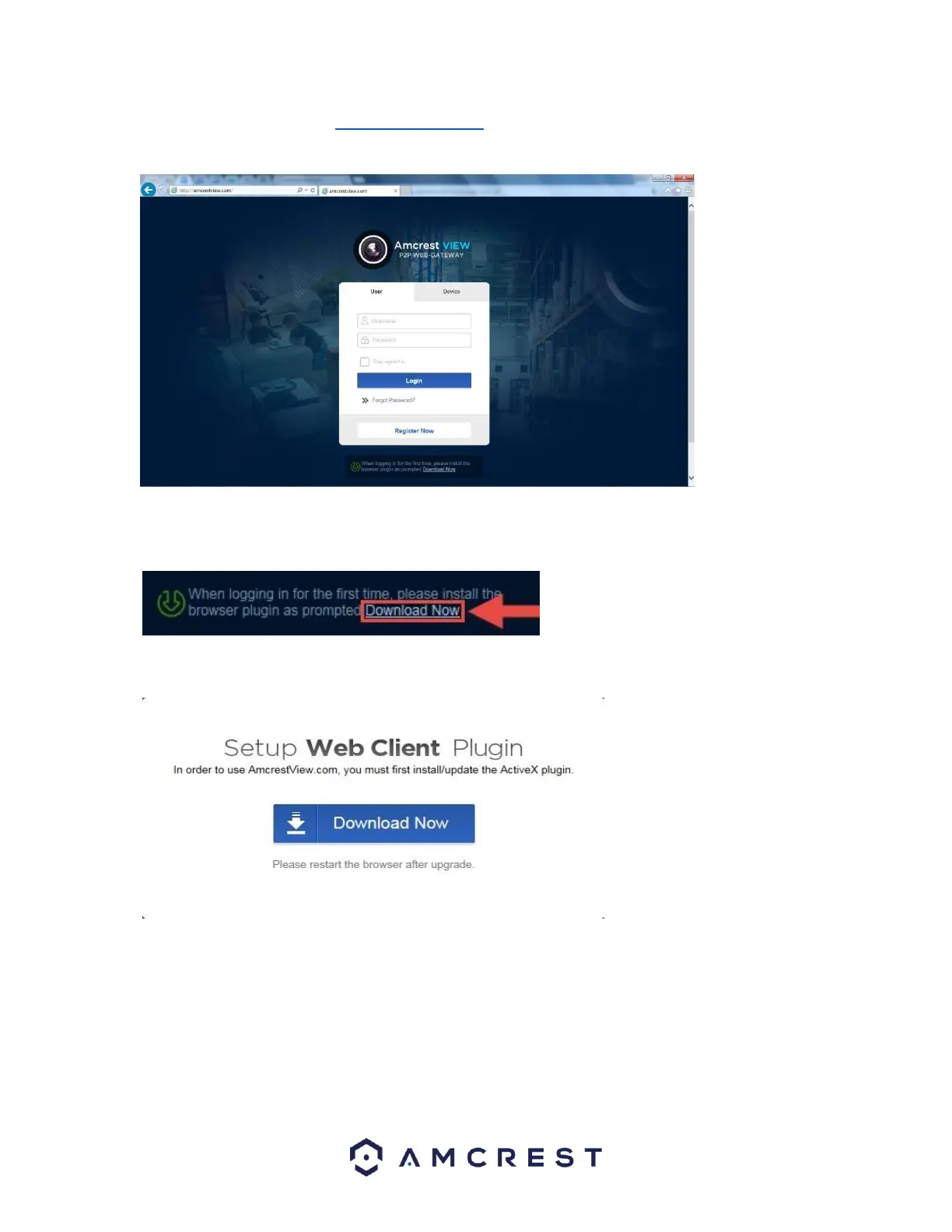
1. Open Internet Explorer, type ”www.amcrestview.com” into the search bar, and hit Enter. This will take you to
the login screen:
2. Once you’re on the login page, you will see a message about installing the plugin below the login box. Click
Download Now:
3. This will take you to another page where you will need to click the Download Now button:
4. You will be prompted by the browser to install the plugin. Click Run:















 To Next Page