5.3
79
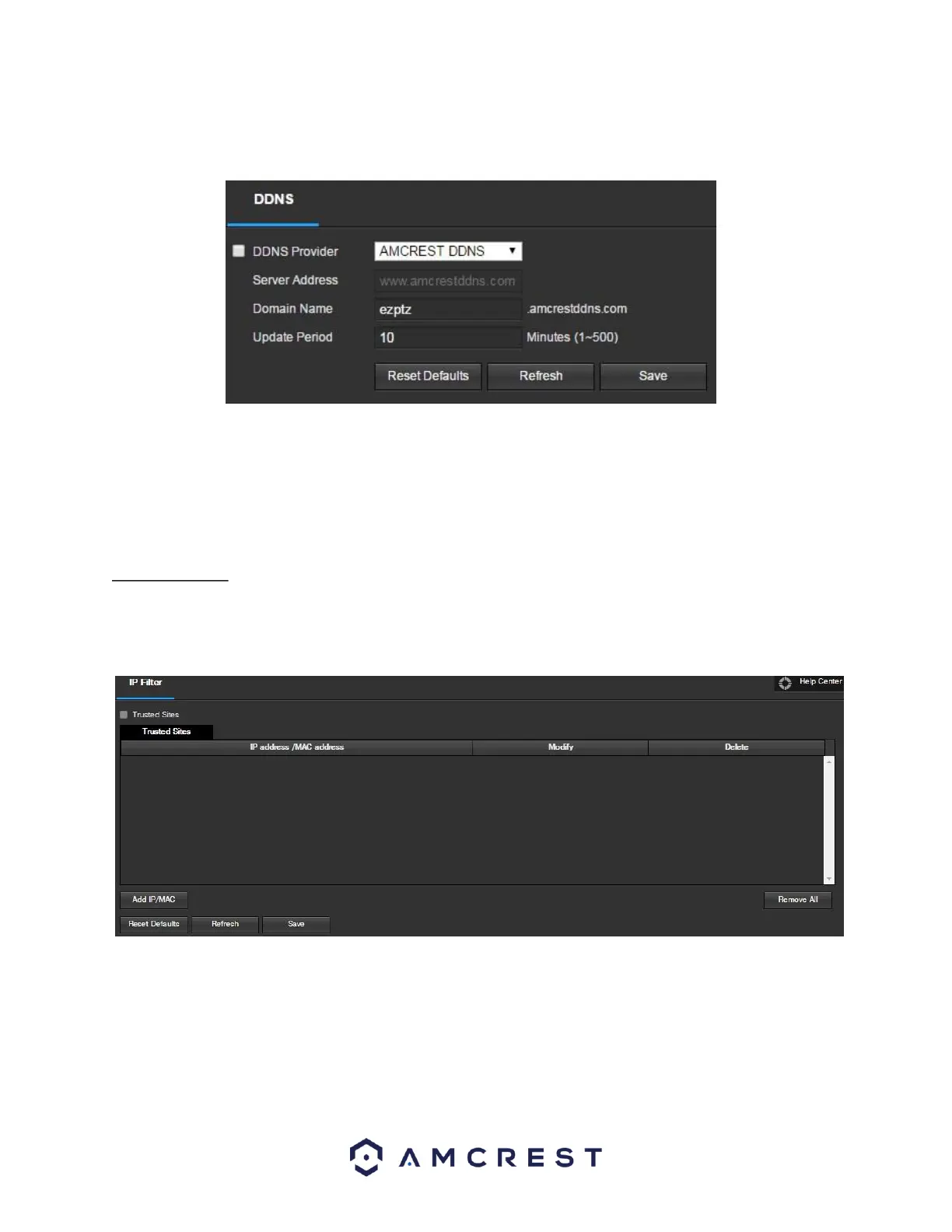
To configure the camera for DDNS access using AmcrestDDNS, see section 4.7.1. Below is a screenshot of the DDNS
settings screen, configured to AmcrestDDNS:
To reset to default settings, click the Reset Defaults button. To refresh the page, click the Refresh button. To save
the settings, click the Save button.
.2.5 IP Filter
This screen allows for the filtering of IP addresses, either blocking them, or granting them access to the camera.
This feature helps make the camera more secure by limiting remote access only to approved users. Below is a
screenshot of the IP Filter screen:
Below is an explanation of fields on the IP Filter settings screen:
• Trusted Sites: This checkbox allows the user to enable the IP Filter feature for trusted sites.
• Add IP/MAC: This button opens a popup that allows the user to add IP or MAC addresses to the trusted
site list. Note: When accessing the camera externally, please add the MAC address of the router on the
PC end.
• Remove All: This button allows the user to remove all sites from the trusted IP/MAC list.















 To Next Page