85
Click the checkbox next to Enable to the Bonjour functionality. The Server Name field allows the user specify what
name to use in order to connect devices via the Bonjour protocol.
To reset to default settings, click the Reset Defaults button. To refresh the page, click the Refresh button. To save
the settings, click the Save button.
5.3.2.10 Multicast
Multicast is a feature that enables the camera to broadcast its live view to multiple computers on the same
network. Below is a screenshot of the multicast screen:
Below is an explanation of the fields in the Multicast settings screen:
• Enable: This checkbox allows the user to enable Multicast functionality.
• Multicast Address: This field allows the user to enter a multicast address. Port:
This field allows the user to enter a multicast port.
To reset to default settings, click the Reset Defaults button. To refresh the page, click the Refresh button. To save
the settings, click the Save button.
5.3.2.11 WiFi
The WiFi menu item has two tabs: WiFi and WPS.
5.3.2.11.1 WiFi
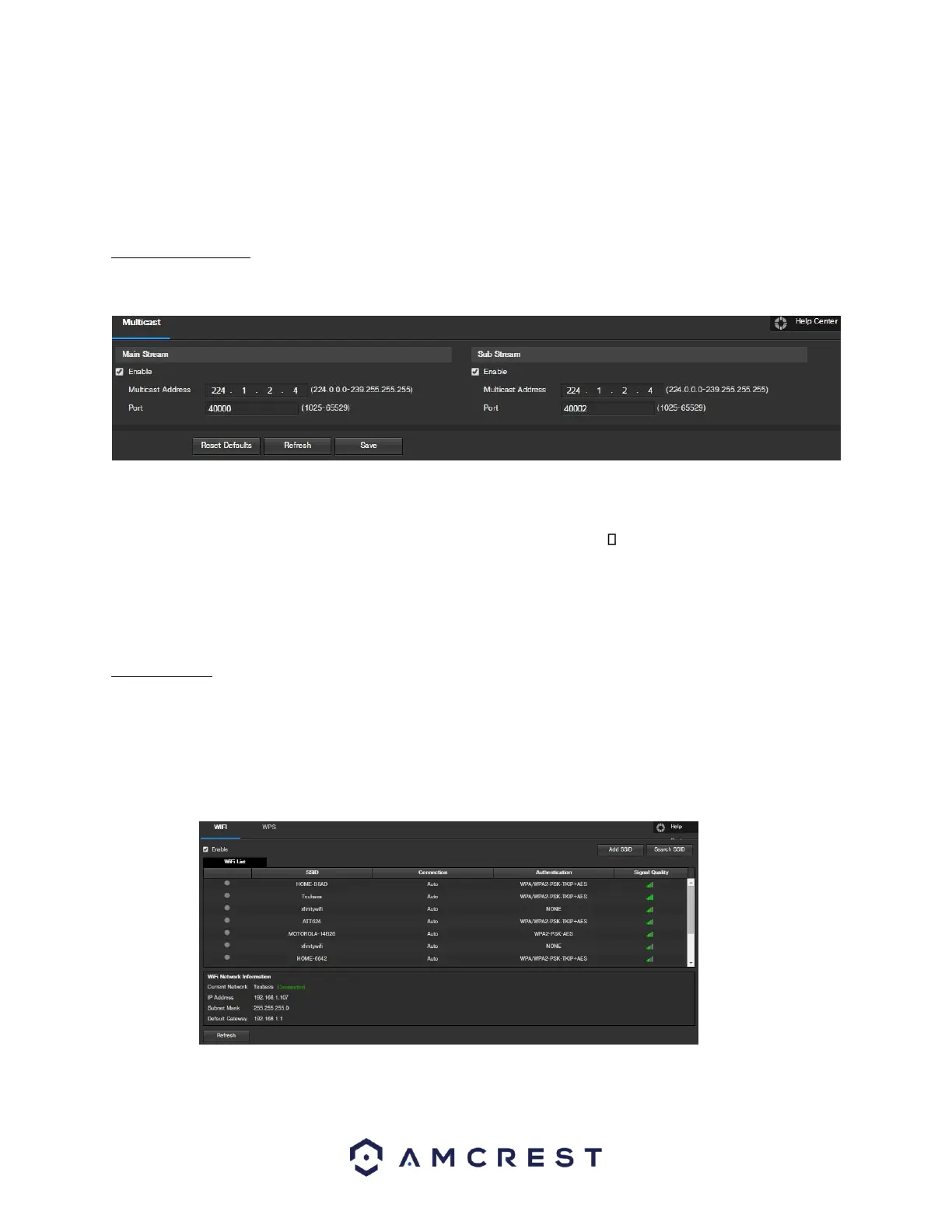
The WiFi feature on this camera allows it to connect to a network wirelessly. Below is a screenshot of the WiFi tab
on the WiFi menu:
Below is an explanation of the fields on the WiFi tab of the WiFi menu:
• Enable: This checkbox allows the user to enable WiFi functionality.















 To Next Page