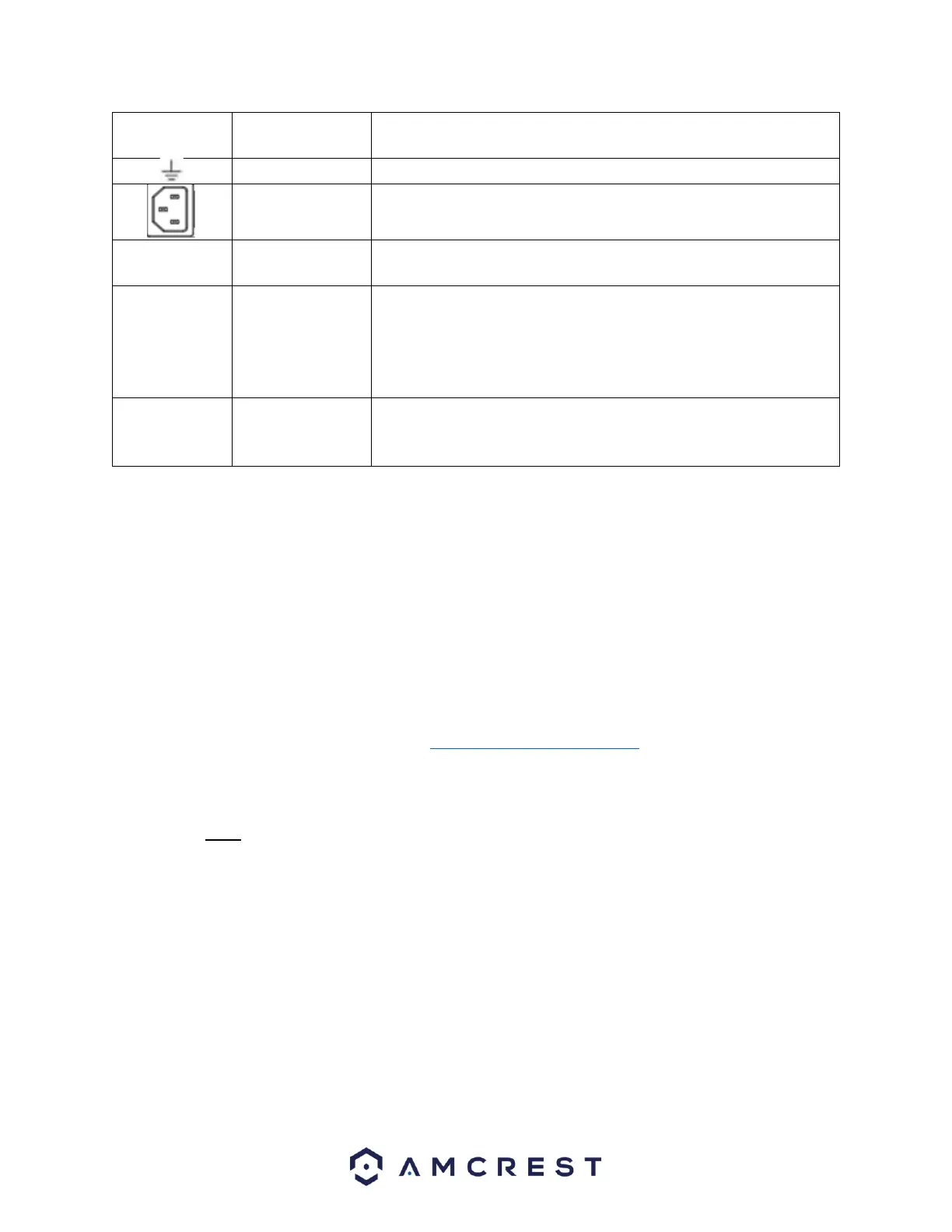
Audio output port. This is used to output the analog audio signal
to devices such as an external RCA speaker.
Bidirectional talk output.
Audio output on 1-window video monitoring.
Audio output on 1-window video playback.
Hardware Setup
Before setting up the NVR, you will need the following items. These items may not be included:
A computer monitor or TV with either an HDMI or VGA input
A power strip with room for 4 large power plugs
A hard drive for storing video recordings.
A USB flash drive formatted to FAT 32 for importing/exporting configure or image files.
It is recommended to connect all components before mounting any of the cameras. This is to ensure all
components are working properly before they are physically installed. If any components are not
functioning, please contact Amcrest Support: https://amcrest.com/contacts
There will be two parts to this section:
A hard drive must be installed to record or save any footage. If no hard drive is installed, you can only
view the cameras from the NVR. If a microSD card is installed in the camera you can still view the
recordings from the microSD card using the Amcrest View Pro application and accessing the camera
directly, however, no recordings will be retained to the NVR if a hard drive is not installed.
Hard drive installation
A hard drive can be installed if you want to record and save data to the NVR. Having a hard drive allows
you to configure and use the recording functionality of the NVR to store and view events.
Most NVRs have connections for only one hard drive however some models have the option for multiple
hard drives inside the case. A hard drive used in these NVRs must be no larger than 10TB (Terabytes). To
install your hard drive, the following is needed:



 To Next Page